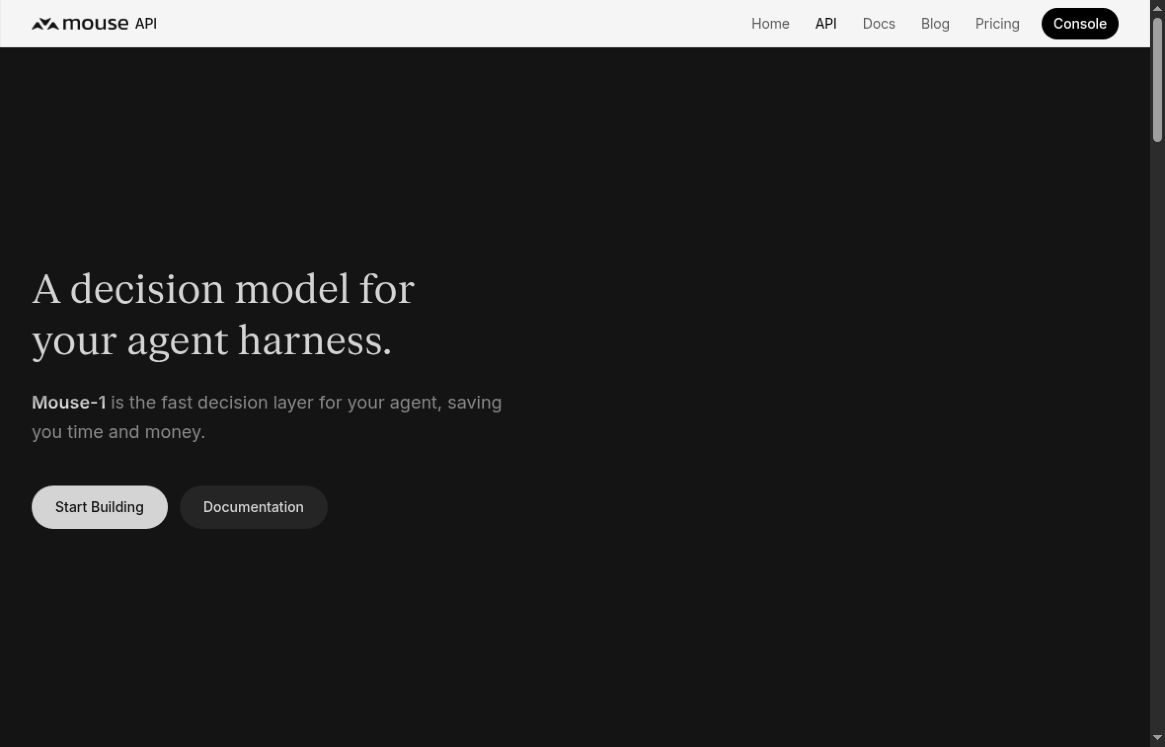
Mouse-1 is an API for scoring choices inside an AI-powered application. Give it the relevant situation and a defined set of options, and it returns scores rather than writing a conversational answer. That makes it a candidate for narrow tasks such as routing a request to the appropriate tool or deciding which review queue should receive it.
Image: Screenshot of the official Mouse API page, captured October 22, 2026.
The key design question is what your application should do with those scores. Mouse-1 does not execute the selected action for you, and a confident answer is not a guarantee. This overview uses official documentation checked on October 22, 2026, without claiming hands-on benchmarks.
What Mouse-1 is, and what it is not
The official announcement, dated October 13, 2026, introduces Mouse-1 as a decision model for agent harnesses. The developer supplies context and options; the model evaluates those options. Keep this separate from Mouse’s mobile interface for supervising coding agents, which has different subscription plans.
Mouse publishes speed and benchmark comparisons, but those are vendor-reported results under particular conditions. They do not establish the latency, accuracy or savings your application will achieve. A useful evaluation should use your own examples and account for the cost of mistakes, not just the price of a request.
The documented interface
According to the API overview, a request contains shared state and up to 128 typed questions. The supported forms include choosing between named options, scoring a binary condition, and assessing an ordered rubric. The response supplies structured scores that application code can consume.
That structure can simplify a routing step where parsing a paragraph would add ambiguity. However, the application still needs to define the allowed options, validate the request and decide when to abstain. Keep deterministic rules and external actions outside the model.
A practical example: route support requests safely
Suppose a small software company wants to sort incoming requests into billing questions, account-access help, product feedback and human review. The following is an illustrative design, not a tested integration or a recommended confidence threshold.
1. Define the choices clearly
Write descriptions that distinguish each queue. “Billing” should mean questions about invoices or plan charges, not permission to issue a refund. “Account access” should send the request to the appropriate workflow, not unlock an account. Include a review option for ambiguous or out-of-scope messages.
2. Minimize the supplied context
Send the text needed to identify the request, after applying your own privacy rules. Do not include credentials, payment-card details or unrelated customer history. If a message contains an instruction to disregard your process, treat that text as part of the request being classified, not as permission to change the application’s rules.
3. Test against labeled examples
Build a small evaluation set from material you are allowed to process. Include straightforward requests, mixed-intent messages, missing information and misleading wording. Compare the model’s choice with the correct queue. Pay particular attention to cases where it confidently chooses the wrong route.
4. Choose review rules before deployment
Define when your system should ask a person rather than proceed. That decision should reflect observed errors and the consequence of misrouting. A routing score must not become authorization to send a message, change a subscription or expose account information. Keep an auditable record of the application’s decision within your own permitted retention policy.
Pricing: tokens, not a flat price per decision
The official rate card lists US$0.10 per million input tokens and no output-token charge. Input accounting includes the state, questions, structural framing and any image tokens. Shared state is billed once within a request, while additional questions still add their own input.
Consequently, “one decision” does not have a universal fixed cost. Longer context and more detailed choices change the bill. API usage draws on prepaid credits; check the current balance and reload settings before production use. Separate optional tuning services have their own fees. Do not substitute Mouse’s mobile-agent subscription prices for this API rate.
Important limits and data-handling details
The limitations guide warns against delegating exact arithmetic, large-array counting, date calculations or syntax validation to the model. Compute those results in code. It also documents a 16,384-token state limit and rejection rather than silent truncation for oversized state.
The security documentation describes default non-retention of API request content, with an important exception: decisions explicitly submitted with storage enabled can be kept for 30 days for outcome-based work. Operational metadata and billing information have separate retention. Evaluate those details rather than reducing the policy to “nothing is stored.”
Under the service terms, users remain responsible for reviewing scores and outputs. Availability and published performance are not guaranteed. This is especially important when a classification could trigger a consequential action.
Who should evaluate Mouse-1?
It is most relevant to developers building repeatable workflows with explicit choices and a way to measure errors. It is less suitable when the task needs a long explanation, exact computation or unrestricted reasoning. GPTOnline’s overviews of Tiden’s intent-verification approach and Navige’s agent governance controls offer related context, without implying that these products are interchangeable.
Start with an advisory routing step that a person can inspect. Expand only after measuring whether the model improves the workflow without weakening privacy, authorization or review controls.