Updated: October 25, 2026
Access note: The listed motionize.io homepage returned a technical retrieval error in this review; that alone does not prove closure. The publisher’s Microsoft Marketplace listing remains available. No account, installation, trial or checkout was tested.
| Category |
Details |
| Name |
Motionize AI |
| Overview |
Motionize AI is an advanced contract drafting tool that seamlessly integrates with Microsoft Word. It empowers legal professionals to draft agreements more efficiently by providing AI-driven clause suggestions, supporting consistency checks and helping reviewers spot errors. Outputs still require review by a qualified legal professional. By leveraging a centralized clause library and intelligent search capabilities, Motionize AI enhances the quality and speed of legal document creation. |
| Key Features & Benefits |
The publisher’s Microsoft listing confirms precedent and clause search, saved favorites, definition checks and colleague notes. Bulk upload, automatic styling and PII auto-redaction are earlier-listed features whose current availability needs confirmation.
- AI-Powered Clause Suggestions: Automatically recommends relevant clauses based on context, to assist drafting; relevance and wording require review.
- Centralized Clause Library: Access a repository of standardized clauses for consistency across documents.
- Contextual Search: Find clauses and definitions within their original context to help reviewers assess usage.
- Definition Tracking: Monitor the use of defined terms to help detect inconsistencies.
- Bulk Uploading: Easily import multiple documents to build your clause library.
- Automatic Styling: Maintain consistent formatting throughout your documents.
- PII Auto-Redaction: Previously listed as automatic removal of personally identifiable information. Current availability was not reconfirmed, and no redaction tool guarantees confidentiality; inspect every document and obtain authorization before uploading sensitive material.
- Advanced Filtering: Utilize filters to sort and find clauses based on specific criteria.
- No Context Switching: Work entirely within Microsoft Word without needing to switch applications.
|
| Use Cases and Applications |
- Legal Drafting: Streamline the creation of contracts, agreements, and other legal documents.
- Compliance: Support professional review against organizational and applicable legal requirements; the software does not certify compliance.
- Knowledge Management: Build and maintain a centralized repository of clauses for firm-wide use.
- Training: Assist junior lawyers in understanding and utilizing standard clauses effectively.
- Collaboration: Facilitate collaborative drafting and review processes within teams.
|
| Who Uses? |
- Law Firms: Enhance efficiency and consistency in legal drafting.
- In-House Legal Teams: Manage internal legal documents with greater speed and accuracy.
- Legal Departments: Standardize contract language across the organization.
- Solo Practitioners: Access advanced drafting tools without extensive resources.
- Legal Educators: Teach students standardized drafting practices.
|
| Pricing |
- Solo Account: $25 per user per month, billed monthly, as published in the Microsoft listing.
- Team Account: $50 per user per month, billed monthly, as published in the Microsoft listing.
- Enterprise Solutions: Previously described with custom pricing and private-cloud or on-premises options; current enterprise terms and deployment options were not verified.
The publisher listing advertises a 14-day trial and says a charge follows a decision to upgrade. This is published information, not a tested checkout or guarantee of current delivery; confirm availability before paying.
|
| Tags |
LegalTech, Contract Drafting, AI Tools, Microsoft Word Add-In, Legal Automation, Clause Management, Document Consistency, Legal Efficiency. |
| App Available? |
A Microsoft Word add-in is listed by publisher Ailanthus in Microsoft Marketplace. It can read and change the open document and send data over the Internet, according to its listed capabilities. A standalone mobile app was not verified. |
Sources: Motionize publisher listing in Microsoft Marketplace.
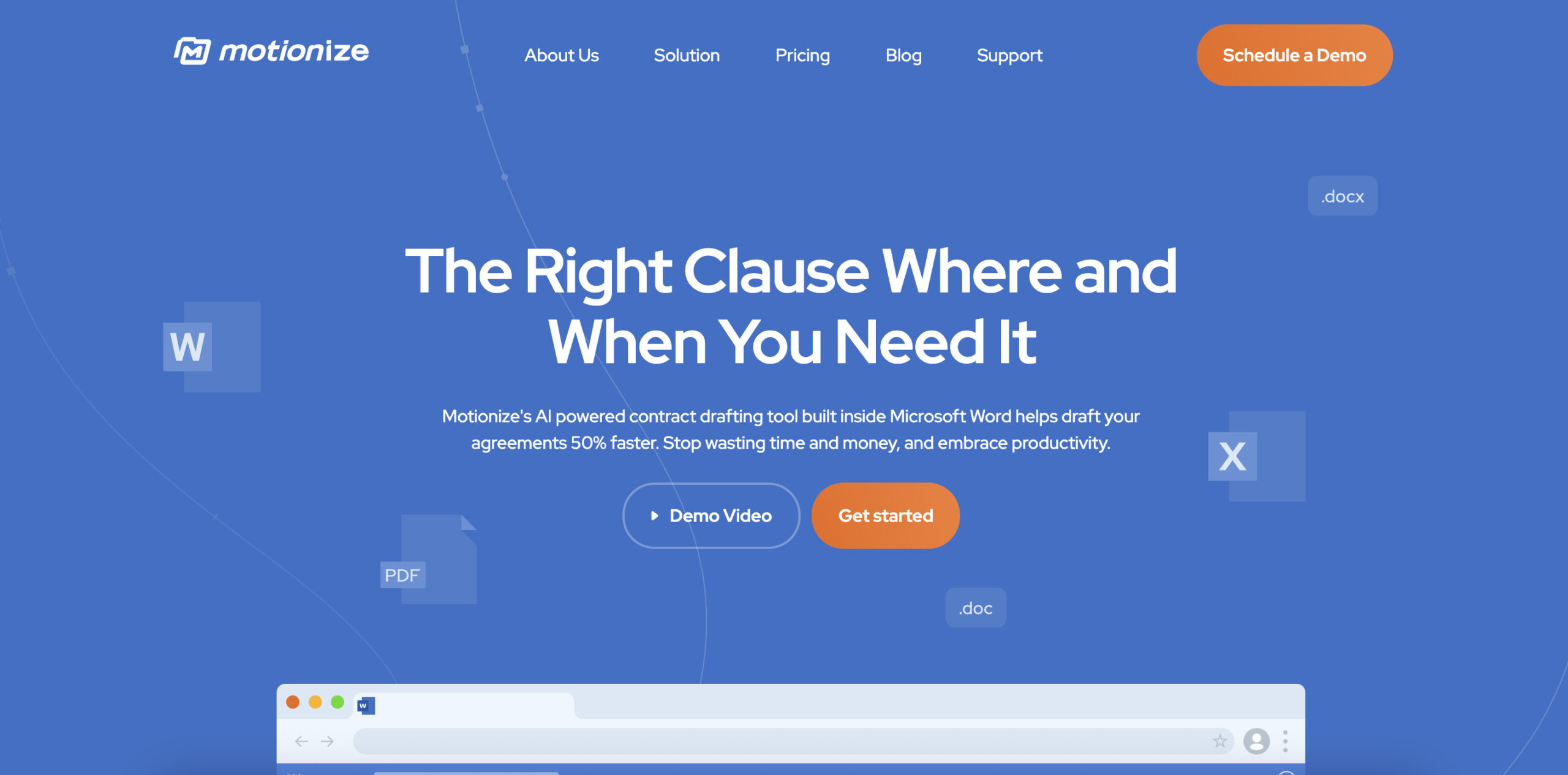
Image context: The existing Motionize landing-page screenshot shows its earlier Microsoft Word contract-drafting presentation. Its capture date is unknown. The displayed 50%-faster slogan is a provider claim, not a measured result from this review or a guarantee of drafting speed, confidentiality or legal compliance.