
Updated October 29, 2026
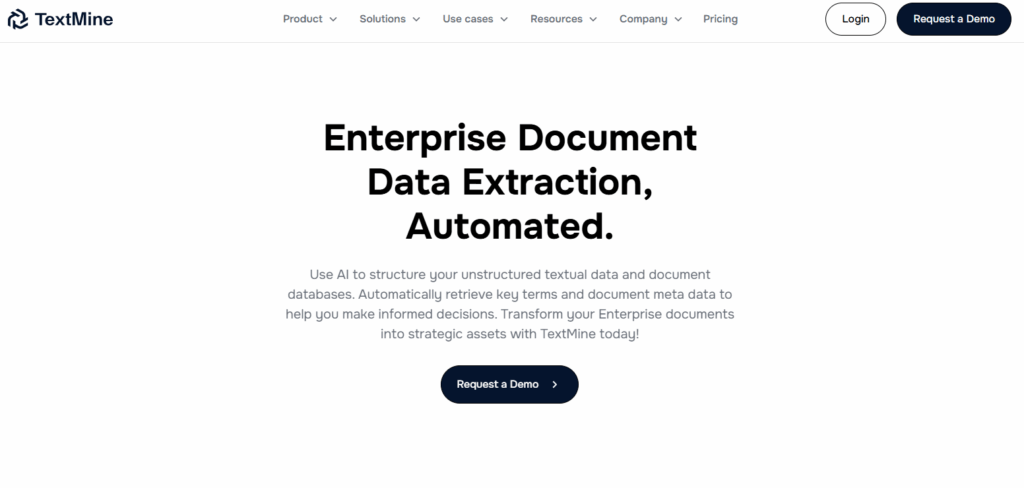
About the historical image: The website screenshot is retained from the earlier Magic Docs listing and was reviewed on October 29, 2026. Its original capture date was not separately recorded. The earlier listing linked to magicdocuments.ai, which now redirects to Referent. The image’s secure-AI and 20-plus-minutes-per-client statements are older marketing claims, not independently verified results or current assurances; its Product Hunt badge is not presented as a verified award or endorsement. The image does not show Referent or establish a rebrand, shared ownership or a tested document workflow.
The original website now redirects
When checked on October 29, 2026, the original magicdocuments.ai address redirected to Referent, a website presenting legal practice-management software. The website buttons on this listing retain the original address. This redirect does not by itself establish that Magic Docs rebranded, closed or shares ownership with Referent. Current availability of the previously described Magic Docs service was not verified.
Earlier document-management listing
| Field | Details |
|---|---|
| Name | Magic Docs — the document-management tool described in the earlier listing. |
| Overview | The earlier article described AI-assisted organization, renaming, summarization and extraction of information from documents. These descriptions are retained as historical context, not verified current capabilities of the redirected website. The earlier claim of saving more than 20 minutes per client was not independently substantiated. |
| Key features & benefits |
These are functions mentioned in the earlier listing. Current Magic Docs features, security controls and collaboration behavior were not verified. |
| Use cases and applications |
These are general document-workflow examples, not tested Magic Docs functions or assurances of suitability for legal or immigration matters. |
| Who uses? | The earlier listing targeted information and knowledge workers, project managers, business analysts, compliance officers, team leaders, consultants and other professionals. |
| Pricing | Current Magic Docs prices, billing currency, free access and usage limits were not verified. Referent’s access or commercial terms should not be treated as Magic Docs pricing. |
| Tags | Document Management, AI Document Organizer, Data Extraction, Document Summarization — earlier listing topics. |
| App available? | Current web or native-app availability for the previously described Magic Docs service was not confirmed. Apps advertised by the redirected destination do not establish Magic Docs app availability. |
Check a document workflow before relying on it
For example, a project team could define a file-naming convention, compare a draft summary with the original document and verify every extracted date before using it in a checklist. This is a general review example, not a test of Magic Docs. Keep access to the original records; a summary can omit qualifications or misread details.
Before uploading client documents, confirm the service’s identity and your authorization to share the information. Review its current privacy, retention, access and AI-training terms. The earlier article’s broad confidentiality and no-training assurances were not independently verified, and another product’s security claims do not establish Magic Docs’ data practices.
Sources checked October 29, 2026 (UTC): the original address and its redirected destination linked above, plus Referent’s About page. Earlier feature descriptions come from the previous version of this article, not current Magic Docs documentation. No documents were uploaded, account created or workflow tested.