box ai
Document Management

Box AI

Visit website

Explore Box AI document questions, summaries and content generation, with eligible business plans, file-permission controls and supported mobile access.

box ai

Updated: October 25, 2026

Field Details
Name Box AI
Overview Box AI adds AI-assisted questions, summaries and content generation to Box’s content management platform. Access follows Box permissions and administrator settings; security and compliance capabilities depend on the chosen plan and configuration. The platform allows users to securely collaborate, automate tasks, and extract valuable insights from their content. The wider Box platform also includes workflow tools such as Box Relay, Box Canvas for visual collaboration, and Box Sign for electronic signatures; their availability is plan-dependent. Additionally, Box AI integrates with numerous applications and provides developer tools and APIs for further customization. Built-in access permissions and plan-specific controls support content governance, but users still need to review AI responses against their source files. Users can harness AI-powered insights for improved decision-making and efficient content creation.
Key features & benefits
  • ✔️ Secure content management
  • ✔️ Workflow automation
  • ✔️ Visual collaboration and whiteboarding
  • ✔️ E-signature functionality
  • ✔️ Integration with various connected applications
  • ✔️ Customization capabilities
  • ✔️ Protection of sensitive content
  • ✔️ AI-driven content insights for informed decision-making
Use cases and applications
  • Financial services for secure management of sensitive documents and automated approval processes
  • Government agencies for secure information sharing and automated document workflows
  • Educational institutions for managing educational content and improving administrative processes with AI insights
Who uses? Box AI is beneficial for enterprise employees, data analysts, business analysts, project managers, and team leaders.
Pricing Selected U.S. monthly business pricing checked on October 25, 2026:

  • Business and Business Plus: US$20 and US$33 per user/month respectively, each with a minimum of three users. Both include Box AI capabilities, with plan-specific features and allowances.
  • Enterprise: US$47 per user/month, minimum three users. Enterprise Plus requires annual billing in the displayed comparison; advanced plans and additional AI capacity have separate terms.

Confirm included AI functions, administrator controls and usage allowances with Box AI and the current business-plan comparison.

Tags AI tool, content management, workflow automation, collaboration, security, e-signature.
App available? Available through supported Box interfaces, including the Box Mobile app on iOS and Android for eligible plans. Box AI for mobile requires Business or above, appropriate file permissions and administrator enablement.

Working with content: Check generated answers against the source files and your organization’s access rules. Security features and compliance certifications do not by themselves establish that a particular deployment meets every financial, government or education requirement.

Sources: Box AI capabilities; Current business plans; Mobile eligibility and permissions; Service and content terms.

Image context: The existing image shows an earlier Box AI public marketing homepage with “Coming soon” and a private-beta invitation. Its capture date is unknown; it identifies the earlier launch presentation, not current availability or access to a private customer workspace.
KEEP EXPLORING

More tools to discover.

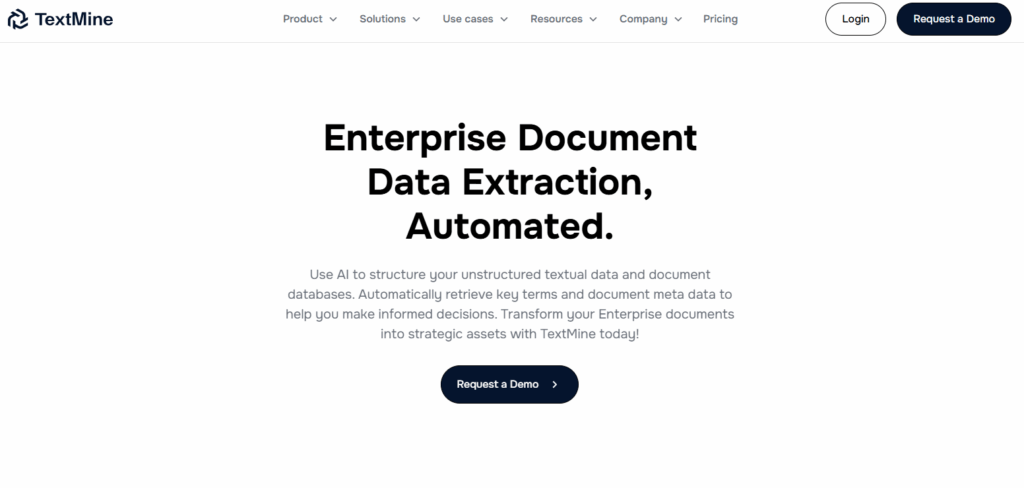
TextMine

TextMine transforms unstructured documents into structured, searchable data using AI, enhancing decision-making and operational efficiency.

Document ManagementExplore
magicdocs

Explore the original MagicDocs document-management features and the website redirect to Referent, with clear limits on current access and app availability.

Document ManagementExplore
dropbox dash

Explore Dropbox Dash search, Stacks and connected apps. Learn about platform differences, permissions, trial eligibility and a practical workflow.

Document ManagementExplore
Historical Magic Docs homepage with document-organization messaging and unverified security and time-saving claims.

Magic Docs’ original website redirects to Referent. Review the earlier document-tool context and unverified pricing, availability and data-handling claims.

Document ManagementExplore
fluency com

Review Fluency’s current enterprise process tools, desktop-agent deployment and security claims. Confirm pricing, data access and requirements before use.

Document ManagementExplore
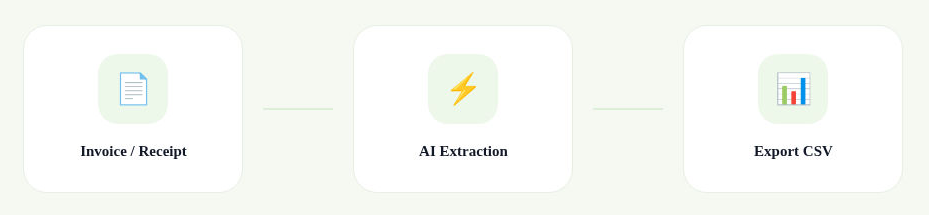
Official ASSIST workflow diagram showing Invoice / Receipt, AI Extraction and Export CSV

Explore Assist biz for invoice and receipt processing, CSV export and accounting integrations. Review trial limits and check extracted data before use.

Document ManagementExplore
Find your next starting point