Updated October 30, 2026
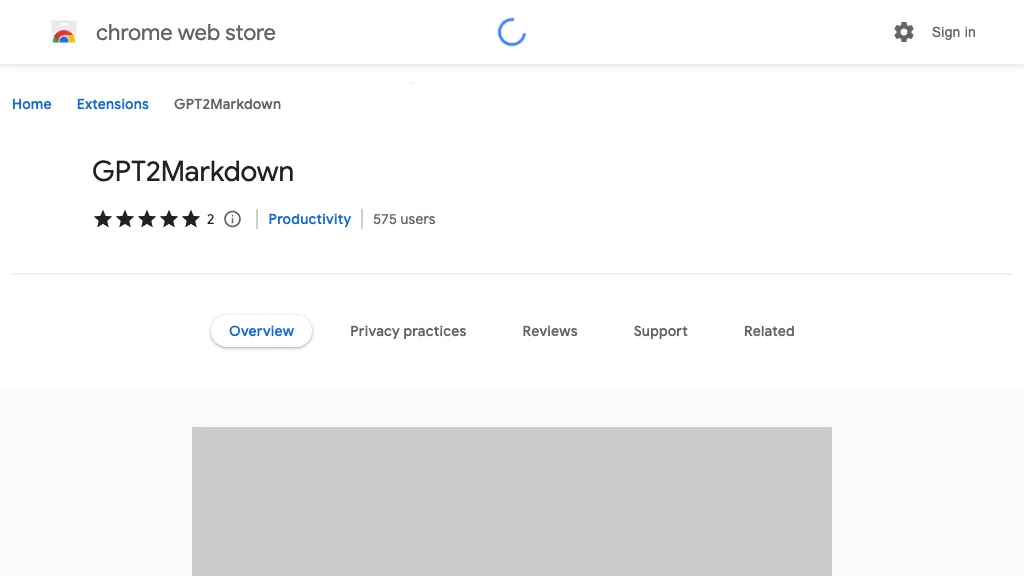
Compatibility note: The Chrome Web Store listing remains retrievable, but lists version 1.1.6, updated April 29, 2023. The inspected repository manifest targets the older chat.openai.com address. Installation and operation with the current ChatGPT interface were not tested; a listing alone does not confirm compatibility.
| Name | GPT2Markdown |
| Overview | GPT2Markdown is a browser extension intended to export ChatGPT conversations as Markdown files for keeping notes or moving text into a compatible application. It is an independent project, not an official OpenAI export feature. |
| Key features & benefits |
The developer notes that a page reload may be needed for the export button to appear; this is not a verified fix for current compatibility issues. |
| Use cases and applications |
Check formatting and completeness before relying on an export. |
| Who uses? | Content creators, developers, writers and students who want local conversation records. |
| Pricing | No paid plan or premium-feature schedule was verified in the reviewed listing or repository. The earlier suggestion that premium features may be offered was unsupported. Confirm installation conditions in the official store; avoid unrelated coupon offers. |
| Tags | ChatGPT, Markdown, Export Tool, Document Assistant |
| App available? | Chrome extension, with repository instructions also describing manual use in Microsoft Edge. No dedicated mobile app was verified. No extension was installed during this review. |
Check an export before sharing it
For example, a student could export a non-sensitive study discussion, open the Markdown file in a text editor and compare headings, code blocks and message order with the original. Remove personal details and check any factual claims before sharing. An exported conversation is not proof that the AI’s answers are correct, and copying it into a cloud notes service creates a separate data-handling decision.
The store contains the developer’s declaration that the extension does not collect or use user data. That is a disclosure, not an independent security audit. Review the installed version’s requested access and avoid exporting secrets, credentials or other people’s private information.
Legacy-link context: The store description credits @emergingtechguy, but present account ownership and support activity were not established. The separate YouTube Summarized store link retained in “Find them online” is not the GPT2Markdown download link; its current availability and association with this project were not verified.
Sources checked October 30, 2026 (UTC): Chrome Web Store listing, project repository and repository manifest. No installation, export or privacy test was performed.