Updated October 16, 2026. This overview is based on Collate’s official documentation; we have not installed or hands-on tested the app.
Collate AI is a Mac PDF assistant for asking questions, generating summaries, and returning to cited pages. Its Local AI mode runs document inference on your computer; an optional cloud mode uses your own provider key. Official Collate website.
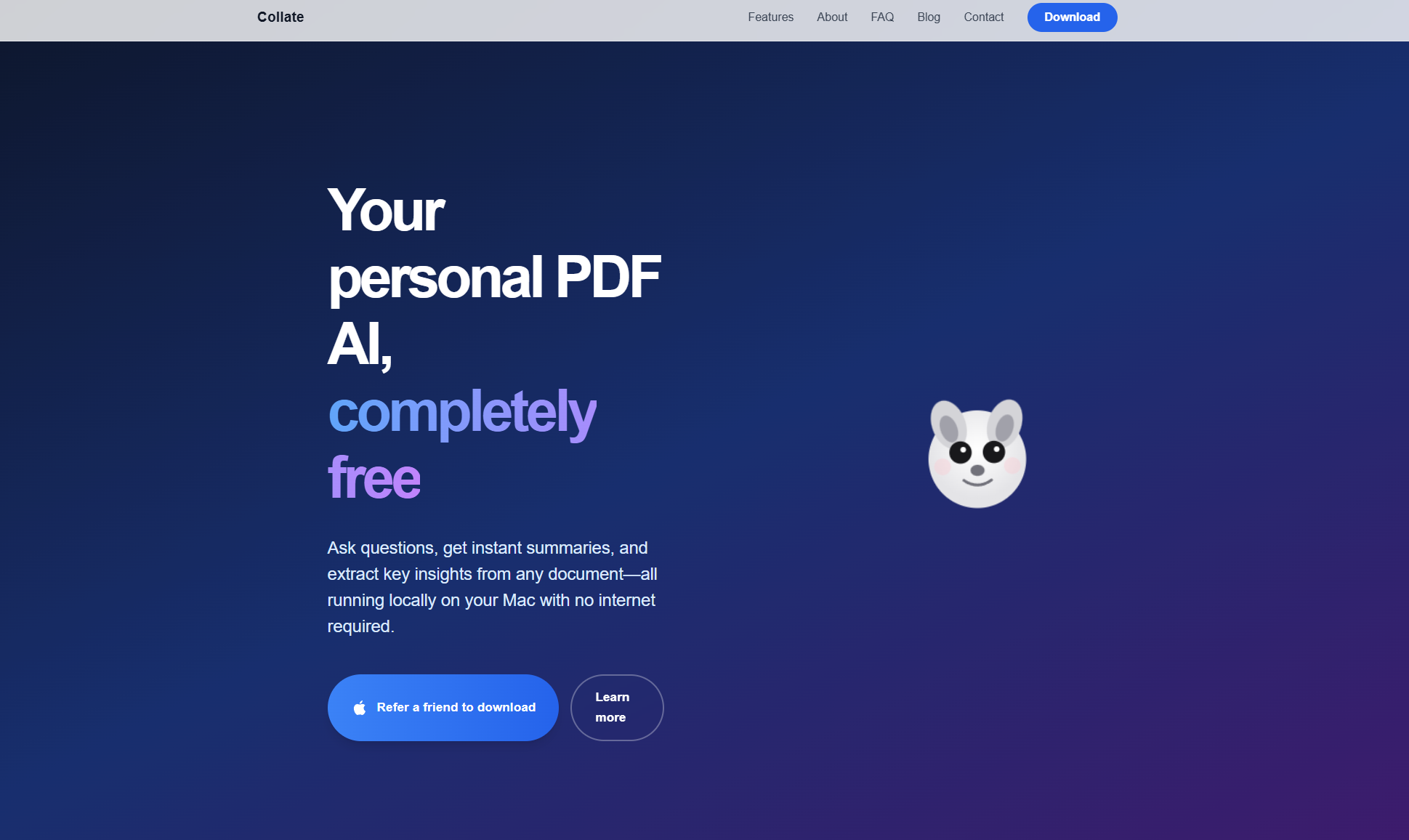
Image note: The retained image shows an older Collate homepage with free, local, no-internet, and referral-download messaging. It does not establish current availability, every feature’s data handling, or hands-on test results; use the current documentation below.
Mac requirements
The download page lists macOS 13.5 or later, with both Apple Silicon and Intel supported. Windows is a waitlist, not a currently offered download. The Mac download form asks for an email address and describes product-update emails.
Local models need substantial disk space: the recommended download is approximately 5.9 GB, with some options exceeding 8 GB. Lighter models can run on an 8 GB Mac; 16 GB or more expands the choices. Performance depends on available memory. Requirements FAQ.
PDF features
- Read PDFs alongside document-specific questions and answers.
- Generate summaries and inspect their source citations.
- Keep highlights, folders, and persistent conversations.
- Choose downloaded local models or optional OpenAI and Anthropic models.
These are documented capabilities, rather than measured results from our own testing. Feature overview.
For multi-document work, Collate describes grouping related PDFs in folders and asking comparison questions across them. Source references help you return to the underlying documents when claims disagree. Multi-PDF workflow.
Document conversations and selected highlights can be retained for later reading. Export focuses on chosen answers, summaries, and highlights rather than a guaranteed export of the whole workspace. Research workflow.
The FAQ lists HTML and PDF output among content-dependent export and sharing options. We could not verify Markdown export in the reviewed documentation. It does not impose an account-based document quota; storage, memory, PDF complexity, and model choice still constrain practical capacity.
Local or cloud?
Local AI can work offline after the app and a suitable model are downloaded. Cloud processing is a separate, explicit choice, with the selected mode shown in the app. Check that mode before using a confidential document. Local and cloud modes.
According to Collate’s privacy policy, local processing retains extracted text and workspace data on the Mac. Optional cloud requests may transmit prompts, titles, excerpts, and even all readable text from a selected document or folder to the chosen provider.
Web share links upload selected content. Anyone with the link can access it; links have a 90-day expiry, and there is currently no self-service revoke button. Downloads, updates, browsing, forms, and optional analytics also involve network services. Local AI therefore should not be read as a promise that every feature is offline or that no data can leave the device.
Highlighting may alter the original PDF. Removing a document from Collate does not remove its original file, exports, or an existing share link.
Price and limits
The Mac app is currently free to download, and local models have no per-request charges. BYOK cloud use may incur the provider’s fees. The reviewed pages do not specify a time-limited free trial. Confirm current terms before downloading. Pricing FAQ.
An example to try
Fictional, untested example: A researcher has three public transport survey PDFs. They could group them by project and ask, “Which reports mention evening service gaps? List the report and page for each finding.” They would then open every cited passage, check dates and survey populations, and write a short comparison with any uncertainties preserved. This illustrates a possible task; it is not a report of successful app performance.
For another document-research workflow to compare, see our NotebookLM guide and check each service’s source and privacy limits separately.
Before relying on it
AI summaries and answers can omit details or be wrong. Check important claims against the PDF. Collate’s terms require independent review and say the tool is not a substitute for professional advice, including legal, medical, or financial advice.
Start with a non-sensitive, readable PDF and assess citation accuracy, speed, and export usefulness on your own Mac before committing a larger library.
Visit Collate to review the current download and documentation.