Updated on October 20, 2026.
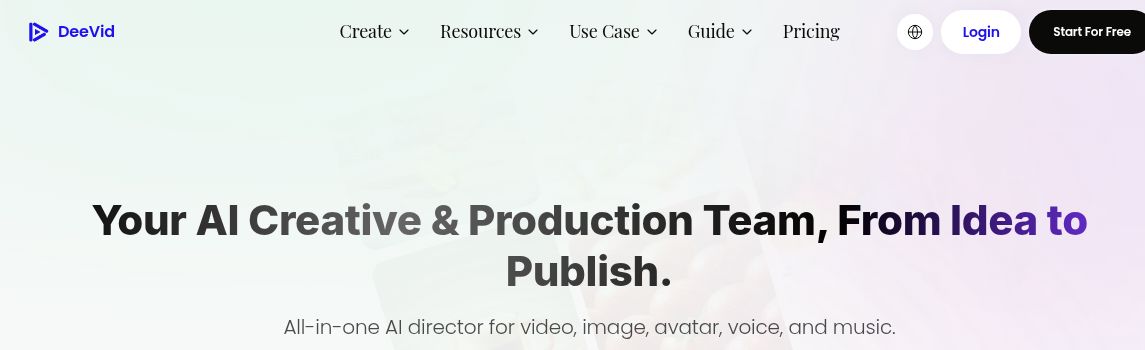
Featured image: screenshot of DeeVid AI’s official website, captured October 20, 2026. Vendor presentation, not a hands-on test.
DeeVid AI is a creative platform for generating and editing videos, images, avatars, voice, and music. It retains text-to-video, image-to-video, and video-to-video workflows, while its current homepage also presents an AI creation agent, a canvas, and an editor for combining production steps.
What you can create
The official website describes image animation, product-ad videos, avatars, speech, music, and visual effects. These tools may help creators prepare social clips, marketers develop promotional variations, and educators visualize a concept. Generated media still needs review before it is treated as a factual illustration or product demonstration.
The dedicated video-to-video tool offers restyling and extension options. Its upload control currently specifies MP4 or MOV, under 30 seconds and under 50 MB. A broader FAQ mentions other formats, so follow the actual upload control for the selected workflow. Processing time varies with the clip and settings; an under-one-minute turnaround is not guaranteed.
Pricing and generation allowances
The pricing page lists these base subscriptions in US dollars:
| Base plan | Monthly billing | Annual billing | Monthly credits | Standard output listing |
|---|---|---|---|---|
| Lite | US$14 monthly | US$120 yearly ($10/month equivalent) | 200 with either billing option | 720p |
| Pro | US$35 monthly | US$300 yearly ($25/month equivalent) | 600 with either billing option | 1080p |
| Premium | US$159 monthly | US$1,428 yearly ($119/month equivalent) | 3,000 on monthly billing; 3,300 on annual billing | 1080p |
Pro and Premium also have larger credit configurations; the table records the base selections, not every slider position. Premium’s annual option includes more monthly credits than its monthly option. New users are offered 20 registration credits. Free videos carry a watermark; paid memberships advertise watermark-free output and commercial use.
Credits cover videos, images, and audio. Published video counts are examples, not an allowance of every model at every duration. Unlimited-generation eligibility also differs by billing period: the observed monthly Pro/Premium cards list selected 1K image models, while annual cards include selected 2K image models and 720p video models. This does not make every model or output setting unlimited. Cross-video character consistency and templates are listed features, not guarantees that every result will match.
The subscription terms say plans renew automatically unless canceled at least 24 hours before the cycle ends. They generally make payments non-refundable, subject to stated exceptions and mandatory rights. Annual billing is a one-year commitment, not twelve optional monthly purchases. Review the applicable terms and tax total before subscribing.
Apps, privacy, and commercial use
DeeVid is available through a browser and has official iOS and Android listings linked from its website. App-store prices and account entitlements should be checked on the purchase channel you use.
The privacy policy states that inputs and outputs are not used to train its AI models, but it also describes third-party AI processing and sharing with operational service providers. A blanket claim that no data is shared with third parties would be inaccurate. Consider these terms before uploading confidential client footage or personal images.
DeeVid’s terms assign generated-content rights between the service and user, while placing responsibility for uploaded assets and third-party rights on the user. Commercial-use access does not guarantee copyright clearance, accuracy, or suitability of every output.
Checks before using a generated clip
- Confirm you have permission to upload source footage, faces, voices, logos, and music.
- Inspect anatomy, product labels, frame-to-frame consistency, sound, and subtitles.
- Check the chosen model’s credit charge and export settings before generating variations.
- Use an editor to assemble and review the final piece in its intended aspect ratio.
No generation, paid subscription, or app installation was tested. Sources checked: October 20, 2026. Discover more AI tools.