AutoDraft AI
Video Generation

AutoDraft AI

Visit website

Explore AutoDraft AI image and animation workflows, character and pose controls, editing tools and web access, with plan-dependent limits and output review.

AutoDraft AI

Updated October 25, 2026

Name Autodraft AI
Overview Autodraft AI is an AI-based tool designed for digital artists, animators, and designers. It enables the creation of images, animations, and background visuals using AI models. With Autodraft AI, users can generate artwork from text descriptions, refine existing images, and work toward character consistency in animations. The platform offers a creative workflow for creative professionals seeking efficiency and innovation in visual storytelling.
Key Features & Benefits
  • AI-Powered Image & Animation Generation: Create characters, backgrounds, and illustrations from text prompts.
  • Customizable Templates: Choose from a variety of built-in styles for quick and consistent artwork creation.
  • Image Inpainting: Modify existing images by removing unwanted elements or refining details.
  • Pose Maker: Use pose and character controls to help maintain designs across frames; consistency still requires review.
  • Text-to-Image Processing: Quickly visualize ideas with AI-generated backgrounds and artwork.
  • Seamless Workflow Integration: Supports animation workflows; check export compatibility rather than assuming a direct integration with every production tool.
Use Cases & Applications
  • Animation Production: Streamline character design and background creation.
  • Graphic Design: Generate unique visuals for branding, advertising, and marketing.
  • Storyboarding: Create rapid concept art and scene visualizations.
  • Game Development: Design assets and environments efficiently.
  • Educational Content: Generate visual aids for teaching and presentations.
Who Uses?
  • Animators & Illustrators: Create consistent animation frames with AI support.
  • Graphic Designers: Develop professional visuals without extensive manual work.
  • Marketing Professionals: Generate engaging graphics for campaigns.
  • Educators & Content Creators: Produce visual content to enhance storytelling.
  • Game Developers: Quickly design characters and backgrounds.
Pricing Monthly plans checked on October 25, 2026 list Base at $22 with 1,000 credits per month and Pro at $86 with 4,000 credits per month. Free entry includes 20 starter credits, not an asserted recurring monthly allocation. Generation costs vary by tool; unlimited downloads are not unlimited generation. Enterprise is mentioned in the FAQ, but a current enterprise tariff was not displayed. Annual billing is a separate selection.
Tags AI Animation, Image Generation, Creative AI, Digital Art, AI Art Tool, Illustration AI, AI Background Generator
App Available? The official service offers web access and advertises support for Android, iOS, desktop and laptop devices. A standalone app-store listing was not verified; device support is not itself proof of a native app.

Sources: AutoDraft features and pricing navigation · Current AutoDraft plans

Historical image: The existing AutoDraft marketing screenshot shows its earlier consistent-style animation assets and example artwork. It is not an independently tested output or evidence of current prices.
KEEP EXPLORING

More tools to discover.

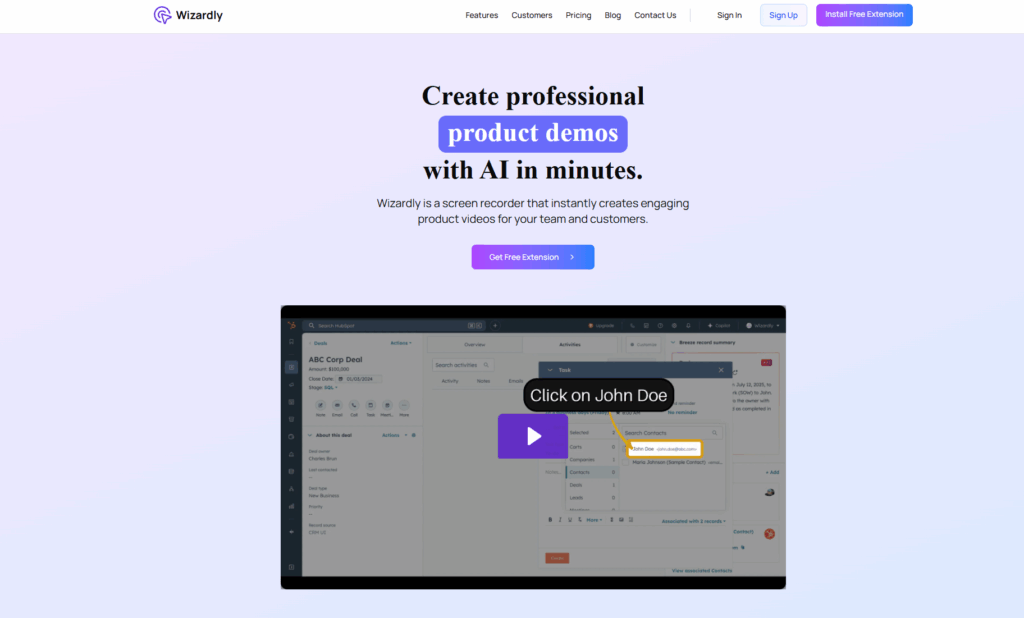
Historical Wizardly homepage with a product-demo headline, extension buttons, and a HubSpot tutorial preview highlighting John Doe.

Wizardly AI’s documented features, availability limits, privacy cautions, and website redirect. Read this status update before signing up.

Video GenerationExplore
jupitrr

Review Jupitrr AI video editing, current plan allowances and the separate Cut recording app, with practical checks for captions, billing and asset rights.

Video GenerationExplore
Find your next starting point