TurboScribe AI
Transcriber

TurboScribe AI

Visit website

Review TurboScribe AI’s transcription and translation features, free and paid plans, file limits, export formats and browser-based mobile access.

TurboScribe AI

Updated October 23, 2026. Based on official documentation; no independent accuracy benchmark or hands-on transcription test was performed.

Name TurboScribe AI
Overview TurboScribe AI uses Whisper to transcribe uploaded audio and video, with speaker labels, timestamps, translation and export options. The provider advertises 99.8% accuracy; this is not an independently verified guarantee for every recording or language. Its documented workflow processes uploaded files, so fast processing should not be confused with live meeting transcription.
Key features & benefits
  • Whisper-powered transcription: Review names, numbers and difficult passages; audio quality and language affect results.
  • Unlimited-plan uploads: For one person, with each file limited to 10 hours in duration and 5 GB in size; upload up to 50 files at a time.
  • Speaker recognition & timestamps for multi-person transcripts, with labels that still need checking.
  • Languages: Transcription in 98+ spoken languages; translation of transcripts or subtitles into 134+ languages, plus an option to transcribe speech directly into English.
  • Audio restoration: Optional noise reduction and speech enhancement, recommended by the provider only as a last resort for poor audio.
  • Export formats: DOCX, TXT, PDF, CSV, SRT and VTT.
  • TurboScribe GPT: The provider links a separate GPT in ChatGPT; it is not a native mobile app.
  • Privacy controls: The provider describes encrypted storage and file-deletion controls. Review its security and privacy FAQ before uploading sensitive recordings.

See the official feature overview and FAQ and getting-started guide for supported formats and language options.

Use cases and applications
  • Journalists & podcasters: transcribe interviews, generate subtitles
  • Academics & researchers: lecture & focus group transcription
  • Businesses: document meetings, customer calls, webinars
  • Legal & healthcare: draft transcripts only after checking consent, confidentiality and organizational requirements; not certified records
  • Localization teams: multi‑language transcription & translation
Who uses? Freelancers, journalists, content creators, researchers, educators, corporate teams, legal professionals, healthcare clinicians, and global localization vendors.
Pricing
  • Free: 3 files per day, up to 30 minutes each, uploaded one at a time; lower-priority queue.
  • Unlimited: $20 billed monthly, or $120 billed annually ($10/month equivalent), for one person. Includes all transcription modes and highest-priority processing, with the per-file and batch limits above.

Check the current pricing page before subscribing. Unlimited overall transcription does not remove the per-file limits or permit sharing one account between users.

Tags #AITranscription #SpeechToText #Unlimited #WhisperAI #SpeakerRecognition #Multilingual #Productivity #ContentCreation #LegalTech #EdTech
App available? A web app for desktop and mobile browsers. The official mobile guide states there is no TurboScribe app in the Apple App Store or Google Play Store. You can add the website to a phone home screen for convenient access; this is browser-based, not a separate native app.

A practical transcript-review workflow

  1. Prepare the recording: confirm permission to upload it, select the spoken language, and enable speaker recognition if useful.
  2. Check against the audio: replay unclear sections and correct names, numbers, technical terms and speaker labels before sharing or translating.
  3. Export for the destination: use a document format for reading or SRT/VTT for subtitles, then verify caption timing and any translated text.

This is an editorial checklist. AI transcripts and translations need human review, especially for sensitive or professional use; they should not be treated as certified records or a substitute for a qualified professional.

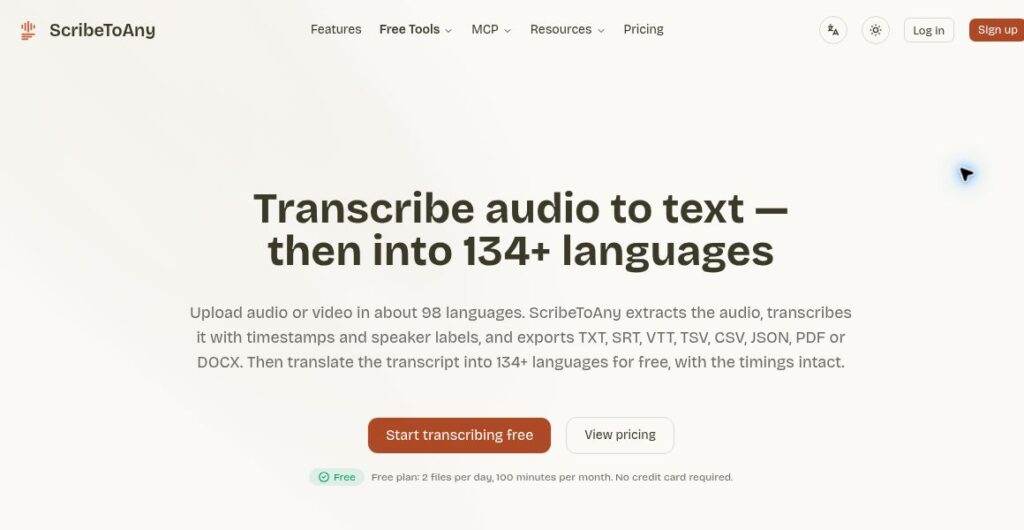
Image: existing TurboScribe homepage and transcript-export illustration. Source: TurboScribe; original capture date unknown, reviewed October 23, 2026. Historical usage totals and local-currency conversions in the image are not current figures. “Unlimited” remains subject to the service terms and file limits described above.
KEEP EXPLORING

More tools to discover.

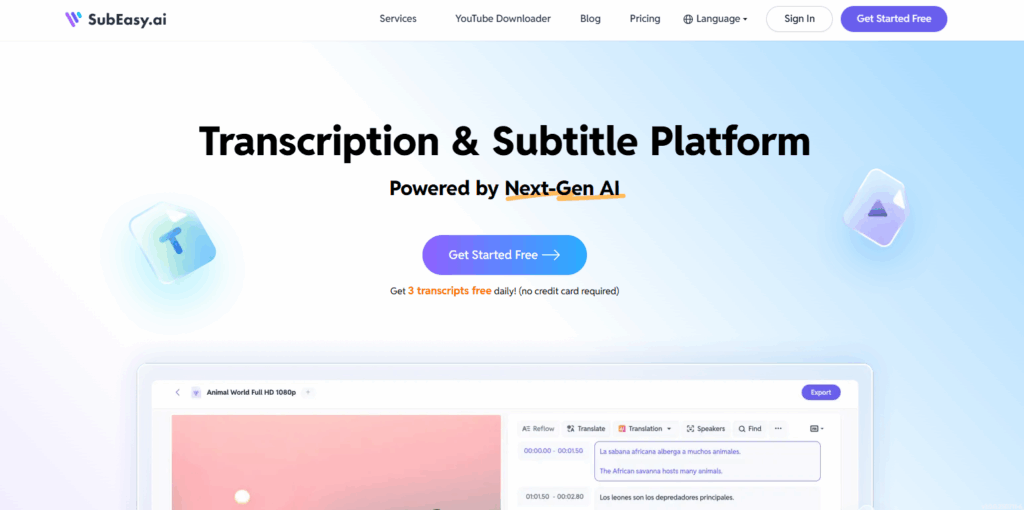
SubEasy.ai

Explore SubEasy.ai’s transcription, translation and subtitle tools, daily allowances, billing caveats and web-only access, with checks before export.

TranscriberExplore
RambleFix AI

Explore RambleFix AI transcription and rewriting, with annual plan pricing, per-recording limits, Mac and browser access, and a review-first workflow.

TranscriberExplore
Historical Fireflies homepage with a meeting-notes headline, a video-call portrait, and a sample transcript card.

Explore Fireflies.ai meeting capture, apps, pricing, Free-plan conditions, storage limits, and consent settings before recording or sharing notes.

TranscriberExplore
Find your next starting point