RambleFix AI
Transcriber

RambleFix AI

Visit website

Explore RambleFix AI transcription and rewriting, with annual plan pricing, per-recording limits, Mac and browser access, and a review-first workflow.

RambleFix AI

Updated October 24, 2026

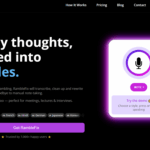
Image context: Existing screenshot of the RambleFix website; capture date was not recorded. Its user-count claim is website marketing, not a count independently verified in this review.

Name RambleFix AI
Overview RambleFix AI is an AI-powered assistant that turns speech into structured, polished writing. Record or upload audio from meetings, lectures or brainstorms, then turn it into drafts for notes, emails, social media, blogs or journals. Review the wording before using it.
Key features & benefits
  • Voice‑to‑text transcription with filler‑word removal
  • AI rewriting for polished output
  • Style mimicry that adapts to your tone
  • Multi‑language support (30+ languages)
  • Translate & localize content easily
  • Timestamps, summaries, action-items extraction
  • Upload files (audio/video)
  • App insertion: The Mac hotkey can insert dictated text into apps such as Slack and Notion. RambleFix does not automatically join Zoom, Meet or Teams calls; record or upload the audio yourself.
Use cases and applications
  • Brainstorming & idea capture
  • Meeting, lecture & interview transcriptions
  • Draft emails, articles, social posts
  • Journaling & daily reflections
  • Preparing task lists, follow‑ups, reminders
Who uses? Entrepreneurs, marketers, content creators, students, journalists, corporate teams, multilingual professionals, podcasters-anyone who thinks aloud or works with spoken content
Pricing
  • Free: 1,000 words per month; no payment card required.
  • Personal: $5 per month equivalent, billed annually at $60; up to 20 minutes per recording.
  • Plus: $10 per month equivalent, billed annually at $120; up to 90 minutes per recording.
  • Pro: $20 per month equivalent, billed annually at $240; up to four hours per recording.

These paid plans list unlimited words; the time limits apply to each recording, not a monthly minute allowance. Check the selected billing period and total at checkout. The earlier enterprise-volume offer was not reverified.

Tags transcription, rewriting, note‐taking, multilingual, productivity, AI writing, voice capture
App available? A Mac app and web access are available. Mobile-browser access should not be confused with a native iOS or Android app. The Mac hotkey workflow and browser recording/upload workflow are different ways to use the service.

From recording to a usable draft

Choose a recording length that fits your plan and obtain permission before recording other people. Record or upload the audio, select the desired format, then compare names, numbers and action items with the source before sharing. Automatic meeting attendance and live streaming transcription are not part of this workflow.

Official sources: Product and annual pricing · Meeting workflow · Mac and browser access
KEEP EXPLORING

More tools to discover.

SubEasy.ai

Explore SubEasy.ai’s transcription, translation and subtitle tools, daily allowances, billing caveats and web-only access, with checks before export.

TranscriberExplore
TurboScribe AI

Review TurboScribe AI’s transcription and translation features, free and paid plans, file limits, export formats and browser-based mobile access.

TranscriberExplore
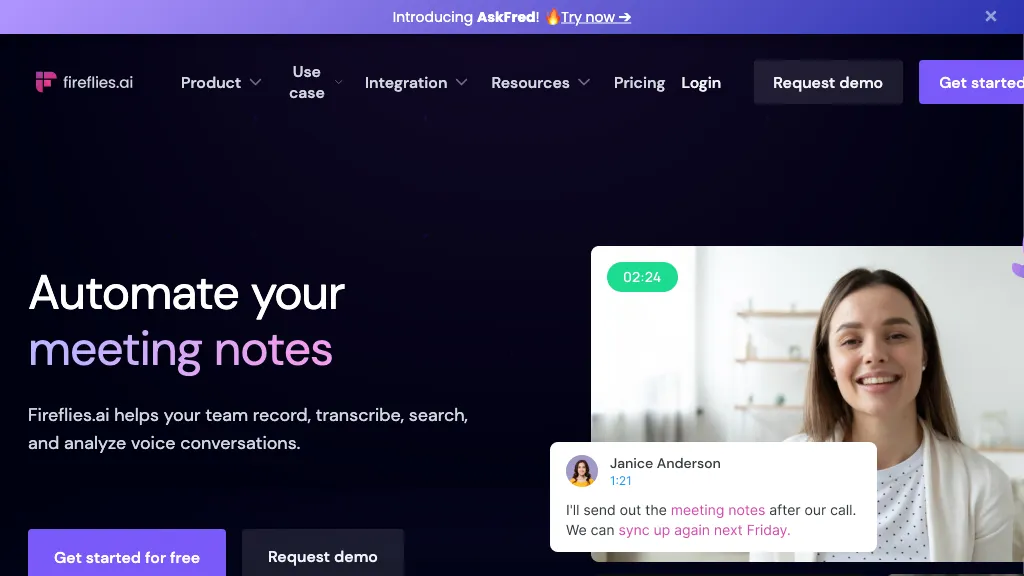
Historical Fireflies homepage with a meeting-notes headline, a video-call portrait, and a sample transcript card.

Explore Fireflies.ai meeting capture, apps, pricing, Free-plan conditions, storage limits, and consent settings before recording or sharing notes.

TranscriberExplore
Find your next starting point