Claptools Free Youtube Transcriptor
Social Media

Claptools Free Youtube Transcriptor

Read about the listed Claptools YouTube transcript workflow, current access uncertainty and caption limits. Review transcript accuracy and reuse permissions.

Claptools Free Youtube Transcriptor

Updated October 26, 2026

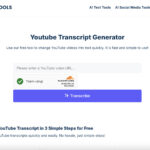
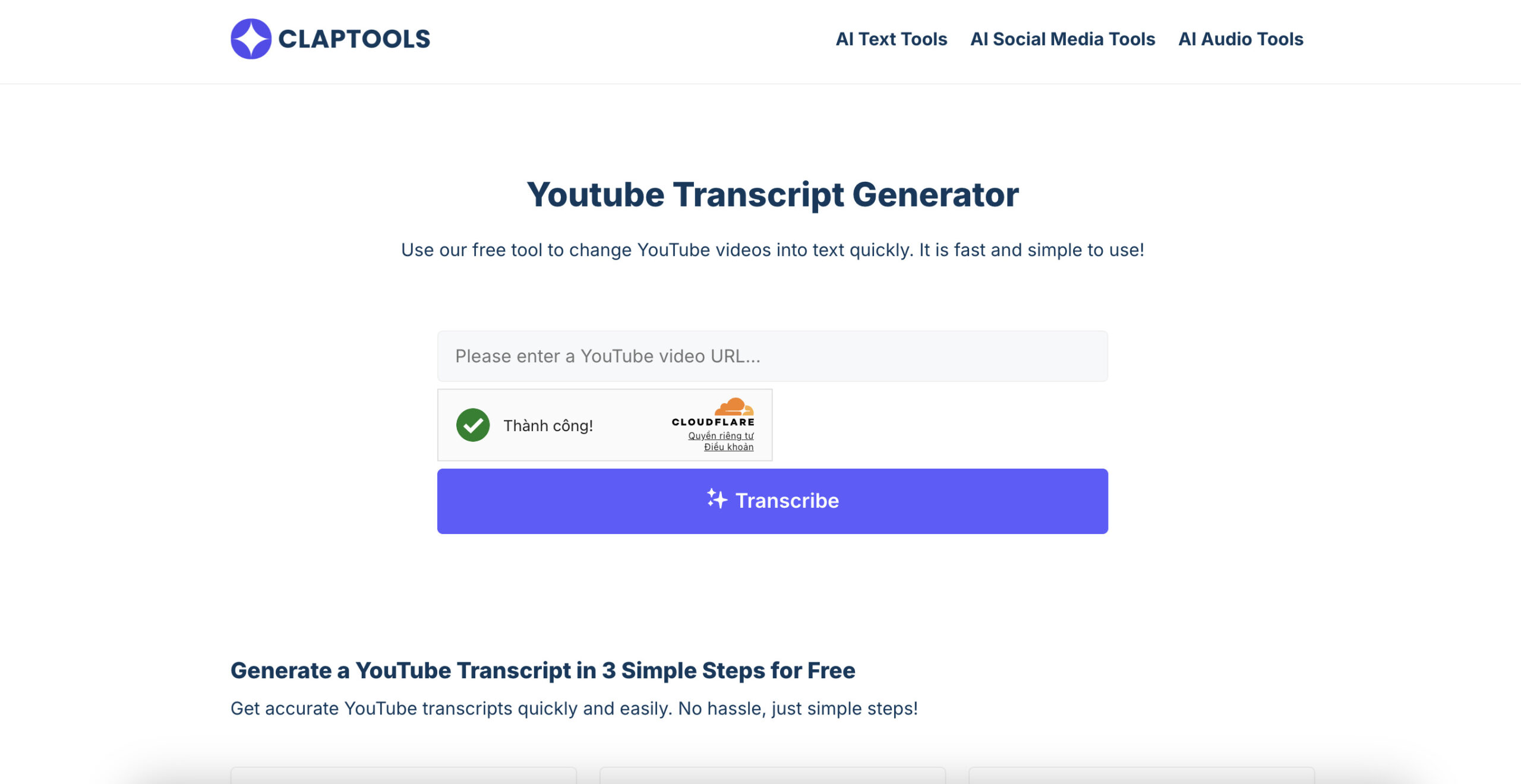
Product image: existing Claptools transcript-generator screenshot, checked October 26, 2026; capture date unknown. The image does not establish a current official provider or working service.

Field Description
Name Claptools Free YouTube Transcriptor
Overview This listing describes a Claptools YouTube transcript tool for reading, note-taking and content preparation. Its current official provider destination and live access could not be established, so instant processing, support for every video and registration-free use are not confirmed. For context, YouTube’s own transcript feature is available for videos with captions; that does not verify Claptools functionality. Review any transcript against the audio and respect content-use permissions before republishing.
Key Features & Benefits
  • Transcript Workflow: The existing listing describes a video-link workflow; current processing speed and availability are unverified.
  • Account Requirements: Confirm current registration and access requirements before use.
  • In-Video Player: The listed built-in-player feature has not been verified in the current service.
  • Improves Accessibility: Readable transcripts may support accessibility, but should not be treated as a verified substitute for accurate timed captions.
  • Boosts Productivity: Potential uses include note-taking, research and permitted repurposing, with human review.
  • Transcript Review: Check names, numbers and wording against the source audio; automatic captions can contain errors.
Use Cases and Applications
  • Content creators needing captions for videos
  • Bloggers repurposing video content into articles
  • Students and researchers extracting key information from lectures
  • Journalists or marketers summarizing interviews
  • Viewers who prefer reading over watching
Who uses?
  • YouTubers and content creators
  • Digital marketers
  • Students and educators
  • Accessibility advocates
  • Researchers and journalists
Pricing The tool was listed as free, but current pricing, limits and registration requirements could not be verified.
Tags YouTube, Transcript, Content Creation, Video to Text, Accessibility, AI Tools
App available? A browser-based workflow is shown in the existing listing image; current website and native-app availability remain unverified.

Sources: YouTube’s own transcript availability, not a Claptools endorsement; YouTube automatic-caption limitations. Checked October 26, 2026.
KEEP EXPLORING

More tools to discover.

GetYouTubeText Transcript API

GetYouTubeText transcript API returns any public video's captions as JSON, text, SRT, or VTT, plus an MCP server for Claude and ChatGPT. From $5…

Top AI ToolsExplore
Vemlora Image Text Editor

Vemlora image text editor changes text in posters, product photos, and screenshots to match the original font and layout. $6 for 2,500 credits, never…

Top AI ToolsExplore
Klistra AI Motion Studio

Klistra AI motion studio designs launch videos, product films, and explainers from a description, with your media exact. Free 350 credits, Pro $20 a…

Top AI ToolsExplore
River AI Desktop Assistant

River AI desktop assistant works across your apps, browser, files, and phone from its own desktop. Free plan, $14 to $100 a month, or…

Top AI ToolsExplore
pickfit AI Tool Advisor

pickfit AI tool advisor tests every tool in a fresh Linux sandbox before recommending it, ranking by fit not stars. Free for people and…

Top AI ToolsExplore
Find your next starting point