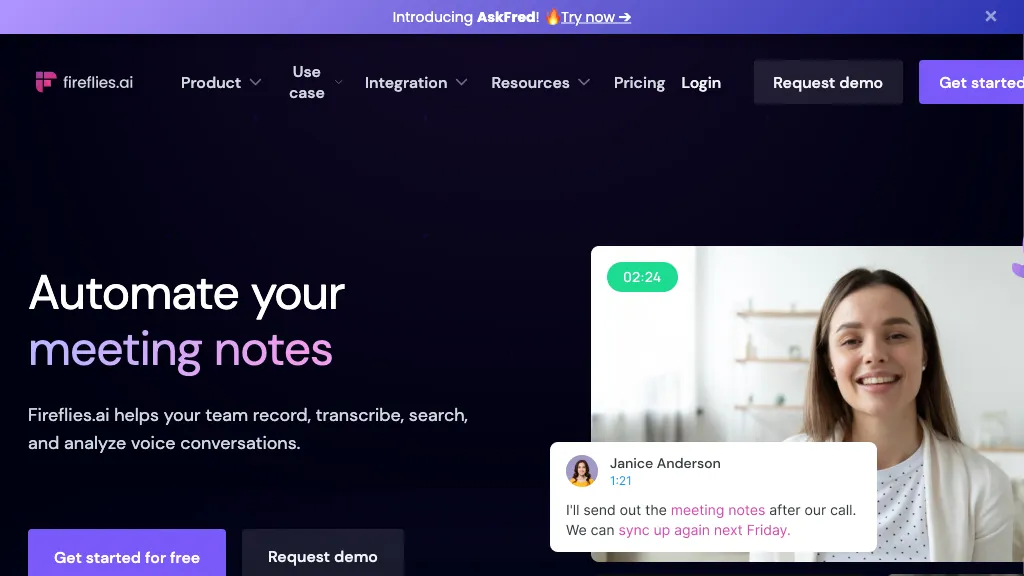
Fireflies.ai is an AI meeting assistant for recording conversations, creating searchable transcripts, and preparing summaries and action items. It supports a meeting bot, desktop capture, a Google Meet browser extension, mobile recording, and uploaded audio or video. The useful starting point is choosing a capture method and checking who can access the resulting notes.
Updated October 15, 2026. This guide reviews Fireflies’ public product documentation. It does not report hands-on transcription tests.
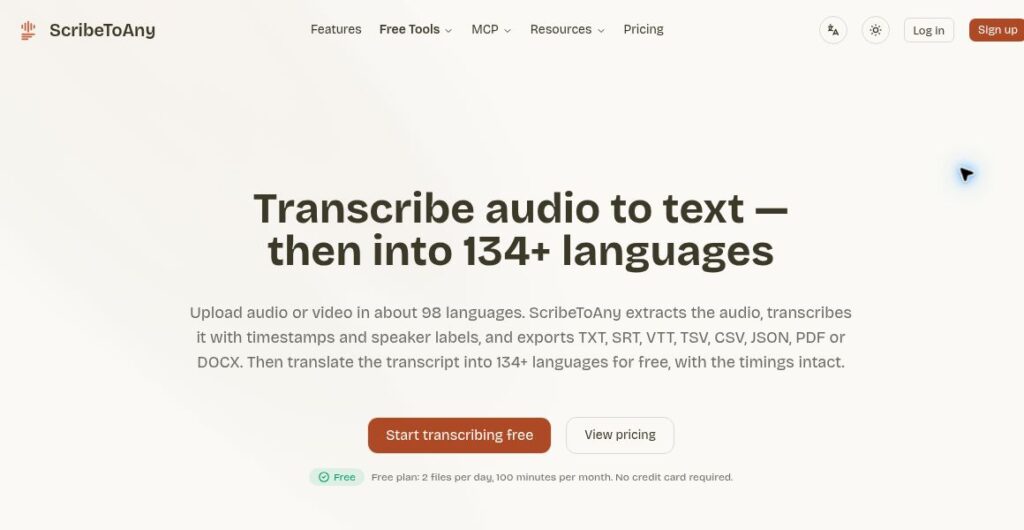
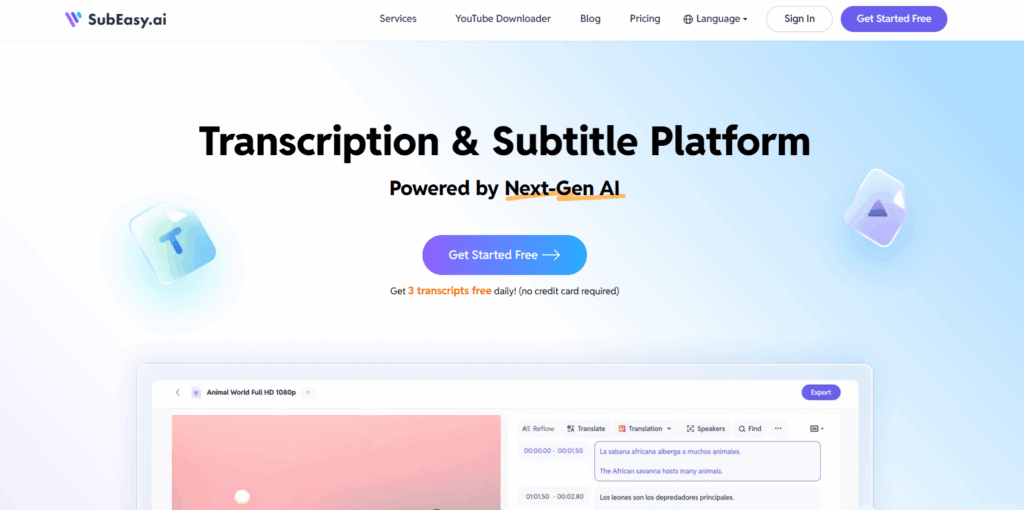
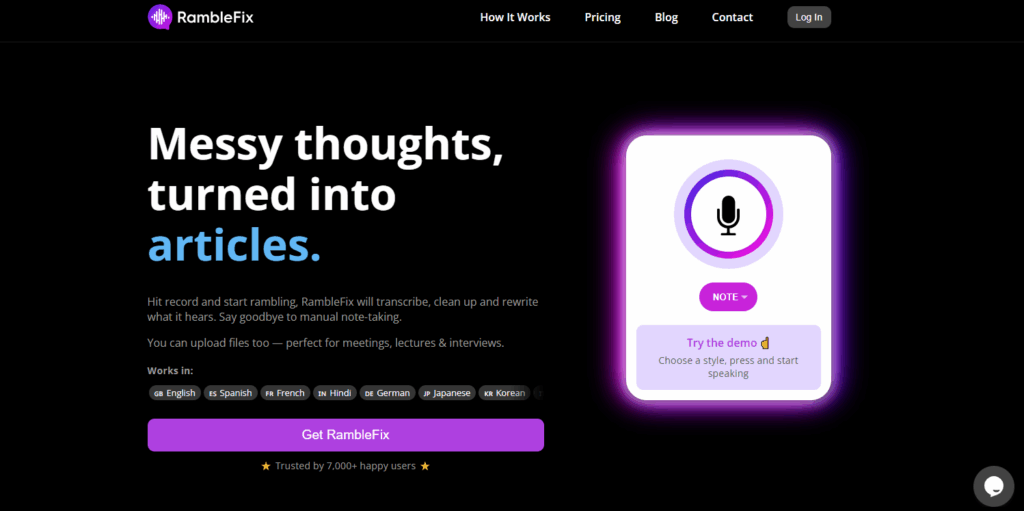
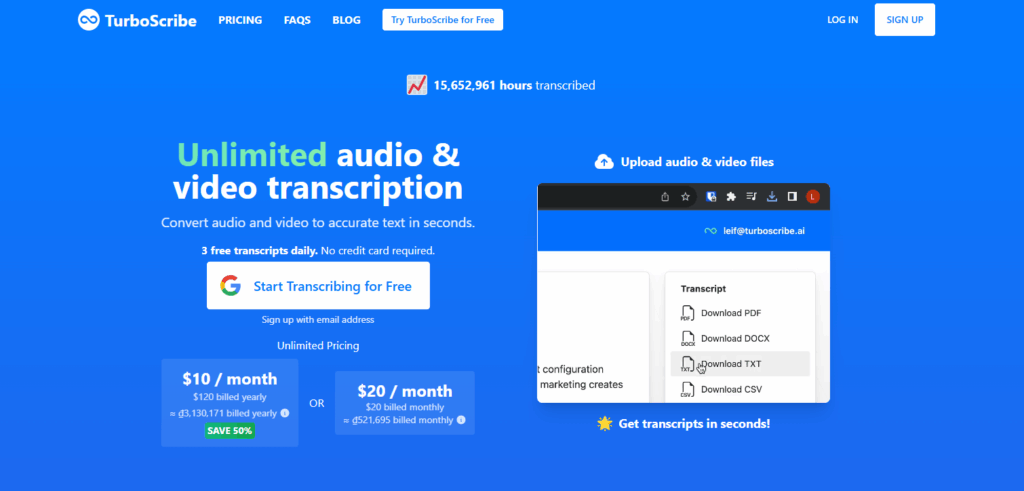
Historical image retained from the original 2025 article. The current interface and offers may differ. This is not a GPTOnline recording or product test.
What Fireflies does
Fireflies brings recordings and transcripts into a meeting library where users can search discussions, review summaries, and collaborate on follow-ups. AskFred provides AI-assisted questions and answers about meeting content. More advanced conversation analysis and administration depend on the subscription. Review generated notes against the conversation before relying on names, numbers, decisions, or assigned tasks.
Ways to capture meetings
- Meeting bot: Use eligible calendar meetings or invite the assistant to a supported call. Fireflies lists Zoom, Google Meet, Microsoft Teams, and Webex among its supported platforms.
- Desktop app: Windows and Mac users can capture conversations without adding a bot participant. The desktop page lists Windows 10+ and macOS 12+ and describes a recording indicator. Confirm participant permission before capture. Desktop details.
- Browser extension: The documented bot-free workflow is for Google Meet, with Chrome, Brave, and Edge listed. Do not assume every conferencing service has the same extension support. Extension details.
- Mobile and uploads: iOS and Android apps support in-person recording; existing files can also be uploaded. The Free guide lists MP3, MP4, WAV, and M4A files up to 100 MB and 150 minutes each, with a transcription credit used per file. Free-plan details.
Capture method matters when comparing limits. The tier guides list two-hour meeting recording limits for Free and Pro, and three hours for Business. Uploaded-file limits are a separate restriction.
Plans and pricing
The following dollar prices are displayed on Fireflies’ official pricing page, checked October 15, 2026. Annual figures are monthly equivalents with annual billing. Confirm currency, taxes, add-ons, and final charges before subscribing.
- Free: $0, limited AI summaries, and 400 minutes of storage.
- Pro: $18 per seat/month with monthly billing, or $10 per seat/month billed annually. Listed storage is 8,000 minutes per seat; downloads and video recording are included.
- Business: $29 per seat/month with monthly billing, or $19 per seat/month billed annually. Adds unlimited storage and conversation intelligence.
- Enterprise: $39 per seat/month billed annually. Adds controls such as SSO/SCIM, custom retention, and private storage.
Paid plans advertise unlimited transcription and AI summaries. Advanced AI features can involve separate credits or add-ons. The plan guide also confirms the billing options above.
Understand the limits
Free transcription has conditions. For accounts created on or after September 1, 2026, Fireflies documents unlimited eligible transcripts when Auto-join is enabled. With it disabled, the default is three meetings. Invite-only mode does not unlock unlimited transcription. Earlier accounts that already had unlimited meetings keep their existing allowance. Summaries and advanced AI features have separate limits. Review which meetings will be captured before enabling automatic joining. Free transcription conditions.
Storage is retained content. It measures how much meeting material can stay in the library, rather than how many minutes can be transcribed each month. Official sources disagree about the Free storage unit: pricing says 400 minutes per team, while the help guide says per user. Check the allowance shown in your account before planning a shared workspace. Storage guide.
Imports have processing limits. The upload guide lists 3,000 minutes per source per month for an individual. Teams pool 3,000 minutes per user per source, capped at 150,000. Excess usage costs USD $0.01 per minute. These limits cover uploads and external imports; live bot meetings, Chrome extension recordings, and mobile recordings are excluded from this upload allowance. Upload limits.
Consent and privacy
Fireflies’ Terms of Service, updated September 28, 2026, require permission before sharing another person’s content and consent from each recorded meeting participant. A bot-free option still needs appropriate notice and permission. Review workplace rules, meeting eligibility, and recap recipients before recording or sharing.
The terms say User Content will not be used to train or improve generative AI models, while allowing derived usage and statistical data for internal purposes such as service improvement. The privacy policy describes a zero-retention requirement for third-party vendors after processing meeting content. Fireflies itself retains account information and provides storage for meeting content, so this should not be read as a promise that no recordings are stored. Business-customer content is also governed by applicable business agreements.
Fireflies states that it uses AES-256 encryption at rest and TLS for data in transit. Its security claims do not establish that a particular recording or organization’s workflow meets every legal requirement. The terms require an executed business associate agreement before protected health information is shared.
Review notes before sharing
Fictional example: An AI summary says, “Maya will send the proposal Friday.” The transcript instead says Maya will check with Luis about whether Friday is possible. Change the action to “Maya to confirm the proposal deadline with Luis” and leave the deadline unconfirmed. This illustrates a review step, not a result from testing Fireflies.
Check the recording or transcript for the decision, confirm the task owner, and separate proposed dates from agreed deadlines. Then share the reviewed notes only with the intended audience.
Who should consider it?
Fireflies may suit teams that need a searchable record of recurring calls, customer discussions, or project follow-ups. Start by checking recording permission, platform compatibility, storage needs, and whether downloads or advanced analytics require a paid plan. If the main need is working with existing documents and team knowledge, Notion AI is another workflow to explore.
Visit Fireflies.ai to review current availability and settings before connecting a calendar or capturing a meeting.