Picverse AI
Video Generation

PixVerse AI

Visit website

Create videos from text and images with PixVerse. Compare web-plan credits, resolution limits and commercial-use conditions, and review outputs before sharing.

Picverse AI

Updated October 24, 2026

The retained screenshot shows an earlier PixVerse app interface with V4.5 and 360P labels and a “GrowUp” preview. Its capture date is unknown; it is historical interface and promotional material, not a current model listing or a video generated or tested for this article. Source: PixVerse.

Name PixVerse AI
Overview PixVerse AI transforms text prompts and images into videos and supports character-based creation. Its web and mobile tools serve creators working on social posts, educational clips and personal projects. Output quality and generation speed vary by model, settings and input; review motion, faces, text and factual details rather than assuming a polished result without editing.
Key Features & Benefits
  • Text-to-Video Conversion: Generate videos by simply inputting descriptive text prompts.
  • Image-to-Video Transformation: Animate static images, bringing them to life with motion.
  • Character-to-Video Animation: Create videos featuring animated characters from text or images.
  • High-Quality Output: Resolution depends on the plan and model: current subscription limits list Basic up to 540p, Standard up to 720p and Pro or higher up to 4K. Resolution is not a guarantee of visual accuracy.
  • Rapid Generation: Generation time varies with the model, settings, queue and plan; inspect the result before publishing.
  • User-Friendly Interface: Navigate through an intuitive platform designed for ease of use.
Use Cases & Applications
  • Social Media Content: Craft engaging videos for platforms like TikTok, Instagram, and YouTube.
  • Marketing & Advertising: Develop promotional videos for products or services.
  • Educational Materials: Create informative videos for teaching and training purposes.
  • Entertainment: Produce creative content, including short films and animations.
  • Personal Projects: Generate personalized videos for events, greetings, or storytelling.
Who Uses It?
  • Content Creators: Influencers, vloggers, and social media managers.
  • Marketers: Advertising professionals and brand strategists.
  • Educators: Teachers and instructional designers.
  • Businesses: Companies seeking to enhance their digital presence.
  • Individuals: Anyone interested in creating videos without extensive editing skills.
Pricing
  • Free Plan: Includes 60 initial credits and 30 daily renewal credits.
  • Standard Plan: $10/month with 1,200 monthly credits.
  • Pro Plan: $30/month with 6,000 monthly credits.
  • Premium Plan: $60/month with 15,000 monthly credits.
  • Enterprise Plan: Custom pricing for large-scale needs.
  • Credit Packages: Purchase additional credits as needed.

These are web-plan monthly prices, not API credits. The annual selector separately lists Standard $96/year, Pro $288/year and Premium $576/year, displayed as $8/$24/$48 monthly equivalents. Membership allocations reset every 30 days; paid plans also list 60 daily credits. Check the selected billing period and credit expiry before purchasing.

Tags AI Video Generator, Text-to-Video, Image-to-Video, Content Creation, Video Editing, Animation, Marketing, Social Media, Educational Tools, Creative Software
App Availability

Use source images and voices you have permission to upload, select the intended model and resolution, and preview a short result before committing more credits. For the marketing and business uses above, confirm a commercial-use license or other authorization: the current general terms limit output use to noncommercial purposes unless separately authorized. Web subscriptions and API billing are separate. Sources: official product overview, subscription pricing, provider billing distinctions and usage and content terms.

KEEP EXPLORING

More tools to discover.

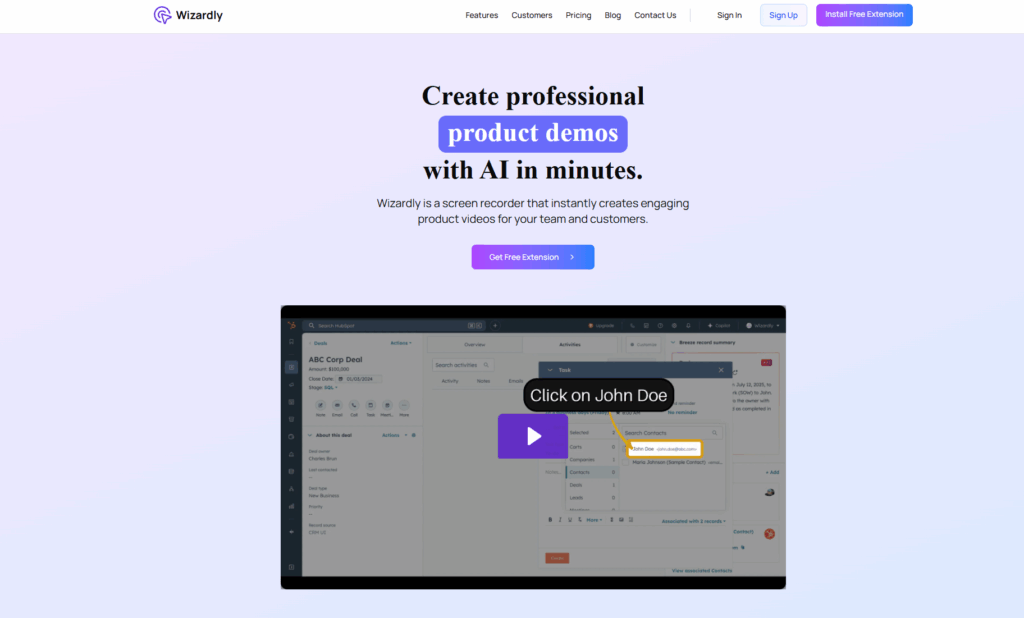
Historical Wizardly homepage with a product-demo headline, extension buttons, and a HubSpot tutorial preview highlighting John Doe.

Wizardly AI’s documented features, availability limits, privacy cautions, and website redirect. Read this status update before signing up.

Video GenerationExplore
jupitrr

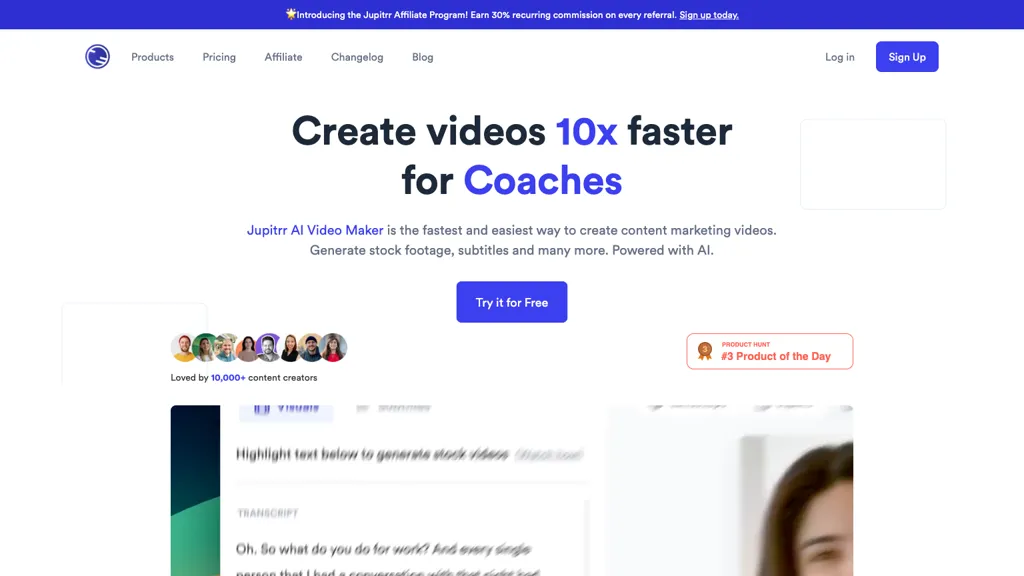
Review Jupitrr AI video editing, current plan allowances and the separate Cut recording app, with practical checks for captions, billing and asset rights.

Video GenerationExplore
Find your next starting point