
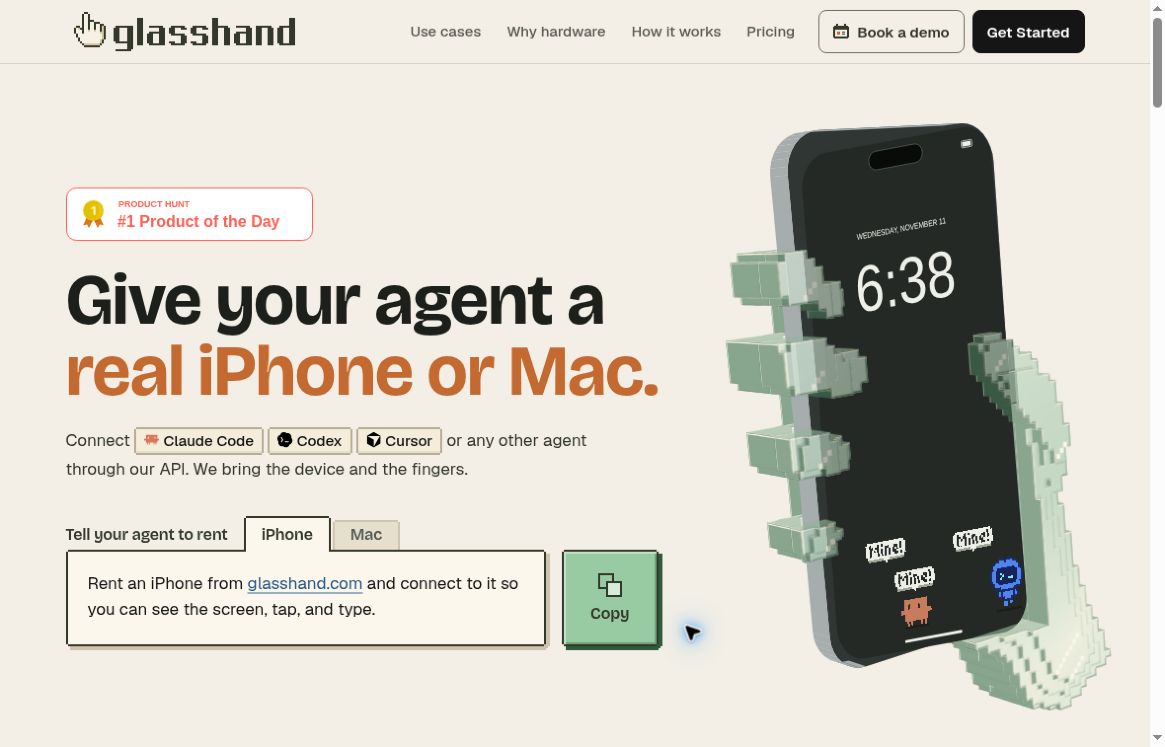
Glasshand gives an AI agent access to a dedicated physical iPhone or Mac hosted in a data center. It is aimed at work that needs an actual Apple device, such as interacting with a native app or checking an iOS workflow, while the person operating the agent remains elsewhere.
The service launched publicly in November 2026. This profile uses its published documentation and pricing, checked on November 11, 2026. GPTOnline has not rented a device or tested the service.
What is Glasshand?
Glasshand connects an existing agent to hosted hardware through screen controls and APIs. The agent can observe what is on the display and send actions such as taps, clicks and typing. The product is operated by Codapt Inc. and uses Solid and other infrastructure providers.
A rental stays assigned to one customer while it is active. Installed apps and settings can persist during that period, which matters when a workflow takes more than one session. The hardware remains with the provider; the subscription buys remote access.
What can an agent do with it?
- Work inside native apps: install suitable App Store apps and interact with their interfaces, subject to their own rules and account requirements.
- Use a real development target: a hosted Mac can run Xcode, while a physical iPhone can support device-based testing.
- Keep a continuing workspace: retain a device’s setup during an active rental instead of recreating it for every task.
- Connect an existing agent: Glasshand describes use with Claude Code, Codex, Cursor and other agents rather than requiring a single built-in assistant.
The current agent documentation describes an iPhone SE, third generation, and a Mac mini M4 with 16 GB of memory and 256 GB of storage. Confirm the offered configuration and availability before paying. Optional eSIM functionality should not be assumed to include a free mobile plan.
Glasshand pricing
The official pricing lists an iPhone at US$60 per month and a Mac at US$90 per month, plus applicable taxes. Each rental has its own monthly subscription. Renting both therefore starts at US$150 per month before tax and any separate services.
No free device-rental tier or hourly plan was verified. Check the final recurring total, device availability and any third-party app charges before subscribing. Canceling stops the next renewal at the end of the paid period; simply disconnecting an agent does not cancel the rental.
Example workflow: check a staging app
Hypothetical example, not a GPTOnline test: a developer wants an agent to inspect a new onboarding screen on a physical iPhone.
- Prepare a staging build and a test account containing synthetic information.
- Choose the required device and review the agent’s requested permissions.
- Give the agent a bounded task, such as checking whether the welcome screen and next button appear correctly.
- Review its observations against the actual screen. Treat any reported success as a finding to verify, not proof that the entire app works.
- Export the useful results and back up needed files before the rental ends.
Start with a reversible, low-risk task. Allowing an agent into an account can also let it change data or perform actions available to that account, so a production login should not be the default testing choice.
Limits and precautions
Agent compatibility does not guarantee that every app permits automation or that every interaction will succeed. Camera-dependent tasks also need checking: in its launch discussion, the maker said presenting images or video to a rented iPhone’s camera was not yet available.
The service terms explain that data on the device is reset after release. Save what you need first. Resetting hardware does not delete all billing records or copies held by connected agents and cloud services. Initial setup failure has a specific refund provision, but ordinary cancellations generally do not receive prorated refunds.
Who should consider Glasshand?
Glasshand is worth investigating when an existing AI workflow specifically needs persistent physical Apple hardware. A short browser-only task may not justify a monthly device subscription. Before choosing it, identify the exact native-app requirement, the permissions involved and how you will independently check the result.
Browse more AI tools if you are still deciding which part of your workflow needs automation.
Sources
- Glasshand product overview, pricing and terms of service.
- Maker announcement and launch discussion; November 5, 2026 launch record.
Featured image: Screenshot of the Glasshand mark on its official website, captured November 11, 2026. Source: official Glasshand website.