ClarifierAI for Chrome brings the existing ClarifierAI iOS writing tool into browser text fields. You can select a sentence, ask for a clearer or shorter version, and review highlighted changes before replacing it. Its appeal is small, focused edits without moving a draft into a separate chatbot.
The extension’s Product Hunt launch is dated November 7, 2026. That is a launch-platform date, not its first availability: the Chrome Web Store lists version 1.4.0 as updated October 30. The development is an expansion to Chrome, rather than an entirely new product.
What ClarifierAI can change
The official Chrome listing describes several editing actions:
- Improve and Clarify: revise wording for readability.
- Grammar: address spelling, punctuation and grammar.
- Polite: adjust a message toward a more courteous tone.
- Shorten: remove unnecessary wording.
- Translate: convert text between the chosen languages.
- Custom actions: provide your own editing instruction.
The listing names Gmail, LinkedIn, Slack, Notion and forms, while qualifying support as most web text boxes. Compatibility with every editor is not established. These are documented capabilities, not results from a hands-on test.
How selection and review work
According to the maker’s Chrome announcement, you can open the tool with its nearby button, Alt+Shift+C, or the right-click command “Format with ClarifierAI.” The selected portion is the editing scope. If nothing is selected, the whole field is used.
- Select only the passage you want processed, especially in a longer draft.
- Choose the action that matches the problem, such as Shorten for repetition.
- Inspect the highlighted changes. Individual edits can be switched back to the original wording.
- Use the confirmation control to replace the text, then reread the complete message.
A small selection makes comparison easier, but may omit context the model needs. Keep important qualifications together rather than highlighting only half a conditional sentence.
Example: shorten a note without changing its limits
Suppose you are editing a community-event planning note. This is an illustrative example written for this article, not output generated by ClarifierAI.
- Before: “I can’t bring any chairs this time. I can bring two tables, but I need you to confirm by 6 p.m. Thursday whether you want them.”
- Possible shorter version: “I can’t bring chairs, but I can bring two tables if you confirm by 6 p.m. Thursday.”
The refusal, quantity, deadline and condition all remain. A rewrite such as “I’ll bring the furniture on Thursday” would change the agreement and invent a delivery date. Highlighted edits help you find differences; they do not establish that the meaning is correct.
For a fuller review process, see our guide to checking an AI email rewrite before sending. The same care applies to translations, especially when you cannot read the target language.
Privacy: the selected text leaves your device
The Chrome-specific privacy policy, updated October 19, 2026, says the text you invoke ClarifierAI on travels over HTTPS to its server, hosted on Cloudflare, and then to OpenAI for rewriting. This is external AI processing, not an on-device-only tool.
The developer says the extension does not keep the formatted text, collect browsing history, or include advertising trackers. Those are vendor statements, not an independent privacy audit or a guarantee about every downstream provider’s retention. Settings and custom actions use Chrome storage and may sync with your Google account.
Do not submit confidential client material, personal records or other sensitive work text unless your organization permits this specific service and data flow. Selecting less text reduces what you submit, but does not make prohibited sharing acceptable.
Availability, pricing and practical limits
Chrome availability is linked from the official website. Product Hunt labels the Chrome launch free, but Chrome-specific quotas, paid limits and billing terms were not verified. The website’s pricing page points to Apple purchases; its amounts should not be treated as Chrome prices or proof of shared access.
The linked app terms are iOS-focused and specify personal, non-commercial use. Confirm applicable Chrome terms before business deployment. For routine writing, the useful distinction is selective rewriting with reversible edits. It still requires you to check facts, meaning and suitability before using the result.
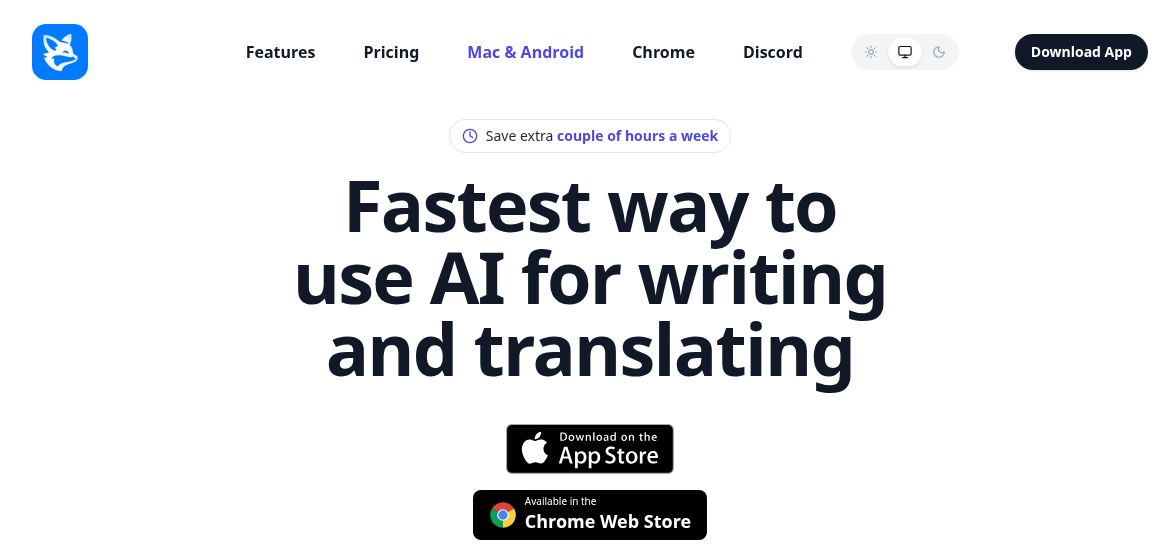
Image credit: screenshot of ClarifierAI’s official homepage, captured November 8, 2026. It shows the public marketing website, not the Chrome extension interface.