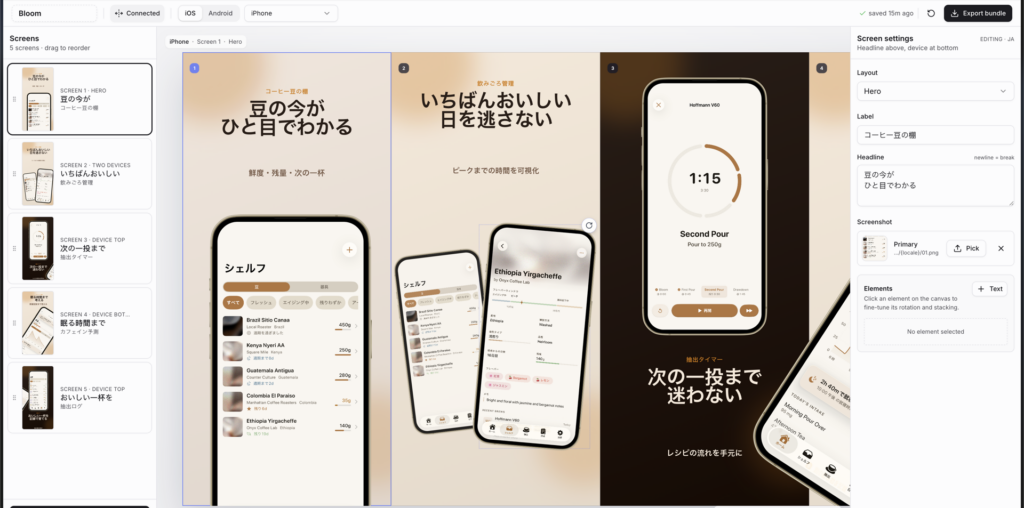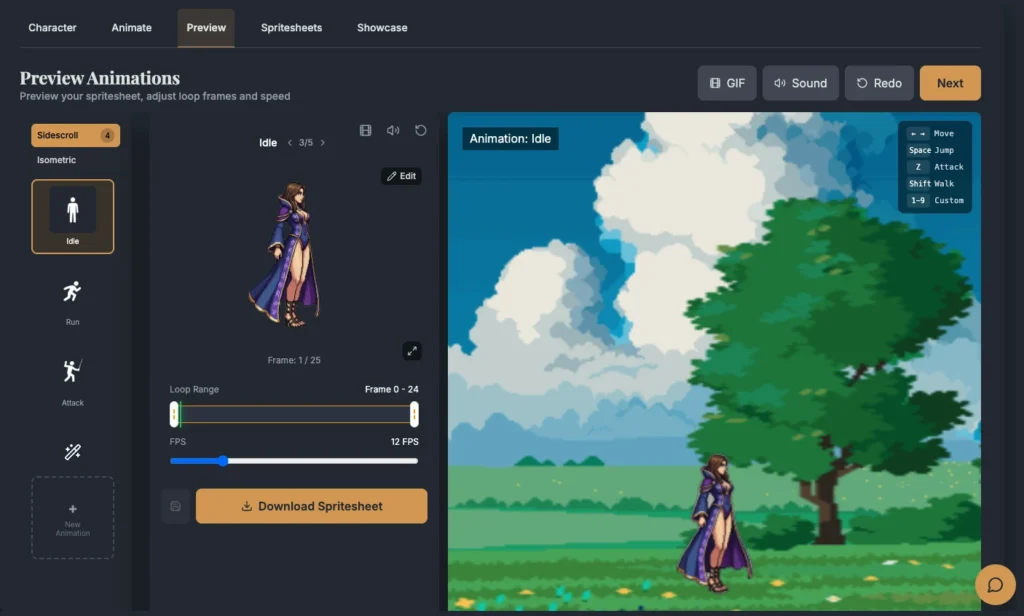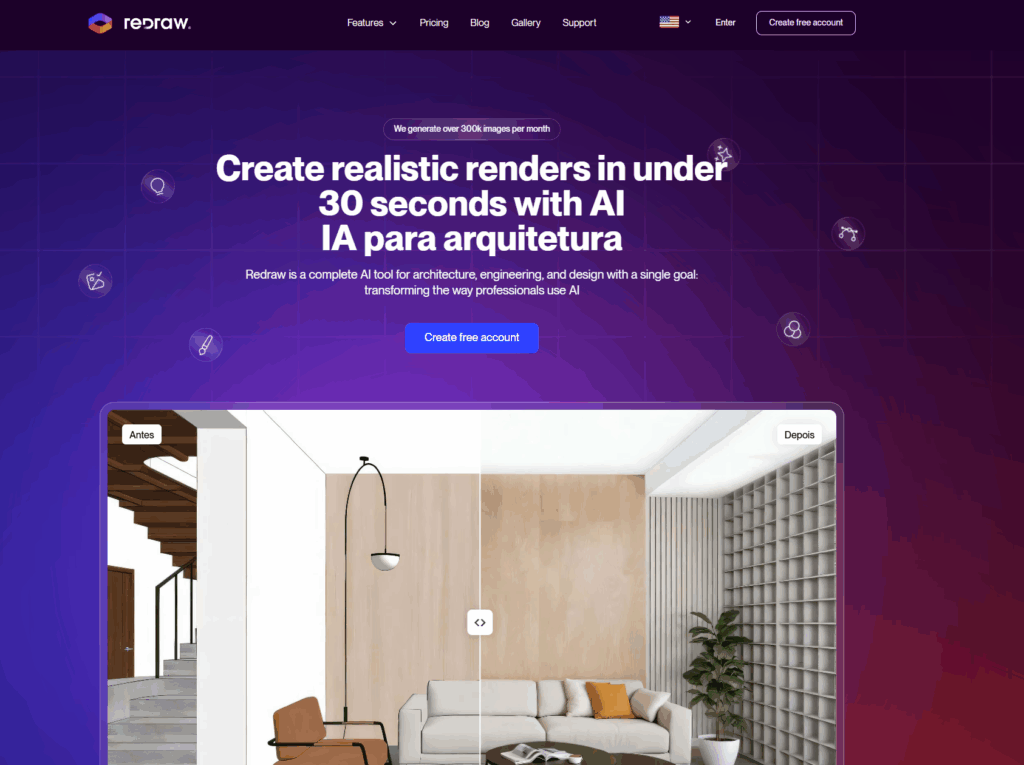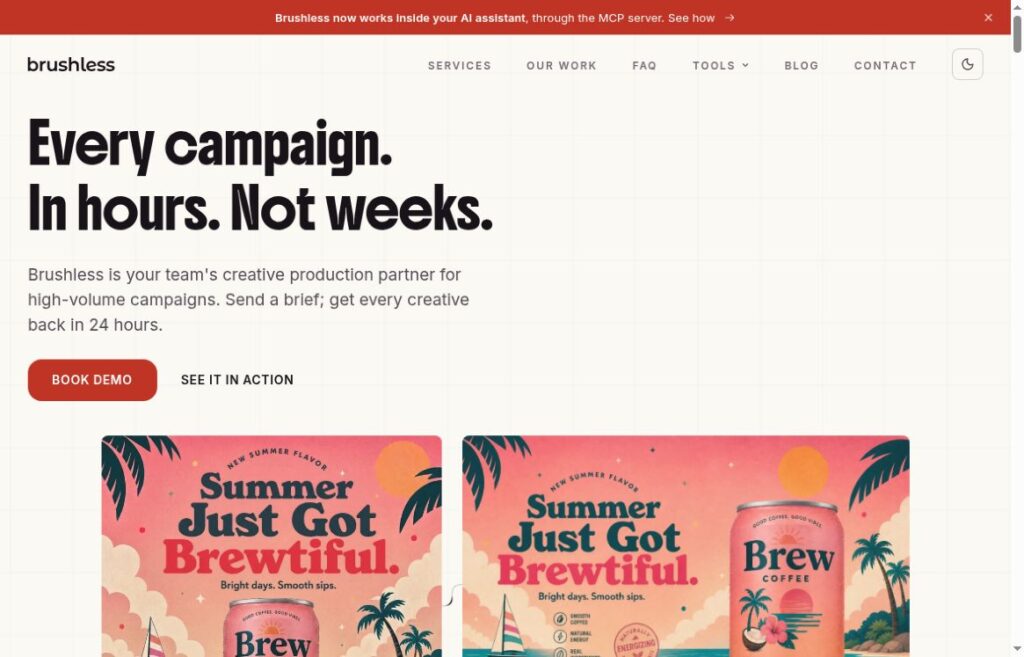

Archived MiriCanvas homepage image from the original December 2025 listing. The pictured asset count and two-week promotion are historical marketing, not verified current allowances or GPTOnline test results.
Updated October 16, 2026. This guide reviews MiriCanvas’s public product pages, pricing selectors, help articles, app listings, and policies. We did not create an account, generate a design, purchase a plan, or test exports. The worked example below is fictional and editor-written.
MiriCanvas AI combines a template-based design editor with tools for generating and editing visual content. It is worth considering for social posts, event posters, thumbnails, and presentations when you want to assemble a finished layout in one place. Check the allowance for your particular AI tool and the license for your chosen assets before committing to a project.
What you can make
The official product site offers presentation, social-media, poster, and thumbnail templates alongside image generation, AI writing, background removal, object removal, and upscaling. These are documented capabilities; we have not measured their output quality or editing speed.
For slides, the AI presentation page describes turning an idea into an editable draft. Treat that draft as a starting point: verify facts, replace unsupported examples, and check each slide’s reading order before presenting.
Plans and billing
We checked both selectors on the English pricing page. It displayed the following dollar amounts and stated that tax was included. The observed page used the $ symbol without a three-letter currency code; confirm your local currency and final charge before paying.
| Plan | Displayed price | Selected inclusions |
|---|---|---|
| Free | $0.00 | 50,000+ templates, 350,000+ photos and graphics, 1 GB storage |
| Pro, monthly | $11.99 per member/month | Premium templates and assets, 10 GB storage, photo background removal, seven-day version recovery |
| Pro, annual | $129.99 per member/year | Same listed Pro features; the page shows a $10.83 monthly equivalent |
| Enterprise | Contact the provider | Organization-focused collaboration and asset management |
Annual billing is a yearly commitment, not a $10.83 month-to-month subscription. The premium-library allowance does not establish unlimited use of every AI feature.
Workspace invitations can add paid seats, and removing a member does not automatically cancel an incurred seat charge. Check the member count before inviting collaborators.
The subscription guide says Pro renews automatically and should be canceled by the day before the next billing date. Cancellation stops future renewal; a refund is a separate request, with the guide specifying an unused-service condition within seven days of payment. Confirm any trial’s length and first charge in the subscription screen.
AI limits to check
The presentation FAQ currently advertises five free AI presentations per month, up to 30 slides each, and unlimited presentation use on Pro. That is a feature-specific statement.
Image generation uses credits. The English GPT-image FAQ describes daily free credits and a larger Pro allowance without specifying a universal image count. The Korean editor guide lists 200 daily credits for Free and 1,000 for Pro/Enterprise. Those regional help figures should not be assumed to cover every model or product surface. Check the displayed balance and cost of the selected operation in your workspace.
The terms distinguish subscription, purchased, and promotional credits; subscription credits do not roll into the next month, while promotional credits follow their stated expiry. Budget for revisions rather than equating one credit with one finished image.
A poster workflow
Fictional planning example, not tested MiriCanvas output: A community pottery studio needs a square social post and a printed poster for an open-studio afternoon.
- Write the factual brief first. Keep the approved event name, venue, date, admission details, and booking link in a separate checklist. Do not ask AI to invent them.
- Choose a layout for each destination. Start with a clear headline area and room for the essential details. Keep the same two colors and type hierarchy across the square post and print version.
- Use AI for an optional decorative visual. An editor-written prompt could be: “A simple illustration of three handmade ceramic bowls on a warm cream background, terracotta and teal palette, generous empty space above, no text, no logos.” Use a real studio photograph instead if viewers need to see the actual space or products.
- Add the event wording as editable text. Check names, punctuation, and line breaks manually. Confirm that the location and booking instruction remain readable at phone size.
- Inspect before distribution. Check asset permissions and any premium charges, open the downloaded file, and proof the printed version at its intended size. If you use generated artwork, include an appropriate AI disclosure under the terms described below.
The useful decision is whether the layout communicates the event clearly. More generated variations will not fix a missing address, a broken booking link, or unreadably small text.
Exports and asset rights
The download-format guide lists JPG, PNG, PDF, PPTX, MP4, and GIF. PSD, Adobe Illustrator AI, and EPS exports are not supported. Available settings and editability should be checked for the specific document.
The plan comparison lists three editable-text PPT downloads daily and seven MP4/GIF downloads daily on Free; Pro and Enterprise list unlimited downloads for those categories.
Take particular care with presentation handoffs. Although the presentation marketing page describes editable PPTX export and file sharing, the specific copyright FAQ restricts sharing editable PPT files. It recommends PDF or MiriCanvas’s document-copy sharing function and allows PPT sharing with the single-image export option. Confirm permission before promising a client an editable deck.
The asset license permits commercial uses within its conditions, but library access does not transfer ownership. Free-source assets can carry supplier-specific terms; paid-content licenses are non-exclusive and tied to a design. Restrictions include extracting elements for reuse and using supplied designs for registered trademarks. Check your own uploaded material’s rights separately.
Mobile access
Official apps are listed on the Apple App Store and Google Play. The US Apple listing requires iOS/iPadOS 16 or later. Availability and compatibility depend on the device and store region.
The app launch FAQ still warns that AI tools and background removal are not available in the app. We did not verify feature parity in a current installation. Check your required tool before switching from web to mobile.
In-app billing differs from web billing: store fees can change the price, and an in-app subscription is limited to one workspace with one member. Compare the relevant purchase screen rather than treating the web price as an app quote.
Privacy and final checks
The AI Tools Terms say input data is not used for AI training, but also authorize use of inputs and outputs for marketing and service improvement. They prohibit personal information in AI inputs and require published AI content to identify its source and disclose AI’s role. Article 7 also permits sharing inputs with technology partners to provide and improve their services. A no-training statement should not be treated as a confidentiality guarantee.
The September 2026 privacy policy separately covers account data, service providers, and retention. Its external-AI-assistant connector provisions include six-month retention of request-processing records. Those connector provisions should not be generalized into a deletion deadline for every editor upload.
Our assessment: MiriCanvas is a reasonable shortlist option for template-led visual work. Start with non-sensitive material and a small sample project. Before paying, verify the AI allowance, required export, asset permissions, and total member charge for that exact workflow. This documentation review does not establish output quality, print fidelity, or time saved.
For a separate presentation-building workflow, see our Gamma guide and compare its export requirements with your project.