StockImg AI
Design

StockImg AI

Visit website

Explore Stockimg AI for logo concepts, book covers and visual drafts, with mobile access, current credit-based plans and commercial-use limitations.

StockImg AI

Updated October 24, 2026

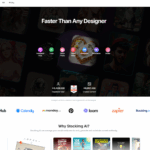
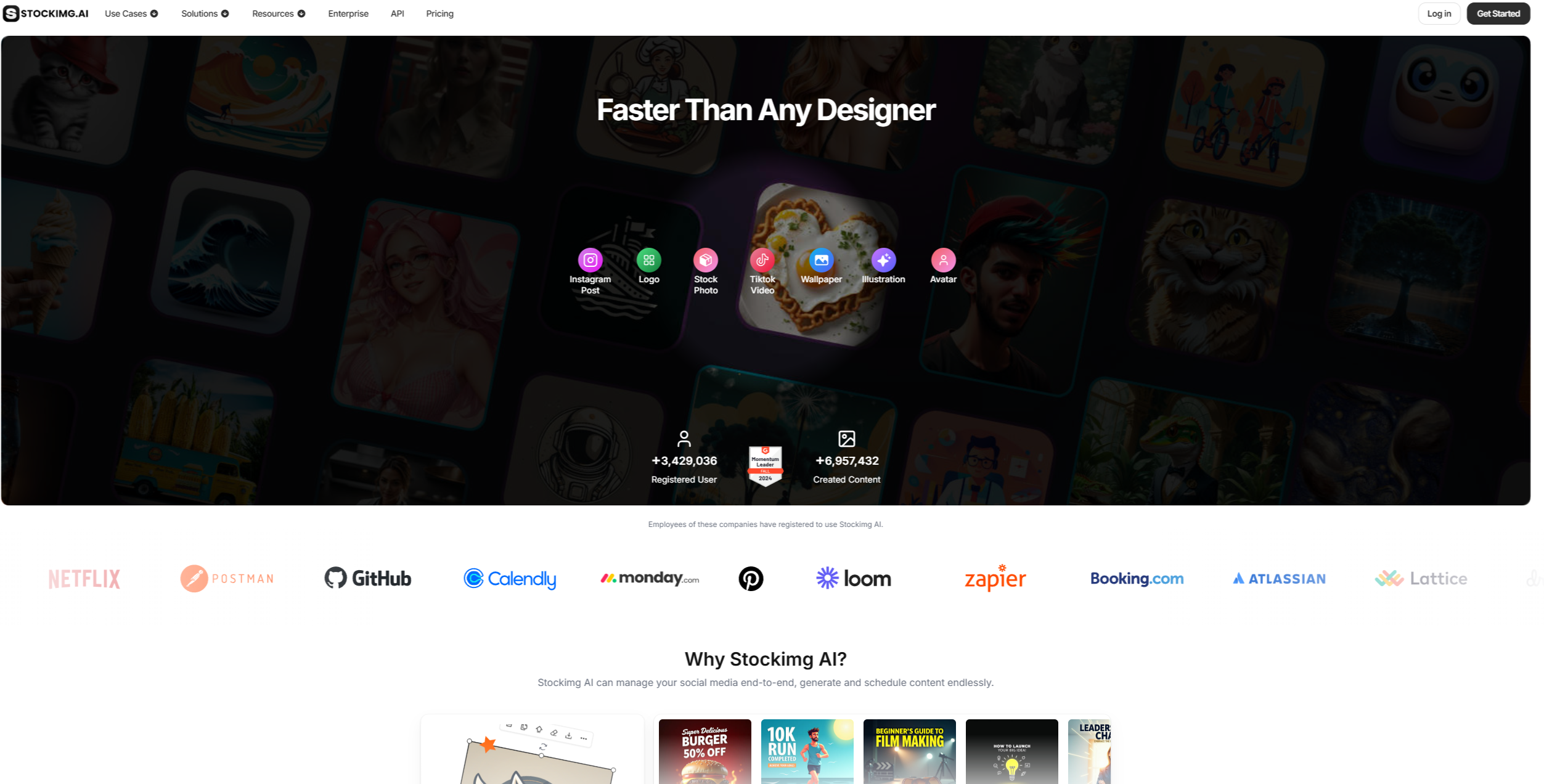
Existing screenshot from Stockimg’s website; original capture date unrecorded. The design collage, customer logos and speed/user-count headlines are historical marketing, not independent performance measurements or endorsement verification.

Category Details
Name Stockimg AI
Overview Stockimg AI is an advanced AI-powered image generation platform tailored for creatives, marketers, and entrepreneurs. With just a text prompt, users can generate image concepts including logos, book covers, posters, UI designs, and more. The tool is built for simplicity and speed, helping users explore concepts before editing and reviewing a final design. Whether you’re prototyping branding ideas or launching a visual project, Stockimg AI turns text prompts into visual drafts; generation time and output quality vary.
Key Features & Benefits
  • Multi-format generation: Logos, book covers, stock photos, posters, UIs, and wallpapers.
  • Style customization: Choose aesthetic styles like minimal, 3D, retro, cinematic, etc.
  • User-friendly prompt-based interface: Start from a text description, then review and refine the output.
  • Commercial use: The official FAQ describes commercial rights for subscribers, subject to the terms. This is not a guarantee of exclusive output, non-infringement or trademark eligibility.
  • AI rendering: Generate variations; processing time depends on the request and service load.
  • High-resolution downloads with premium.
Use Cases and Applications
  • Designing unique book or eBook covers for self-publishing.
  • Creating eye-catching logos for new brands.
  • Generating UI mockups for apps and websites.
  • Making wallpapers or backgrounds for marketing.
  • Visual ideation for product packaging or poster art.
Who Uses?
  • Indie authors
  • Designers and creative freelancers
  • Small business owners
  • Marketing teams
  • App developers
  • Social media content creators
Pricing
  • Starter: US$12 per month with monthly billing and 300 credits per month.
  • Premium: US$24 per month with monthly billing and 1,500 credits per month.
  • Ultra: US$48 per month with monthly billing; the card advertises “Unlimited Credits per Month”. Confirm applicable feature and usage limits rather than assuming unlimited generation for every media type.
  • Yearly billing: The cards show US$10, US$20 and US$40 per month respectively, billed yearly, with a “2 Months Free” banner. These are displayed monthly equivalents, not monthly-billed rates; confirm the annual checkout total and taxes.
  • Enterprise: Custom pricing.

These plan-card prices were checked on October 24, 2026. The page’s FAQ still mentions a $19–$29 range, which does not match the selected plan cards and is not used here as current pricing. Check the credit cost of the intended feature before purchasing; credits should not be treated as a fixed number of finished images or videos.

Tags AI image generator, AI logo maker, book cover AI, stock photo AI, design tool, text-to-image, AI creative tool
App Available? Browser access and mobile apps: the official pricing FAQ lists availability on the App Store and Play Store. Check the official listing for device requirements and current features.

Review a design before publishing

Start with a brief describing the format, subject and style, generate a few alternatives, then inspect lettering and details at the intended output size. For a logo or commercial cover, check brand similarity and the rights to any uploaded material before publication; generated concepts still need human review.

Official sources: Plans, commercial-use FAQ and mobile access · Asset rights and limitations
KEEP EXPLORING

More tools to discover.

blobby 1200x675 1

Blobby AI design canvas lets Claude, Cursor and Codex design in a visual canvas, with comments on any element and real code export. Free…

Top AI ToolsExplore
Find your next starting point