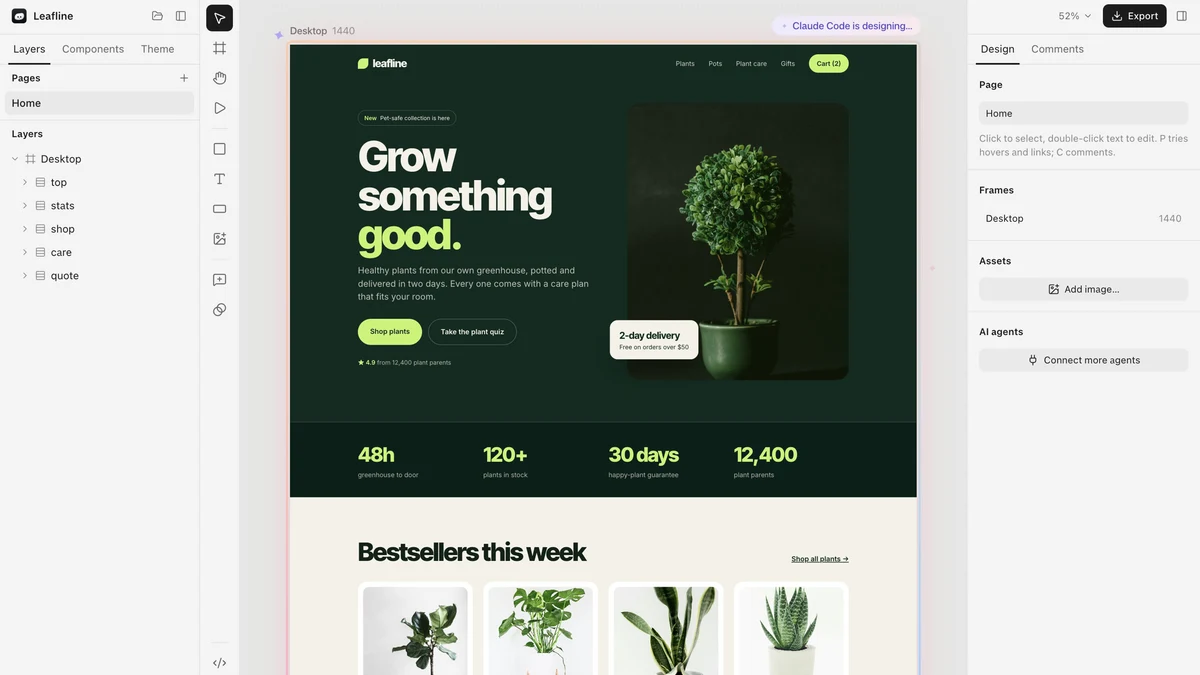
Blobby AI design canvas gives AI coding agents a place to design, where you can point at any element and ask for a fix, then export real code to ship. The app launched on Show HN on 17 November 2026, and it is built for developers and designers who ask Claude, Cursor or Codex to build a website and then need to review the design visually instead of reading code.
What Blobby Does
Blobby is a desktop design canvas for AI. You ask your coding agent to design a web page, and the agent designs directly inside Blobby, where you can see the result. Click any element, leave a comment, and the agent fixes it and runs a quality check at every screen size, so the design holds up on phones as well as desktops.
Blobby has no AI of its own. It uses the AI app you already pay for, through a one-click connection, with no API key and no second bill. When the design is right, you export real code: HTML and CSS on the free plan, or React, Shopify and WordPress on the Pro plan.
Key Features
Blobby keeps the whole design loop inside one canvas. Frames, layers, components and variants work the way designers expect, and design systems can be pulled from your repo or from a live site. A code view under the canvas shows the HTML and CSS as it changes, and one shared undo history covers both your edits and the agent’s.
- One-click connection with Claude, Cursor and VS Code through MCP
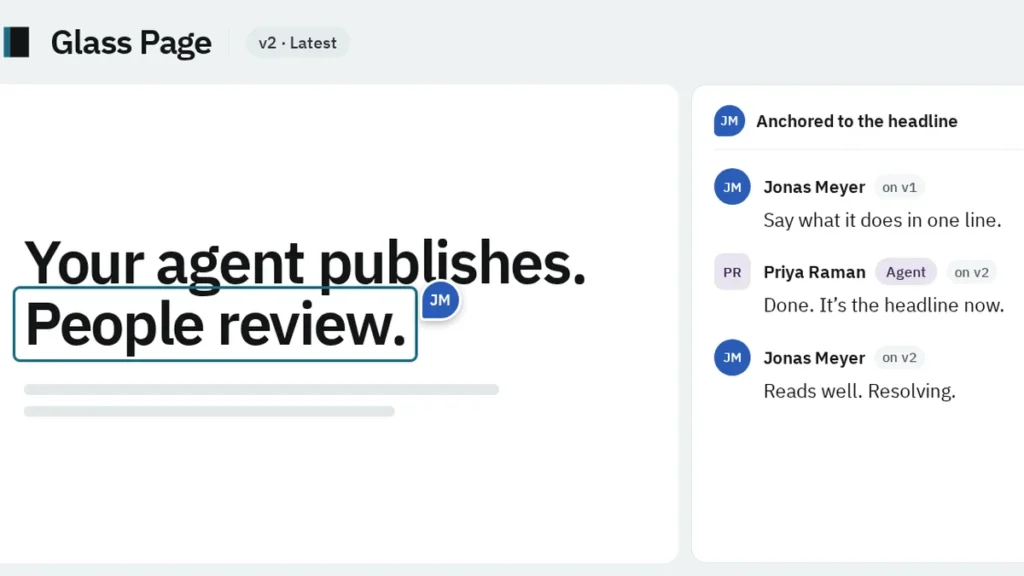
- Pinned comments on any element, with the agent fixing and re-checking the design
- Real code export: HTML and CSS free, React, Shopify and WordPress on Pro
- Frames, layers, components and variants, with design systems from your repo or a live site
- Shaders and effects, including halftone, fluted glass and liquid metal
- Live HTML and CSS code view under the canvas
- Private by default: projects are local folders, with nothing uploaded
Who Blobby Is For
Blobby fits developers who build websites with AI agents and want to judge the result with their eyes. If you have ever shipped an agent-built page and only later noticed the spacing was off on mobile, the canvas and the per-size quality check catch that before launch.
It also suits designers who work alongside agents. The comment flow matches how design review already works, and the export to React, Shopify or WordPress means the approved design goes straight into the stack the team already uses.
Blobby Pricing
Blobby pricing, checked on 18 Nov 2026, starts with a Free plan at $0 forever, with the canvas, comments, quality checks, HTML and CSS export, and 3 projects. Pro costs $8 per month, with tax included, and adds unlimited brand research, connection to your codebase, React, Shopify and WordPress export, and unlimited projects. There is a 14-day refund policy on the paid plan. Prices may change, so the official website is the place to confirm the current figures.
Getting Started With Blobby
Starting is quick: download Blobby for Mac, Windows or Linux, connect Claude or Cursor in one click, and ask the agent to design a simple landing page. Click one element, leave a comment, and watch the agent fix it, then export the HTML and CSS to see the code you get. Blobby is worth a look for anyone who designs with AI agents and wants to review the work visually.
Image: official Blobby product visual, via useblobby.com.