Updated October 24, 2026
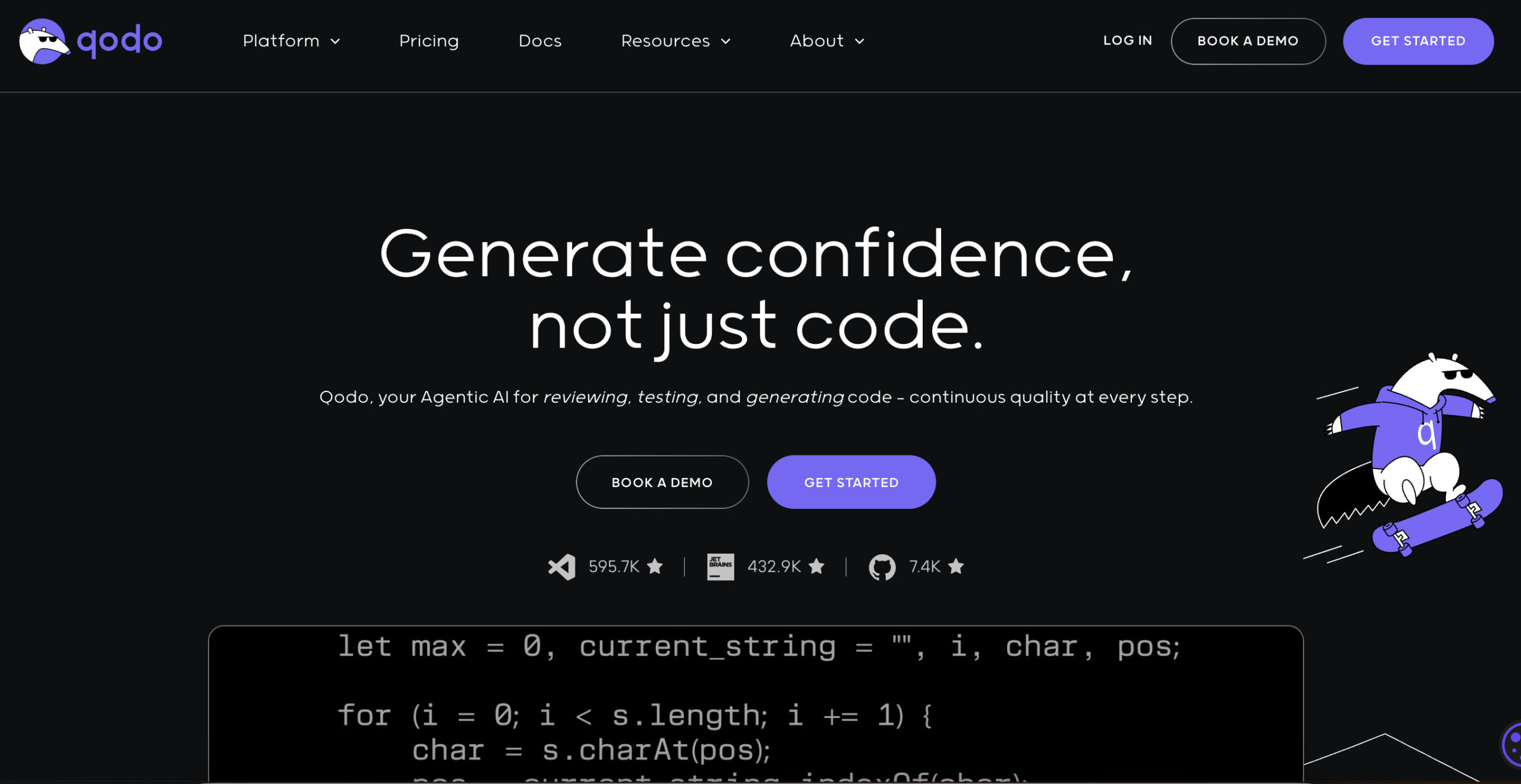
The image is an earlier Qodo homepage preview with code-generation, testing and review marketing. Its capture date is unrecorded; the tagline and badges do not establish current feature availability or independently measured quality.
| Field |
Content |
| Name |
Qodo (Formerly Codium) |
| Overview |
Qodo, formerly Codium, is an AI code-quality platform with IDE, Git and CLI workflows for reviewing changes and applying project standards. Its April 23, 2026 announcement deprecated IDE autocomplete and chat for code generation while retaining IDE review. Review suggestions still require developer judgment and tests; they do not guarantee bug-free or maintainable code. |
| Key Features & Benefits |
- IDE review (earlier Qodo Gen): Review committed and uncommitted changes in supported IDEs. The official announcement distinguishes continuing review from deprecated autocomplete and code-generation chat.
- Git review (earlier Qodo Merge): Analyze pull requests, produce descriptions and flag possible issues for developer review.
- CLI workflows: Current Agentic Toolbox supports review and resolution workflows with coding agents. Earlier Qodo Cover/test-generation descriptions should be checked against the installed version and current documentation.
- Context-aware review: Uses available repository and organizational context; access and plan configuration determine coverage.
- Team standards: Shared rules and review workflows support consistency, without eliminating manual review or testing.
|
| Use Cases and Applications |
- Reviewing code changes and investigating possible defects with AI assistance
- Auto-generating pull request summaries and suggestions
- Evaluating test coverage and checking available test-related workflows against the current product version
- Streamlining code reviews and maintaining coding standards
- Reducing onboarding time for new developers
|
| Who Uses? |
- Software engineers
- DevOps teams
- QA engineers
- Tech leads
- Agile development teams
- Startups and enterprise development teams
|
| Pricing |
- Trial: The current pricing page advertises 14 days without a credit card, with unlimited trial credits/reviews. It states there is no permanent free tier; qualified open-source projects can apply for separate free access.
- Pro Team: Published starting offer $30 with 2,500 pooled credits and monthly billing; additional credit packs are available. The page quotes $0.012 per credit and approximate review counts, not a fixed number of reviews per user.
- Enterprise: Custom terms for teams of 30 or more users and advanced deployment/governance needs.
Review activity consumes credits according to size and complexity. Overage can continue at the base per-credit rate within a customer-set spending cap. Confirm the selected pack, billing currency and account limits; the earlier $19 unlimited plan and fixed free quotas are not the current published offers.
|
| Tags |
AI coding, code review, IDE plugin, test generation, Git automation, dev tools, pair programming |
| App Available? |
IDE integrations, Git review and CLI/Agentic Toolbox workflows. The official feature-change announcement preserves IDE review while deprecating autocomplete and code-generation chat; it does not announce removal of the entire extension. |
Review a small authorized change set, inspect suggested fixes and run the relevant tests before merging. Sources: current plans, product naming and current CLI workflow.