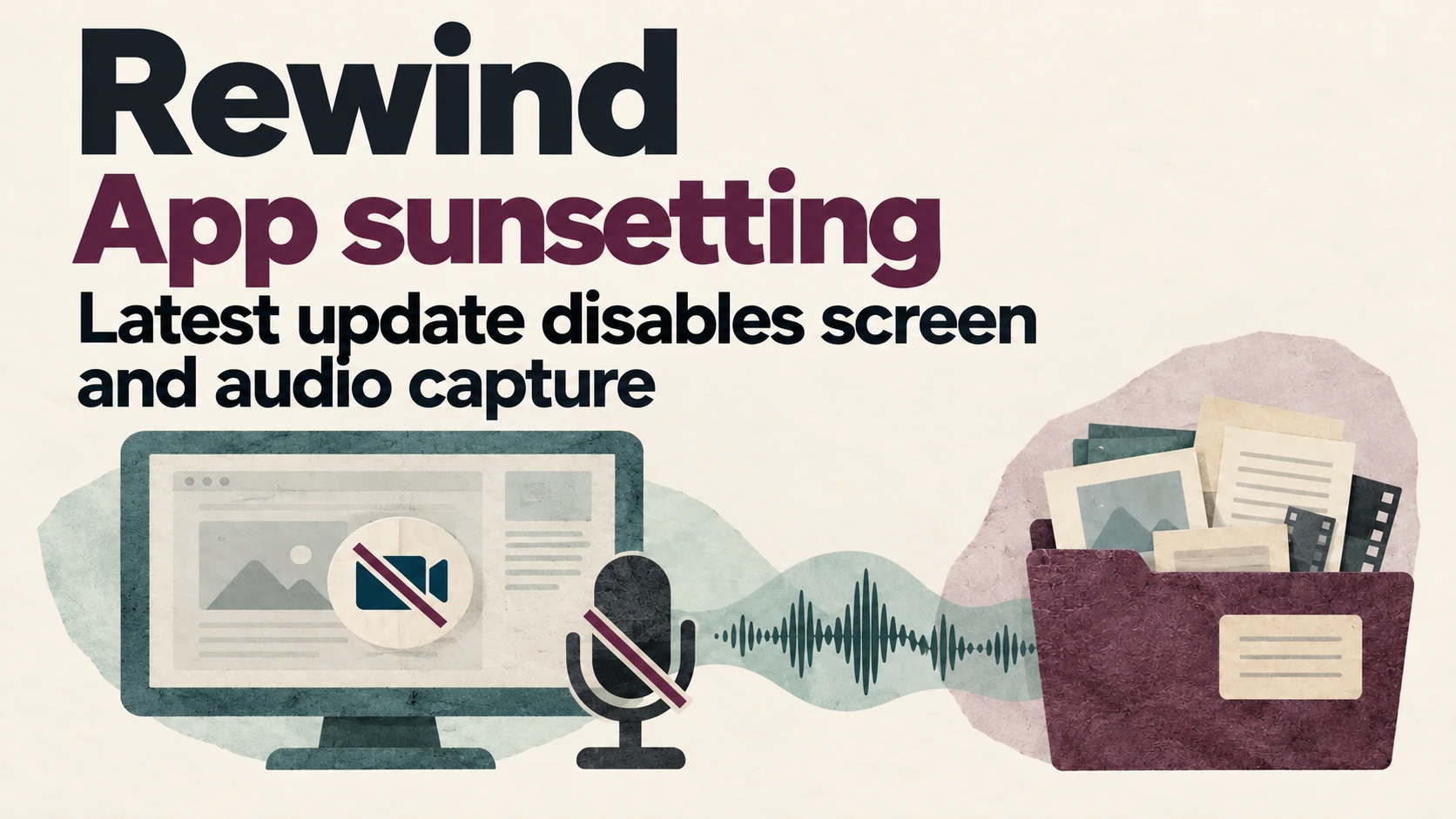
Image: original AI-generated editorial illustration for GPTOnline.ai showing Rewind’s sunsetting and the latest update disabling screen and audio capture; not a product screenshot.
Updated and sources checked: October 14, 2026.
Rewind is no longer a current recommendation for new screen or audio recording. The official Limitless notice says the latest Rewind update disables both capture functions starting December 19, 2025. This page is retained to explain the change and help existing users avoid outdated offers.
What changed for Rewind?
Rewind was previously listed here as a searchable recording tool. Our old description and subscription table should not be used as a current buying guide. The provider is sunsetting the app, so this page no longer presents the former free or paid plans as available offers.
If an old review says “try it free” or describes ongoing recording without mentioning the shutdown notice, check its publication date and the provider’s current information before relying on it.
What existing users should check first
- Identify the exact product. Check whether you used Rewind, the Limitless web or desktop app, or Pendant. Similar branding does not establish identical support or data-access conditions.
- List the material you need. For example, identify the meeting date and decision you are trying to retrieve. Check any notes or exports you already have.
- Confirm the appropriate support instructions before uninstalling. Do not assume removing an app will preserve every local file. Ask the provider about your particular app and version if the documentation does not answer your question.
- Verify any backup. Open an exported file and check that the needed content is actually present. Avoid unknown downloads claiming to restore access, and do not give them account credentials.
Rewind and Limitless have different conditions
The same company announcement discusses Pendant and the Limitless web and desktop apps. Its statements about access to previous Limitless meetings during 2026 should not be treated as a guarantee about a Rewind local archive. This review has not tested installed Rewind versions or the availability of a particular user’s recordings.
For Limitless web and desktop customers
The following is not a verified export method for Rewind local archives. For Limitless account data, the official export guide describes opening Data Exports, selecting Request Export, and downloading the result once it is marked Completed. Including audio is optional. The guide also suggests smaller date ranges if a large export has problems. Check current account access and the provider’s instructions before proceeding.
How to choose a replacement for your actual task
Start with what you need to capture: meeting notes, documents you choose to upload, or a searchable record of on-screen activity. These are different requirements. A meeting transcription tool is not automatically a replacement for screen-history search.
- Check compatibility with your device and meeting software.
- Check recording controls, participant awareness and your organization’s permission requirements.
- Review storage, retention, export and deletion options.
- Compare the actual recurring cost and usage limits, rather than an old introductory price.
- Test a non-confidential sample and its export before relying on the tool for important records.
You can use our note-taking tools directory to identify options to investigate. Check each provider directly; inclusion in the directory does not establish that every listed product has the same features or remains available.
Sources and review limits
This update uses the official product-status FAQ and Limitless export documentation, checked on October 14, 2026. It is a documentation-based status guide, not a hands-on recovery test or a guarantee that old recordings can be recovered.