chatpdf
Document Assistant

ChatPDF

Visit website

Explore ChatPDF document conversations, cited answers and sharing, including the current free allowance, account requirements and official app navigation.

chatpdf

Updated October 25, 2026

Name ChatPDF
Overview ChatPDF is an innovative platform that enables users to interact with PDF documents through natural language conversations. Its public FAQ advertises an account-free start and free analysis of two documents daily, offering a way for users wanting to extract information from a variety of documents like books, research papers, manuals, essays, and legal contracts.
Key features & benefits
  • Engage in conversations with supported PDF documents; extraction quality and upload limits can affect results.
  • Fast and straightforward interface for easy use.
  • No sign-in required to begin chatting.
  • Ability to communicate with diverse types of documents including academic and legal texts.
  • Turns supported PDF content into a conversational interface; check cited passages against the original document.
Use cases and applications
  • Quickly locate information within lengthy PDFs.
  • Share document links and discuss related files; a free account is required for features such as saved history and multi-document chats.
  • Develop engaging and interactive educational resources.
Who uses? ChatPDF is designed for students, researchers, professionals, academics, and the general public.
Pricing The official FAQ advertises a free allowance of two documents per day and a paid Plus plan for expanded use. The earlier three-document and 120-page limits are not presented as current guarantees; check the upload interface and selected plan for current file limits and pricing.
Tags PDF, chatbot, AI tools, education, research
App available? Browser access is available on desktop and mobile devices. The official site also offers a Desktop app download link, so the earlier browser-only statement is outdated. A mobile-app label is present, but a specific current store listing was not verified.

Sources: Official features, free allowance and app navigation

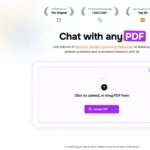
Historical image: The existing ChatPDF upload and blank-chat screenshot illustrates the document-chat interface. It does not establish current file quotas or the availability of every account feature.
KEEP EXPLORING

More tools to discover.

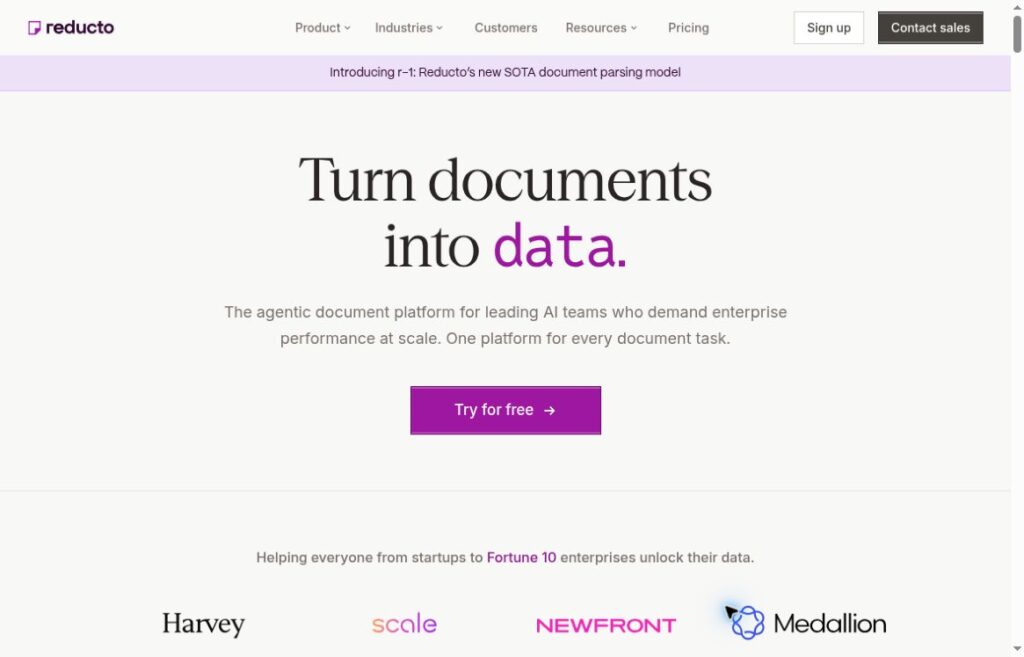
Reducto official homepage showing its logo and product introduction.

Learn how Reducto parses documents, extracts schema-based JSON, supports document workflows, and meters usage, with practical checks before deployment.

Top AI ToolsExplore
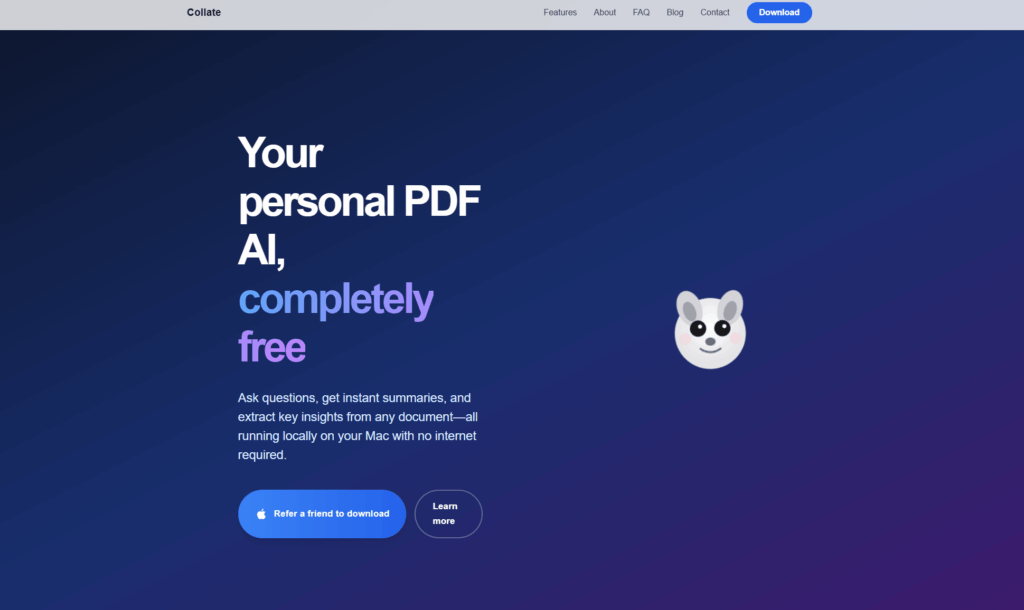
Archived Collate homepage with a blue-purple background, cartoon animal, and referral download button

Explore Collate AI’s Mac PDF workflow, local and cloud modes, pricing, practical limits, and privacy considerations in this documentation-based overview.

Document AssistantExplore
Historical Jackrabbit Ops homepage with a rabbit logo, process-documentation headline and Try Free button.

Review Jackrabbit Ops’ earlier process-documentation features and the exact domain’s current pre-launch research focus, with access and pricing limits.

Document AssistantExplore
Historical Cogniflow homepage with its logo, productivity headline and sentiment-analysis spreadsheet demo.

Cogniflow has retired its AI platform. Review its historical no-code model training, text and image analysis, audio transcription and spreadsheet features.

Document AssistantExplore
aipdf

Discover aiPDF, the AI-powered PDF chat app that simplifies document analysis and boosts productivity with instant answers and detailed summaries.

Document AssistantExplore
Find your next starting point