SubEasy.ai
Transcriber

SubEasy.ai

Visit website

Explore SubEasy.ai’s transcription, translation and subtitle tools, daily allowances, billing caveats and web-only access, with checks before export.

SubEasy.ai

Updated October 24, 2026

Existing SubEasy homepage screenshot showing its transcription/subtitle presentation, part of the video editor and a three-free-transcripts-per-day offer. The original capture date is unrecorded. This image identifies the service; it is not an independent performance test or proof of the current interface. The displayed free offer is subject to the current limits below.

Name SubEasy.ai
Overview SubEasy.ai is an AI-driven transcription and subtitle platform with a custom-tuned Whisper default transcription model and an optional Advanced model. It advertises up to 99% transcription accuracy, with results dependent on the recording, and supports 100+ languages. It handles audio/video uploads, smart subtitle reflow, AI translation, a built-in proofing/editor suite and video exports up to 4K on the Unlimited Plan.
Key features & benefits
  • Unlimited transcription (Unlimited Plan): transcription without per-minute credit consumption, subject to file limits and the service’s usage policy. Translation and other AI tools have separate allowances.
  • Whisper-based default transcription with 100+ language support. The provider’s up-to-99% accuracy claim is not a guarantee; clarity, background noise and accents affect results.
  • Subtitle reflow & speaker ID: smart timing, multi‑speaker support.
  • AI translation with glossary support for authentic multilingual subtitles.
  • Optimize video exports: embedded subtitles and multiple file outputs; 4K video export is listed on the Unlimited Plan.
  • AI Companion & Chat integration: auto‑summaries, content generation, transcript tuning.
Use cases and applications
  • Global content creation: YouTube, courses, marketing materials
  • Podcast & interview transcription with speaker separation
  • Language learning and translation services
  • Accessibility: captions for hearing‑impaired audiences
  • Enterprise video archiving, training, and compliance documentation
Who uses? Content creators, podcasters, educators, marketing teams, enterprises, localization professionals, researchers, people with hearing difficulties seeking multilingual transcripts and captions.
Pricing
  • Free Plan: 3×30 min free transcripts per day, basic tools
  • Pay‑as‑You‑Go: starts at $19 for 90 days of privileges on the current pricing card. An older official FAQ still mentions up to 180 days; confirm credit expiry and included features for the selected package.
  • Pro Plan (200-credit option): $9.90 billed monthly or $89 billed annually, equivalent to about $7.42/month. Includes 200 minutes of transcription monthly plus 60 minutes of free AI translation daily, Clear+, speaker ID, AI Companion and watermark-free video export.
  • Unlimited Plan (500-credit option): $39 billed monthly or $348 billed annually, equivalent to $29/month. Includes unlimited transcription, 120 minutes of free AI translation daily, batch processing, 4K export and priority service.
  • Business/Custom: includes API & tailored enterprise support

Check the current pricing page for your currency, billing period and selected AI workflow. A displayed annual plan’s monthly equivalent is not its month-to-month charge.

Tags #Transcription #Subtitles #AITranslation #WhisperAI #VideoEditing #Multilingual #Accessibility
App available? Officially web-only, according to SubEasy’s app notice. WebCatalog is an unaffiliated desktop wrapper, not an official SubEasy app; use the official website for access. Browser-based multi-format export and API support remain available.

Check the recording, review and export

  1. Use recordings you are authorized to process and choose the intended transcription or translation mode. Review the privacy policy before uploading confidential interviews or regulated material: optional Advanced transcription and translation can involve third-party AI providers.
  2. Check names, numbers, specialist terms, speaker labels and subtitle timing against the recording. Review translations rather than treating the advertised accuracy as a substitute for proofreading.
  3. Choose the needed text, subtitle or video export and inspect the downloaded result. The March 2026 update states a 50 GB upload maximum with a four-hour duration limit; also check the chosen workflow’s limits. Archiving or compliance documentation still needs your organization’s review and retention rules.

Further sources: transcription features and accuracy caveats; service and usage terms; WebCatalog’s affiliation disclaimer.
KEEP EXPLORING

More tools to discover.

RambleFix AI

Explore RambleFix AI transcription and rewriting, with annual plan pricing, per-recording limits, Mac and browser access, and a review-first workflow.

TranscriberExplore
TurboScribe AI

Review TurboScribe AI’s transcription and translation features, free and paid plans, file limits, export formats and browser-based mobile access.

TranscriberExplore
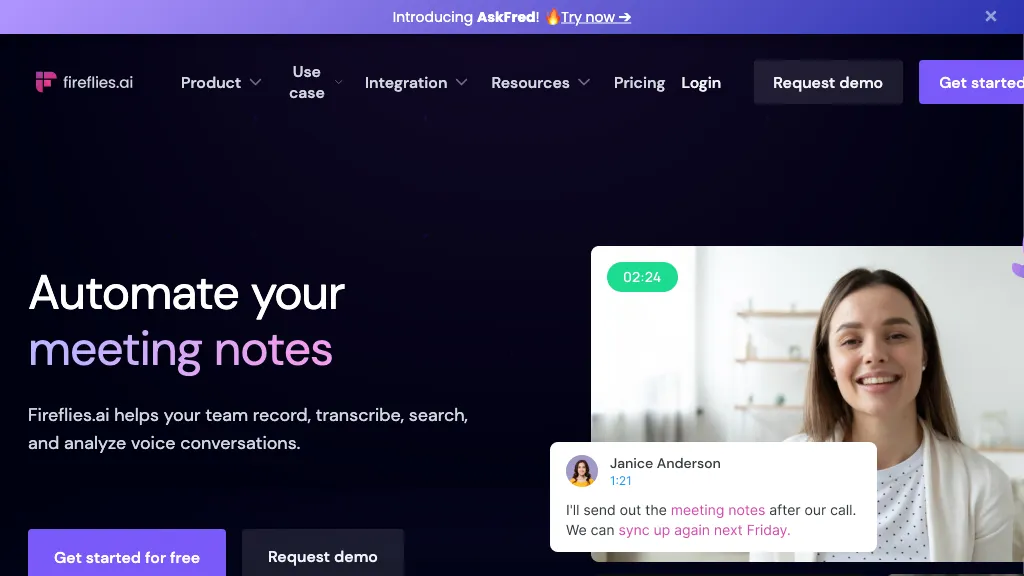
Historical Fireflies homepage with a meeting-notes headline, a video-call portrait, and a sample transcript card.

Explore Fireflies.ai meeting capture, apps, pricing, Free-plan conditions, storage limits, and consent settings before recording or sharing notes.

TranscriberExplore
Find your next starting point