Updated October 29, 2026
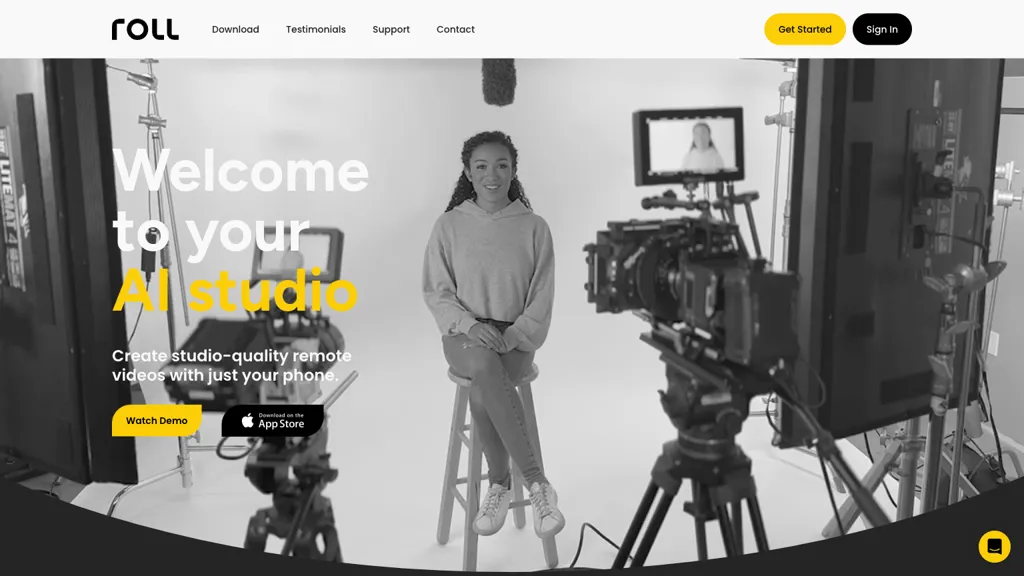
Roll’s app listing describes remote video-production software, while its company profile also promotes managed video production for events and interviews. These are not necessarily the same package. Confirm whether you are choosing self-service software or a managed service. The original website could not be retrieved directly; this review uses its indexed pages, official company profile and the linked Apple listing, not a recording test.
| Name | Roll AI Video Production Studio |
| Overview | Roll advertises phone-and-browser recording, camera effects and AI-assisted editing for remote video projects. Its official LinkedIn profile also describes a managed production offering. Neither description establishes professional-quality results for every setup, a guaranteed turnaround or the elimination of equipment and human editing. |
| Key features & benefits |
These are provider-described features, not independently tested results. Check which features apply to the selected service, device and plan. |
| Use cases and applications |
|
| Who uses? | Content creators, Marketers, Event organizers, Educators, Podcasters, Interviewers |
| Pricing | The Pakistan Apple listing labels the app download free; that does not establish free production services. Indexed website pricing contains multiple rate blocks whose billing conditions could not be reliably reconciled. The pricing FAQ advertises two recording hours for a trial, while the terms describe a 30-day trial. Confirm how these time and usage limits apply together, along with current currency, price, renewal and cancellation terms. No permanent free plan or current quotation was verified. |
| Tags | AI Video Production, Video Marketing, Remote Video Creation, Online Editing, Podcasting |
| App available? | The exact Roll: AI for Video listing by Roll Camera LLC was readable in Apple’s Pakistan store for iPhone and iPad. It lists iOS/iPadOS 15.4 or later, while an older provider help page specifies iOS 16 and stricter hardware requirements for some capture modes. Confirm device and feature compatibility before a project. Listing presence does not establish successful installation, account access or availability in every region; Android availability was not verified. |
A practical recording check
For a hypothetical interview, agree with participants on recording and publication, check lighting and microphone placement, and plan a short non-sensitive test before the main session. Review cuts, captions and framing so an edit does not misrepresent a speaker. Keep an independent copy of important source files. This is an illustrative workflow, not a recording made with Roll for this review.
Privacy and permissions
Apple’s developer-reported privacy label includes identity-linked contact information, user content, identifiers, usage information and diagnostics; Apple says it has not verified those disclosures. The website privacy text describes recording and editor content and warns that a host or producer may make recordings public. Do not assume private or confidential handling simply because a call is remote.
Check the applicable content and service terms before uploading footage, music, photographs or material involving other people. Confirm permissions for recording and publication and the scope of any managed-service agreement. Automated editing is not a rights-clearance or accuracy guarantee.
Sources checked October 29, 2026 (UTC): exact Apple listing, Roll company profile, indexed pricing, terms, privacy and device guidance (dated January 18, 2024). No app installation, account, recording, upload or purchase was performed.