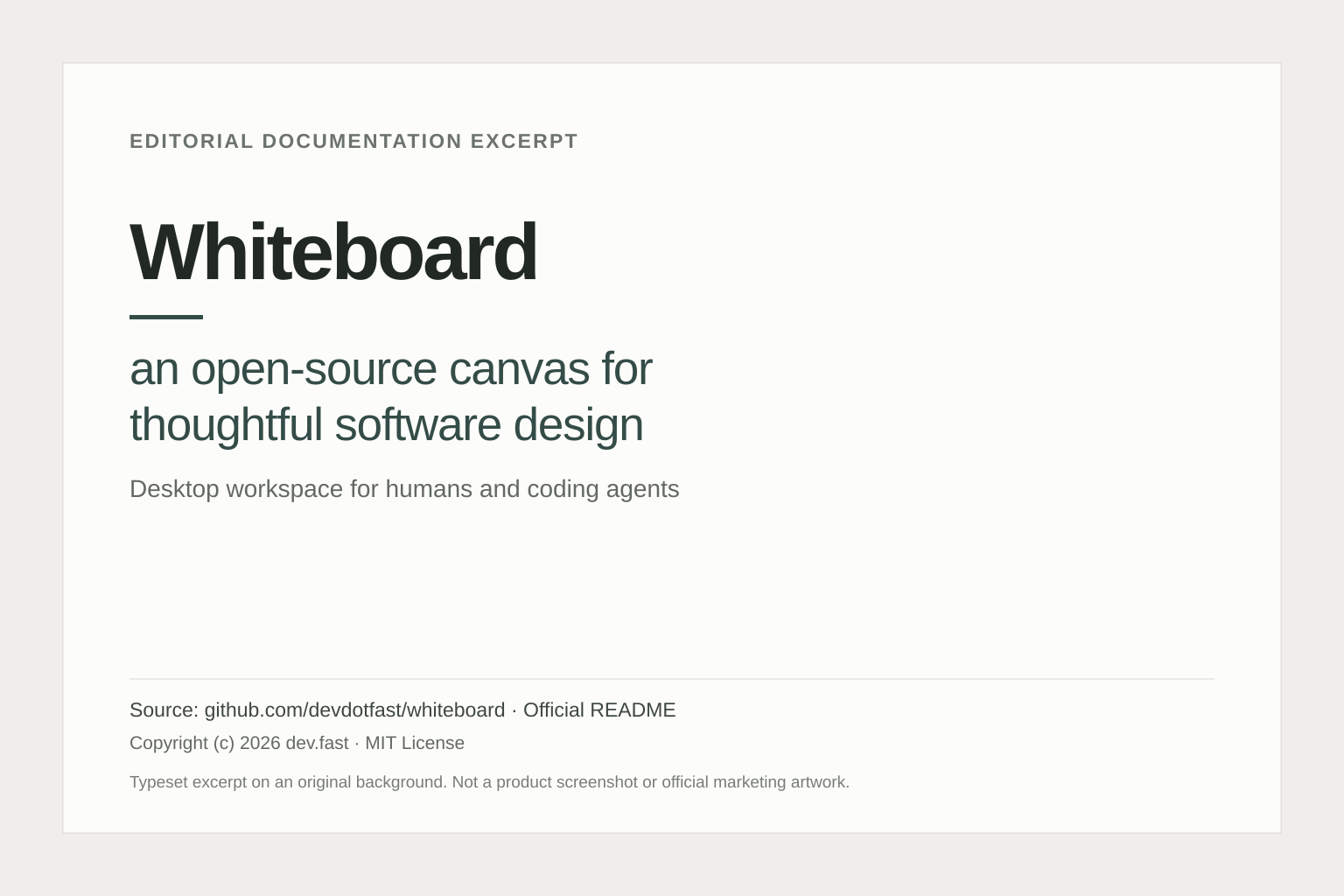
Whiteboard is an open-source desktop workspace for understanding software with an AI coding agent. It gives developers a canvas where explanations and diagrams can connect to the code being discussed. The goal is practical: make it easier to inspect a proposed change, question its design and see the implementation behind the explanation.
According to the official project, Whiteboard works with tools such as Claude Code and Codex and offers downloads for macOS, Windows and Linux. It is aimed at reviewing and reasoning about software, rather than replacing every part of an editor or development process.
What does Whiteboard do?
Its core features include diagrams linked to underlying code, an AST-aware semantic diff viewer and a decision log connecting agent traces with implementation choices. The diff view can summarize large functions and reduce visual noise, helping a reviewer decide where to investigate.
The useful question is whether a diagram makes a change more inspectable. A convincing explanation alone does not establish correctness. Reviewers still need to examine the relevant implementation, tests and assumptions, especially where a seemingly small change affects several components.
Recent Whiteboard updates
The official release history records version 0.3.4 on 20 October 2026, addressing repeated survey prompts and Windows issues. The larger 0.3.0 update arrived on 16 October with redesigned onboarding, navigation and diff improvements.
Version 0.3.0 also introduced experimental remote-host support over SSH. This allows review of code on supported Linux development servers or cloud machines from a desktop client. Experimental status matters: it should not be presented as unrestricted support for every remote operating system or connection method. These dates describe software updates, not the product’s original launch.
A hypothetical review workflow
Imagine a developer has a branch that changes how an application retries failed background jobs. A focused evaluation could proceed as follows:
- Choose one bounded change. Start with a small repository and a branch whose purpose you already understand. Record the expected behavior before asking the agent for an explanation.
- Ask for a failure-path diagram. Request a view of the first attempt, the retry queue and the final failure state. Ask the agent to identify uncertainty rather than filling gaps with guesses.
- Follow the references. Open the code behind each important step. Compare the explanation with the actual conditions and state transitions.
- Inspect the changed behavior. Use the diff to focus on what the branch alters, then examine tests for repeated execution, cancellation and exhausted retries.
- Resolve questions explicitly. Give corrections back to the agent and request a revised explanation before recording your review decision.
This is an illustrative process, not a benchmark or a claim that Whiteboard detects those bugs automatically. A useful success criterion is whether a teammate can understand why the change exists and where to verify it. Run the normal test suite and keep the usual human approval process.
Pricing and availability
Whiteboard’s source is available under the MIT license. The open-source software can be used without a Whiteboard software-license fee, subject to that license. The connected coding agent is a separate dependency: its subscription or model-usage charges may still apply.
The project describes a hosted team product as planned. Do not assume that a hosted subscription, collaborative service or future team feature is included in the current desktop release.
Important limitations
The project currently lists three notable constraints: files cannot be edited directly in Whiteboard, reviews spanning multiple repositories are not well supported, and updates to an already-shared review require sharing it again. Those limits make a single-repository, review-focused trial more informative than immediately moving an entire team’s workflow.
Local work and privacy
The privacy documentation says Whiteboard works with local checkouts, but local does not mean no network transmission. Anonymous usage telemetry is enabled by default. Crash dumps uploaded after a crash can contain process memory, including open source text, and are retained for 30 days. Settings can disable telemetry and crash uploads.
Sharing uploads a saved review copy. Hosted agent-trace capture is separately disabled by default and requires consent for each repository. Review these controls and your coding agent’s own data handling before using confidential code. This article summarizes official documentation reviewed on 22 October 2026; it does not claim hands-on testing or verified productivity gains.
A shared review is downloadable by anyone with its link. Share only material approved for that audience. Recipients still need their own GitHub access to open the linked source commits.
Explore more options in our AI tools directory.
Editorial typesetting of a short excerpt from the official Whiteboard README. Documentation copyright (c) 2026 dev.fast, MIT License. Layout reformatted for this article; not a product screenshot or official marketing artwork.