Updated: October 25, 2026
| Name | Vizard |
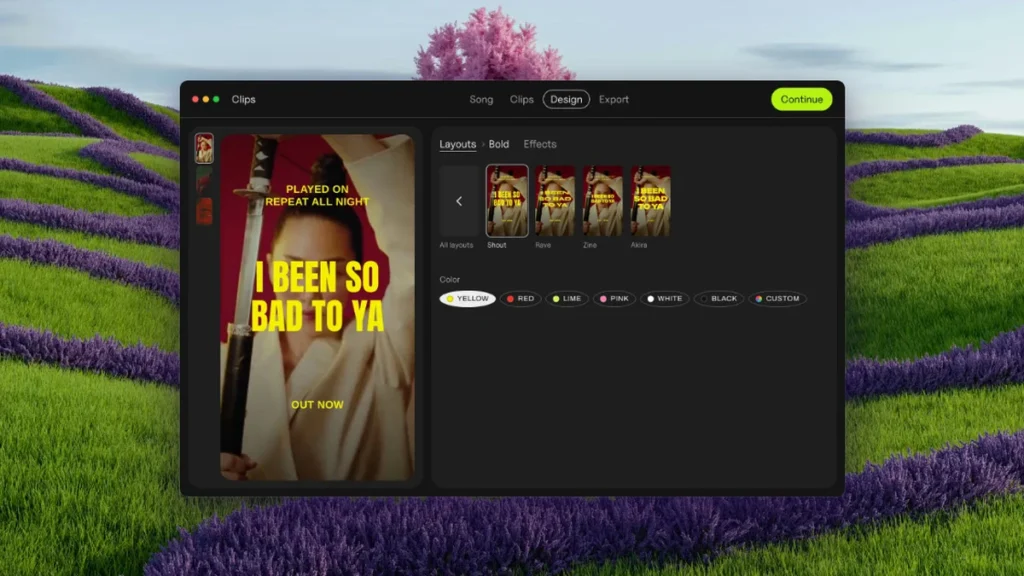
| Overview | Vizard is an innovative AI-powered video editing tool designed to simplify the process of repurposing video content for users lacking technical expertise. It enables the rapid creation of shareable short-form videos sourced from interviews, webinars, podcasts, and conferences. The platform offers pre-made layouts and brand templates, along with automated editing, cutting and resizing. Its current help page lists 40 transcription languages; subtitle translation is a separate feature supporting over 100 languages. Check captions against the recording. Zoom recordings remain a useful source, but confirm direct account-sync availability in your current workspace rather than assuming every plan includes it. |
| Key features & benefits |
|
| Use cases and applications |
|
| Who uses? | Content creators, marketing teams, social media managers |
| Pricing |
The official pricing page lists a Free plan with 60 credits per month, 720p exports and three-day project storage. Download anything you need before the free-storage period expires. With Monthly billing and the 600 credits per month allowance selected on October 25, 2026, Creator is $29 per month and Business is $39 per month. Business lists additional team seats at $10 per month per seat. These amounts apply to the selected allowance, not every credit tier. Annual billing is a separate offer; subscriptions renew automatically unless canceled under the applicable terms. Different features can consume credits differently: the published one-credit-per-upload-minute rule should not be treated as the cost of every AI feature. Check the selected plan, allowance and feature cost before paying. |
| Tags | AI video editor, automated video editing, subtitle video editor, AI video marketing |
| App available? | Yes. In addition to web and mobile-web access, the official help center documents iOS and Android apps. Feature and storage behavior may differ by platform; no app installation or output test was performed for this article. |
Practical workflow: Import an authorized interview, webinar, podcast or conference recording, review suggested clips, correct transcript errors and check that edits preserve the speaker’s meaning. A fixed template count or accuracy percentage is not a quality guarantee. Obtain necessary rights and consent before uploading recordings or publishing edited footage.
Sources: Clipping and editing overview; Plans and credit allowances; Transcription and translation languages; Storage and platform support; AI Edit credit units and limitations; Terms of service.
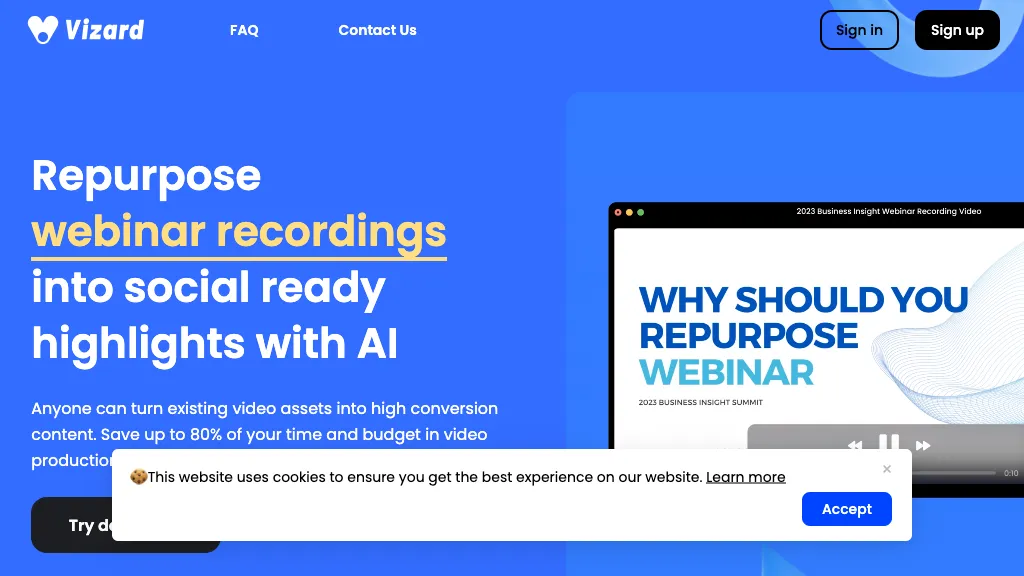
Image context: The existing image is an earlier blue Vizard marketing page about repurposing webinars, with an 80% claim and a cookie banner. Its capture date is unknown; the marketing figure is not an independently measured result or a guarantee for your workflow.