Updated October 24, 2026
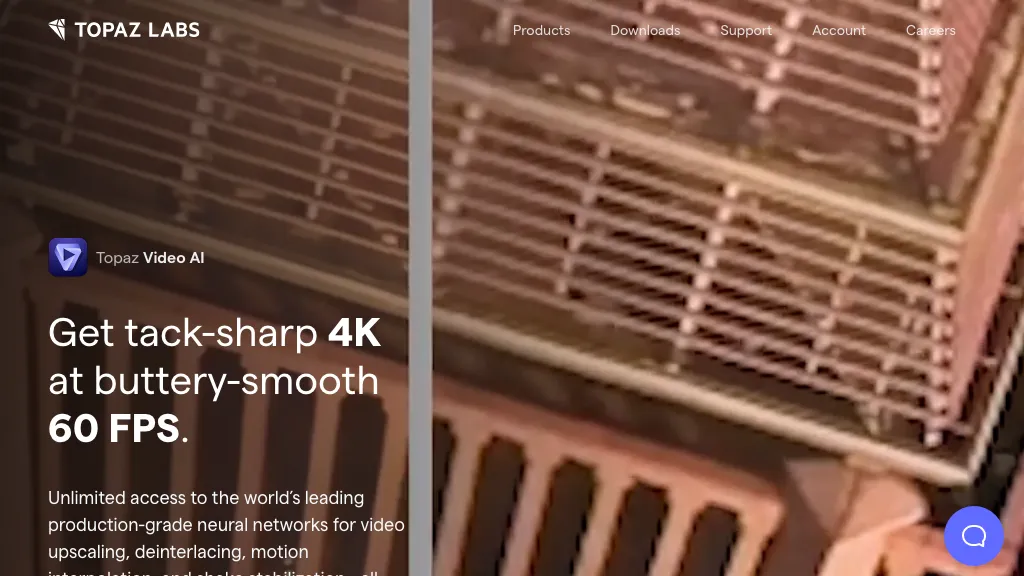
The existing image is an earlier Topaz Video AI homepage screenshot with a building comparison labeled 4K 60 FPS. It is historical provider marketing, not our processed footage or evidence of current model performance. The capture date is unknown.
| Name | Topaz Video AI |
| Overview | Topaz Video AI is video-enhancement software for upscaling, deinterlacing, stabilization and frame interpolation. The provider now distinguishes the legacy perpetual-license Video AI app from the newer subscription-only Topaz Video. Existing owners can continue using their purchased legacy version; it no longer receives updates. The current app offers a larger model selection rather than a fixed five-model set. Processing speed and output quality depend on source footage, model, settings and supported hardware; enhancement can introduce artifacts, so inspect previews before processing a full project. |
| Key features & benefits |
|
| Use cases and applications |
|
| Who uses? | Film producers, video editors, content creators, video archivists, YouTube content creators, digital marketers. |
| Pricing |
The earlier Gigapixel 7 $99, Photo AI $199 and Image Quality Bundle $199.99 figures describe other or older photo products, not current Topaz Video plans. The earlier Video AI 4 $299 offer is not a current perpetual-license offer.
The old license remains usable by its owner, but the current app requires an active subscription. Check selected billing, currency, taxes and any promotion before purchasing. The provider’s general cancellation and refund policy says refund requests must be made within two days of purchase and that canceling or refunding an annual-commitment subscription during its 12-month term requires an additional fee. The policy does not state that fee’s amount. Canceling a subscription is separate from requesting a refund; Topaz recommends canceling at least 24 hours before renewal. |
| Tags | Video Enhancement, AI Tools, Video Editing, Upscaling, Stabilization |
| App available? | Yes. Topaz Video is downloadable software for supported Windows and Mac computers, available standalone and with supported editing-host plugins. For the current Topaz Video app, the official requirements exclude Intel-based Macs, Snapdragon processors and Linux. The listed Mac minimum is an M-series processor, macOS 13 and 16 GB of RAM; individual models can require newer systems or more memory. These current-app requirements should not be applied automatically to an older owned Video AI version. Separate Topaz web/mobile products are not the same desktop video application; check current GPU, operating-system and model requirements. |
Keep the original footage, preview difficult motion and faces, and compare the result before a full render. Sources: current product and billing options, legacy Video AI versus current Topaz Video and system requirements.