Updated on October 20, 2026.
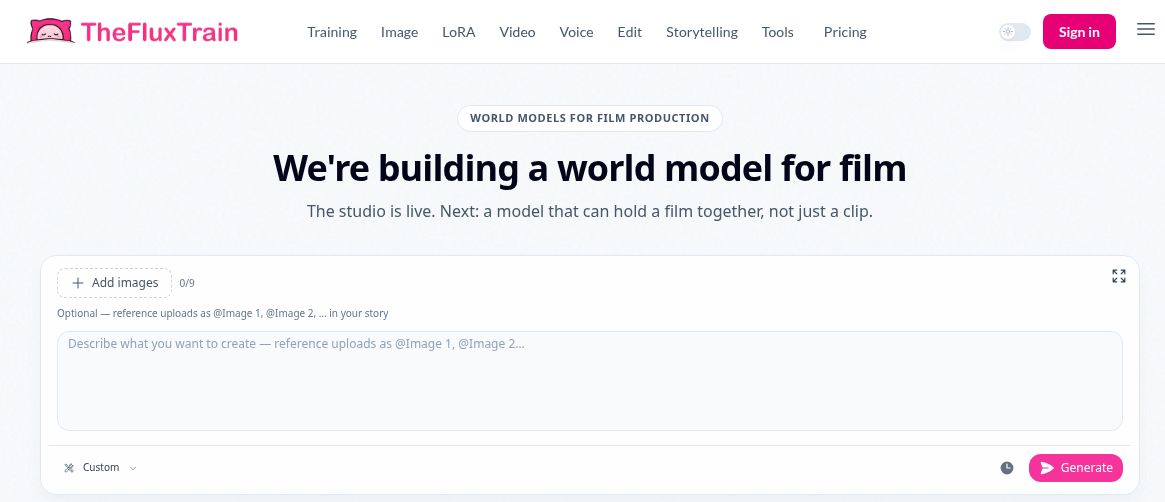
Featured image: screenshot of TheFluxTrain’s official website, captured October 20, 2026. The studio is live; the world model is under development.
| Name | TheFluxTrain AI |
| Overview | TheFluxTrain AI is an all-in-one platform for training and generating visual content using LoRA-style fine-tuning. The provider says training usually needs 3–9 images, depending on the subject. This can help create a recurring digital character, product, or visual identity, although outputs still need consistency checks. Ideal for marketers, creators, and developers, it combines image editing, generation, and animation tools in a streamlined workflow that removes the typical complexity of AI model training. Whether you’re building a brand persona or a cartoon series, this remains a useful part of its offering. The current platform also includes Flow Studio, Director Zero and a video-editing timeline; its Arrival-01 world-model project is still described as research in development. |
| Key Features & Benefits |
Training and generation times depend on the model, settings and workload; review the outputs before using them in a campaign or story. |
| Use Cases & Applications |
|
| Who Uses? | Content creators Marketers Indie developers E-commerce stores Animation and design freelancers |
| Pricing |
Prices checked October 20, 2026. These are the displayed dollar amounts; confirm the currency at checkout:
|
| Tags | AI image generation, LoRA training, character creation, product mockups, inpainting, AI influencer, text-to-image, image-to-video |
| App Available? | Web-based studio, with developer API and CLI documentation. A standalone mobile app was not verified in the official sources checked. |
Choosing a workflow and credit budget
For recurring characters or product visuals, start with the training and reference-image tools described above. For a short film or promotional video, the current studio adds scene planning, generation and timeline editing. The company roadmap separates the available studio from Arrival-01, a world model still being developed.
Use the official rate card for the model and settings you intend to run. Training, image generation and video generation consume different amounts; broad “trainings per plan” estimates can differ from the detailed rate card. One-off discounts and model costs may change. Verify the total and renewal terms at checkout.
Use only reference images you have permission to upload, obtain consent before using someone’s likeness, and check faces, product details and continuity before publishing. These are practical editorial checks, not a hands-on performance test. See the official documentation for supported workflows and developer tools.