Updated October 29, 2026
Features, uses and compatibility
| Name | StudentMate |
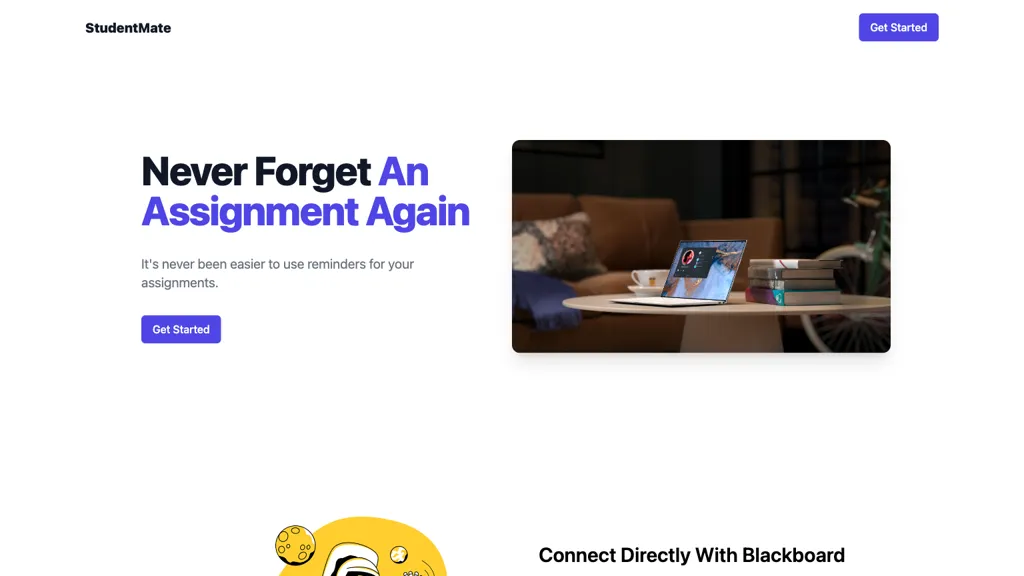
| Overview | StudentMate is Shuchir Jain’s assignment-reminder project. Its published materials describe collecting assignments from a learning management system (LMS) and using AI to interpret teachers’ Google Slides agendas. It is a tracking aid, not a guarantee that every assignment is captured or completed. Current account connections and reminder delivery were not tested. |
| Key features & benefits |
The FAQ describes five-minute collection intervals, not continuous real-time updates. This schedule was not independently verified. |
| Use cases and applications |
|
| Who uses? | Students with a supported school setup; educators can assess whether it fits their institution’s policies and systems. |
| Pricing | No current price schedule, free-plan allowance or subscription terms were verified in the official pages checked. Publicly available source code does not establish the cost or availability of a hosted service. |
| Tags | Assignment Management, Student Productivity, AI-Assisted Reminders, Blackboard |
| App available? | A website and public source repository are available as reference materials. A dedicated native mobile app was not verified. The login page lists North Allegheny Blackboard and Google Classroom options, but working connections were not confirmed. |
Check your school’s setup before connecting
The repository describes an implementation tailored to North Allegheny’s Blackboard configuration, rather than universal support for every Blackboard school. Its documentation and the login options are not sufficient to confirm that Google Classroom or your institution’s current setup works. Ask about compatibility before granting access.
For example, if a reminder lists a science worksheet due on Friday, compare the task and date with the teacher’s current course page. Keep the official instructions as your reference, and check for changed deadlines, omitted work and time-zone differences. This is a suggested workflow, not a StudentMate test; reminders do not guarantee better grades or completed work.
Protect school-account access
The repository describes browser-extension access to the LMS and sending text extracted from teacher agendas to an external AI service. That is a description of the published implementation, not an audit of the current hosted service. A current privacy policy, retention schedule and deletion process were not verified.
Use only your own authorized school account and follow school rules for third-party integrations. Review requested permissions and data handling with the school or a parent/guardian where appropriate. Do not paste passwords, session cookies, access tokens or other students’ records into prompts or support messages. Do not bypass school login, access controls or filtering restrictions to make an integration work.
Sources checked October 28, 2026 (UTC): project website, login options, FAQ, creator’s portfolio and source repository. The research service reported crawl dates roughly two years old for the website, login page and FAQ; those copies do not verify current operation. No account was connected, extension installed, school data submitted or reminder tested.