Socratic by Google was a mobile learning app for finding explanations, worked examples and educational resources from a question or photo. If you are looking for it today, start with an important access change: the Socratic website address currently redirects to Google Lens. This guide separates the original app’s documented purpose from the homework-help options Google currently presents.
Updated October 15, 2026. Based on official Google documentation, public product pages and app-store checks. We did not install an app, sign in, submit homework or test answer quality.
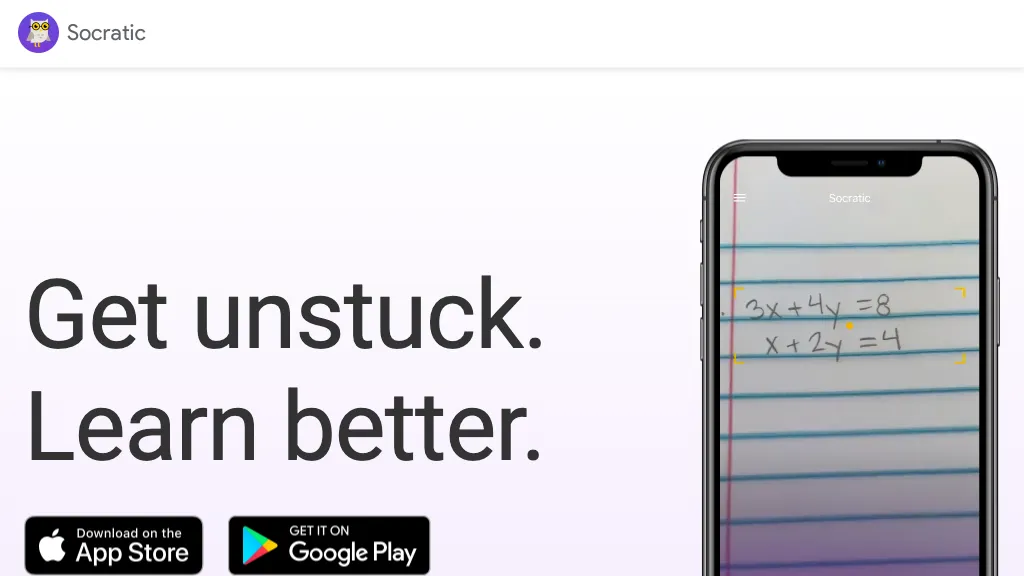
Image note: The retained image shows a historical Socratic landing page with a phone and App Store and Google Play badges. Those old badges do not establish current app availability.
Is Socratic still available?
The clearest verified change is where Google sends visitors: socratic.org now opens the Google Lens product page. Google’s Socratic help center remains accessible, and a legacy Socratic product page still describes the app. These surviving pages explain its earlier design; they do not confirm that a new user can install and use the standalone app today.
We could not verify a currently installable standalone Socratic app for this update. The Apple download linked from Google’s 2019 announcement returned “not found” during our check, and the historical Android listing could not be verified. We did not find an official announcement that establishes a universal shutdown date. A failed store lookup, by itself, is insufficient evidence for one.
For someone seeking Google’s current photo-based homework help, Lens is the documented starting point. This is an access recommendation based on the redirect and Google’s current product information, not a claim that every former Socratic feature is preserved. The older Socratic community question-and-answer website is also distinct from the Google mobile app; archived community answers do not establish app availability.
What was the Socratic app designed to do?
Google’s August 15, 2019 announcement described Socratic as a learning app for high-school and university study. It identified concepts in a question and connected the learner with explanations and resources. Google also described subject guides developed with educators. Those are historical product claims, rather than a promise of today’s catalog or access.
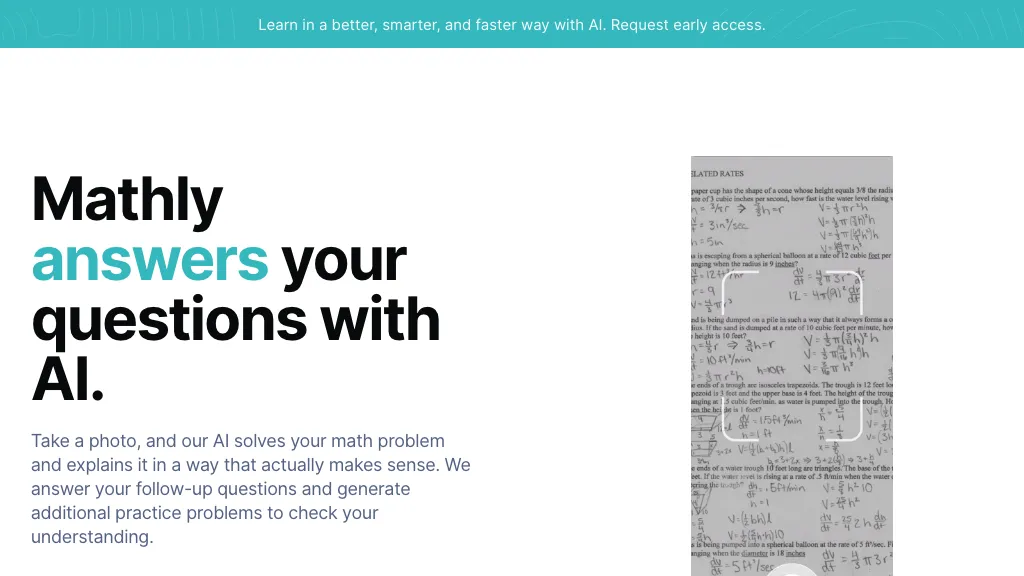
The remaining input guide documents three ways of entering a question: a cropped photograph, typed text or voice. Its results guide describes concept explanations, question-and-answer matches, worked examples, videos and additional web results. Math results could link to external services such as Cymath and WolframAlpha.
This matters when interpreting old descriptions of “instant answers.” Socratic’s documented role included finding and organizing learning resources from other websites. It was not evidence that every photographed problem would receive a correct, complete solution.
What Google Lens offers now
Google’s current Lens page describes homework help that finds explanations, videos and web results for subjects including math, history, chemistry, biology and physics. Lens can search from a camera image or an existing image. Google had already announced related Lens homework capabilities in August 2020, so this capability should not be presented as something that first appeared in 2025.
The current Android image-search instructions describe opening Lens from the Google or Chrome app, taking or selecting a photo, choosing the relevant area and reviewing results. You can refine the search with words. Google’s iPhone and iPad instructions describe related image-search routes. Follow the instructions for your device rather than expecting an old Socratic screenshot to match.
Search results can include AI overviews, websites and image matches. Open the underlying source and check that it addresses the same problem, notation and assumptions. A similar-looking worked example may use different numbers or conditions. This review does not establish accuracy, response speed or coverage for a particular course.
Pricing and device availability
A current standalone Socratic offer or subscription was not verified. Google’s current Lens page directs mobile visitors to the Google app. The US App Store listing for the Google app identifies it as free with in-app purchases and includes Lens and homework-help features. This does not make every Google feature or linked learning resource free.
The Google Lens listing on Google Play is accessible and warns that availability varies by language and region, with an internet connection required for some features. Check the current official download page, device requirements and local store listing before relying on access. No app installation or purchase was performed for this article.
Privacy before photographing schoolwork
A photo search sends an image for processing. As a practical precaution, crop out names, student IDs, grades, faces, school account details and unrelated material before using a learning tool. Use a public practice question or a fictional example when exploring its behavior. Follow your school’s rules about external services and assessment assistance.
Google’s Visual Search History documentation says the setting is off by default. When enabled for eligible services, saved images may be used to improve visual recognition and search technologies, including model training. Turning it off prevents images from being saved to Web & App Activity under that setting; it does not turn off all search activity, remove previously saved images or mean the image is not processed. Google notes that history settings are changing, so the controls you see may differ.
For earlier Socratic searches, Google’s separate Socratic data guide describes viewing and deleting activity through My Activity when Web & App Activity is enabled. Read the relevant account controls instead of assuming an old app’s disappearance automatically deletes its history.
A study workflow that checks understanding
Use photo-based search to find an explanation, then verify the reasoning yourself:
- Try the problem first and identify the exact step that is unclear.
- Prepare a clean image containing only the permitted practice question.
- Check that the search has interpreted each symbol and number correctly.
- Read an explanation and compare its method with your textbook or class notes.
- Work through a similar problem without the tool, then check the answer independently.
Fictional practice example: Suppose you are reviewing 3(x − 2) = 15 and are unsure how to undo the multiplication. Divide both sides by 3 to get x − 2 = 5, then add 2 to get x = 7. Substitute it back: 3(7 − 2) = 15. These steps are an editorial example, not captured Socratic or Lens output. A useful explanation should help you understand why each operation preserves equality.
If a result skips a step, changes the question or conflicts with your course material, investigate before using it. For graded work, follow the instructor’s permitted-use policy and write your own reasoning. An answer on the screen is not, by itself, evidence that you understand the method.
Bottom line
Socratic is useful to understand as part of Google’s history of photo-based learning tools. For current access, follow Google’s Lens guidance and verify the options on your device. Choose a study aid by the quality of its explanations, the ability to inspect sources and its handling of your data. You can browse our Homework Assistant directory for other options, then check each provider’s current availability and terms.