Updated October 16, 2026. This guide is based on public product documentation. We did not upload footage, test the editor, publish clips or measure results.
Spikes Studio AI is a browser-based tool for repurposing longer recordings into short social videos. Its advertised workflow combines suggested clips, caption styling and transitions. Treat the suggestions as an editing starting point: choosing an accurate, self-contained excerpt still needs human judgment. How Spikes describes its workflow.
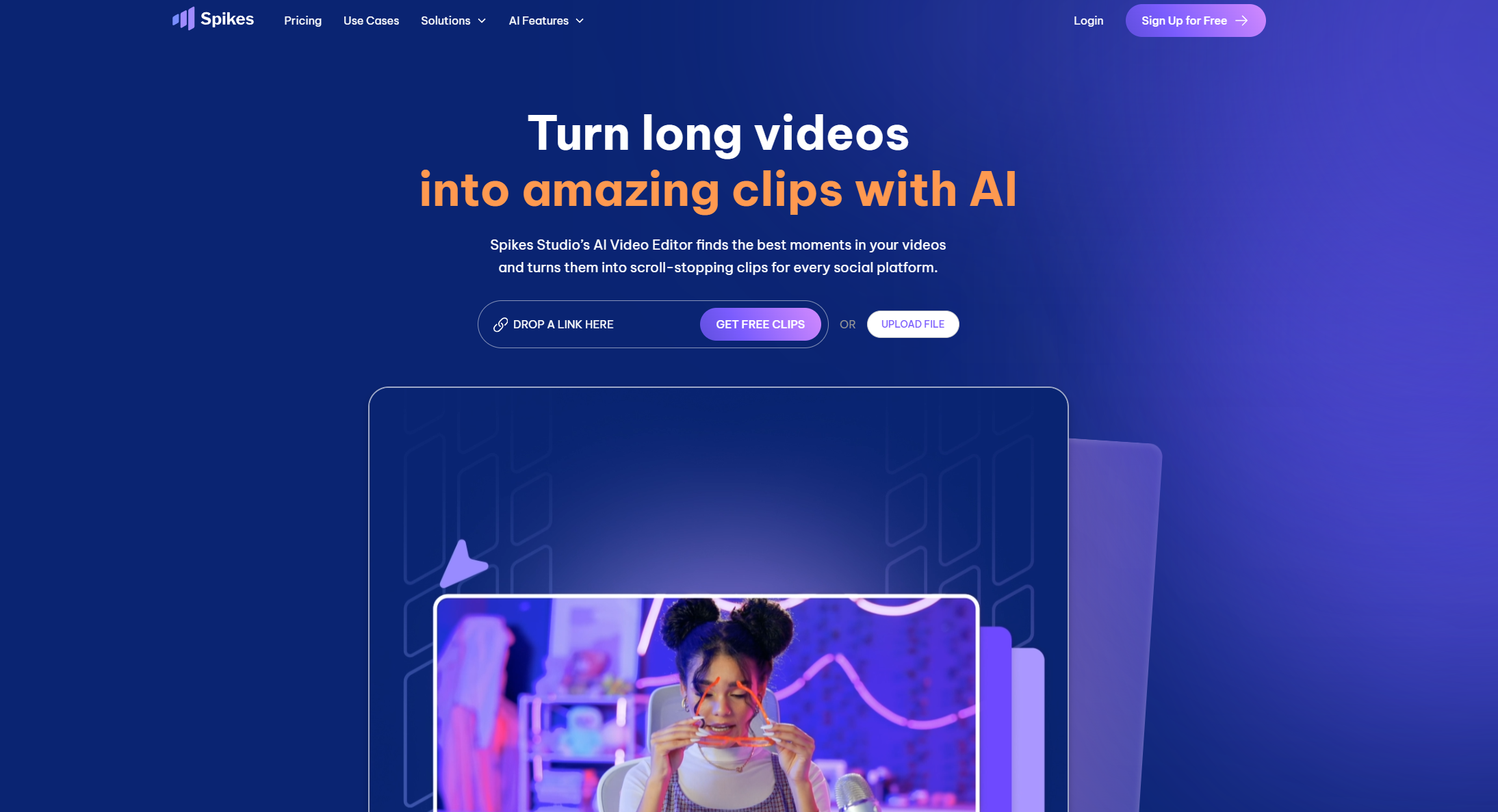
Image above: historical Spikes homepage screenshot retained from this listing. Its marketing copy does not establish current free access, clip quality or engagement results.
What you can do
The product overview advertises transitions, zooming, export formats, templates, generated titles and hashtags, and a views-and-engagement dashboard. These are vendor-described capabilities. We have not verified performance improvements or editing-time savings.
Spikes advertises transcription in more than 99 languages, retaining the source language; this does not establish translation support. Its Add Captions workflow accepts videos up to five minutes; that specific limit should not be applied to long-video clipping. See the product FAQ.
Sources, publishing and mobile
Official help lists YouTube, Google Drive and Vimeo links, alongside uploads from a computer. The same help article, dated June 15, 2025, says mobile editing is unsupported and directs users to the desktop platform for further customization. We could not verify a current official app-store listing for a product called Spikes GO!; plan on using a computer and confirm mobile availability with Spikes if it matters to your workflow. Source and mobile guidance.
The homepage FAQ names LinkedIn, TikTok, Facebook and YouTube for connected-account scheduling and management. It also advertises resizing for Instagram, but that alone does not verify an Instagram publishing integration. Publishing FAQ.
For failed posts, the help center recommends checking account permissions, the selected date and time, and completed title, tag and description fields. Review the destination account and final video before scheduling. Posting troubleshooting.
Pricing and processing minutes
The pricing cards show dollar symbols without a currency code in the reviewed text. Confirm currency, taxes and checkout totals.
| Plan | Displayed price and billing | Included minutes |
|---|---|---|
| Basic | $0; demo clips | Upload quota unconfirmed |
| PRO+ monthly | $32.99/month, billed monthly | 300/month |
| PRO+ annual | $14.09/month equivalent, billed annually | 3,600/year |
| Enterprise monthly | $115.99/month, billed monthly | 1,200/month |
| Enterprise annual | $56.34/month equivalent, billed annually | 14,400/year |
Annual rates require annual billing. Basic lists watermarked 720p output; PRO+ lists watermark-free 1080p, animated captions and AI B-roll.
Conflicting free-plan information: the pricing FAQ mentions 30 minutes/month; its comparison header shows Basic at $12.99. The July 2025 help article describes demo access. Confirm your account’s allowance.
Credits track the duration processed: the help center’s example charges 60 minutes for a 60-minute source. Selecting a shorter target clip does not turn those credits into a guaranteed number of finished clips. How minutes are charged. For budgeting, add up your source recordings before choosing a plan.
Spikes describes automatic payments through Stripe or PayPal in its billing guidance. Under section 15 of the terms, subscriptions renew for the same term at the current non-promotional rate unless auto-renewal is disabled. Cancel before the term ends to avoid another charge. Access continues through the paid period; the terms exclude prorated refunds.
Privacy, rights and storage
The pricing comparison lists storage lifespans of seven days for Basic, 90 days for PRO+ and unlimited for Enterprise. Keep independent backups.
The linked privacy policy identifies PlayStream Ltd. It describes service-provider sharing, personal-data retention until deletion by the company or a valid request, with exceptions for legal obligations and disputes. Requests can be sent to [email protected]. Its wording still includes a desktop-streaming and challenger service, so clarify how it applies to uploaded editing projects before submitting confidential footage.
The terms need clarification for commercial work: section 8 states that users retain ownership of their user-generated content, while section 2 grants access for personal, non-commercial use. Ownership alone does not establish unrestricted commercial permission. Ask Spikes which terms apply to client or monetized projects. We also did not confirm an upload-specific no-training commitment. Use footage, music and likenesses you are authorized to process and publish; an importable public link does not establish permission.
A practical review workflow
Fictional, untested example: a creator wants three short excerpts from their own 40-minute interview. The following is an editorial checklist, not a report of results from Spikes Studio.
- Confirm the guest’s permission and any music rights. Remove confidential sections before uploading a working copy.
- Check the account’s processing allowance and choose an available source method. Set a target duration appropriate to the intended destination.
- Watch each suggested excerpt against the original. Keep enough context to preserve the speaker’s meaning; reject a dramatic fragment if it changes the point.
- Correct names, numbers and punctuation in captions. Inspect the crop during speaker changes and keep important on-screen text visible.
- Review the exported file with sound on and off. Approve the title and description, then verify the destination account and schedule.
- Save the final files and source timestamps outside the service. Evaluate actual audience response before changing the next batch.
Spikes is worth evaluating when you already have recordings to repurpose and can review the suggested edits. For a broader browser-editing workflow, see our VEED guide. Choose based on your own footage, editing control and export requirements rather than a promise of viral reach.