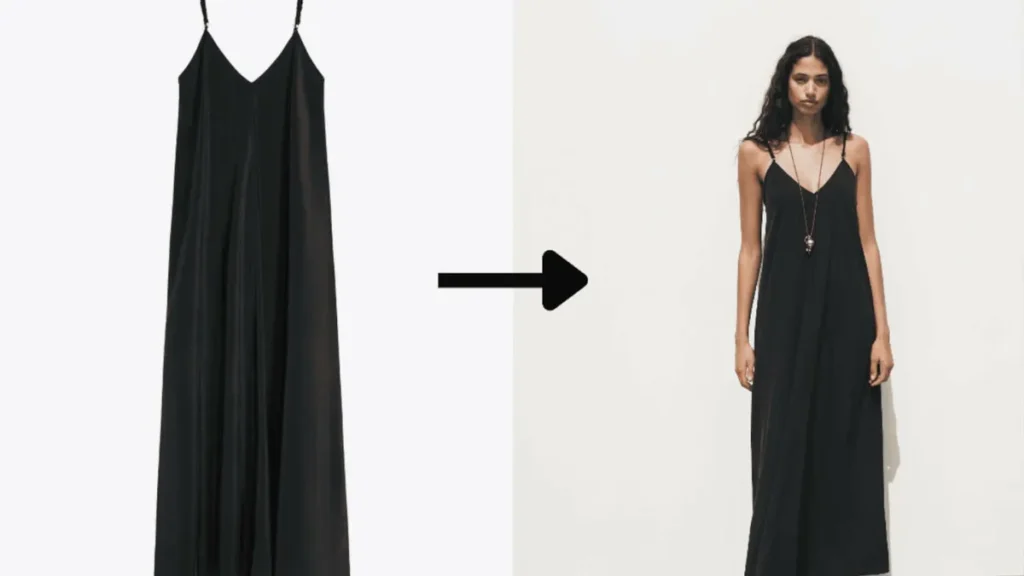
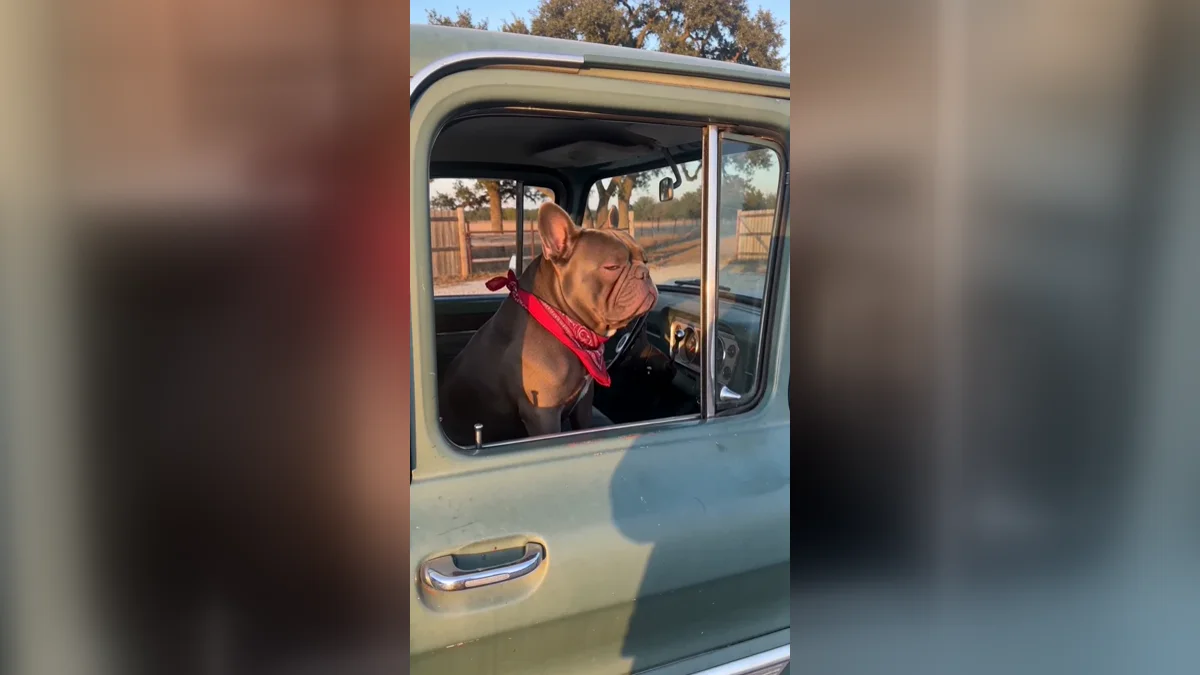
Viral Video AI Short Video Generator turns a text prompt, a photo or a reference video into a short AI video built for TikTok, Reels and Shorts. Introduced on Hacker News on 13 November 2026, Viral Video AI creates clips of 4 to 30 seconds in portrait, landscape or square formats, with native audio where supported. Describe a scene, or start from a photo or an existing clip, preview the result, and download it as an MP4. The tool is upfront that it does not turn every result into a viral post.
What Viral Video AI Does
At its core, Viral Video AI is a text to video and image to video generator aimed at short social clips. A creator can start with a written description of a subject, an action and a setting, or with a photo that sets the first frame, or with a reference video that guides the motion of a new clip. The generator also accepts a public TikTok, YouTube or Instagram link as a reference. A library of prepared templates covers common ideas, including dance and motion, cats and animals, product showcases, animation and visual comedy. The finished video can be previewed and downloaded from one workspace, and uploads and generated videos are kept private.
Key Features
The reference system is the most distinctive part of the product. A single photo guides the first frame while the AI adds motion, and multiple photos provide visual references across the clip. A reference video, from 2 to 30 seconds depending on the plan, guides movement while the photos guide appearance. Up to 9 images are allowed on the Basic tier and up to 30 on Pro, with one reference video per generation. Creators choose the model, duration, resolution and audio, and the credit estimate updates before anything is paid for. Finished videos are saved under My Videos, and confirmed failed tasks return credits to the original purchase.
How It Works in Practice
A first video takes three steps. The creator picks an idea and writes the subject, action and setting, or adapts one of the sample prompts, then adds a photo or a video reference through the Add Media control. Next comes the choice of input: the model, the length, the resolution and the audio setting. Finally, the creator reviews the credit quote and starts the generation. Basic runs 4 to 15 seconds at 480p or 720p, while Pro extends that to 4 to 30 seconds and adds 1080p. The site quotes about 7 credits, or about $0.07, for a short generation, though the exact quote depends on tier, length, resolution and reference video duration.
Who It Is For
Viral Video AI fits creators who post short video every day and need a fast way to test ideas without a shoot. Pet accounts, small product sellers, animation hobbyists and social media managers can all start from a photo they already have and get a moving version in minutes. The product is less suited to anyone who needs exact control over a scene, a precise voice, synced dialogue or a licensed soundtrack, since the tool states plainly that those are not part of the output. Review every clip before posting, because motion and details can vary.
Pricing
Viral Video AI sells credits in three monthly packs. Starter costs $19.00 a month for 1,900 credits each month, Pro costs $45.00 a month, reduced from $49.00, for 4,900 credits, and Studio costs $90.00 a month, reduced from $99.00, for 9,900 credits. Purchases do not renew automatically. All three packs include text, image and video reference generation, private videos and downloads, and native audio when supported. Prices may change, so readers should confirm the current figures on the official Viral Video AI pricing page. The pricing was checked on 14 November 2026.