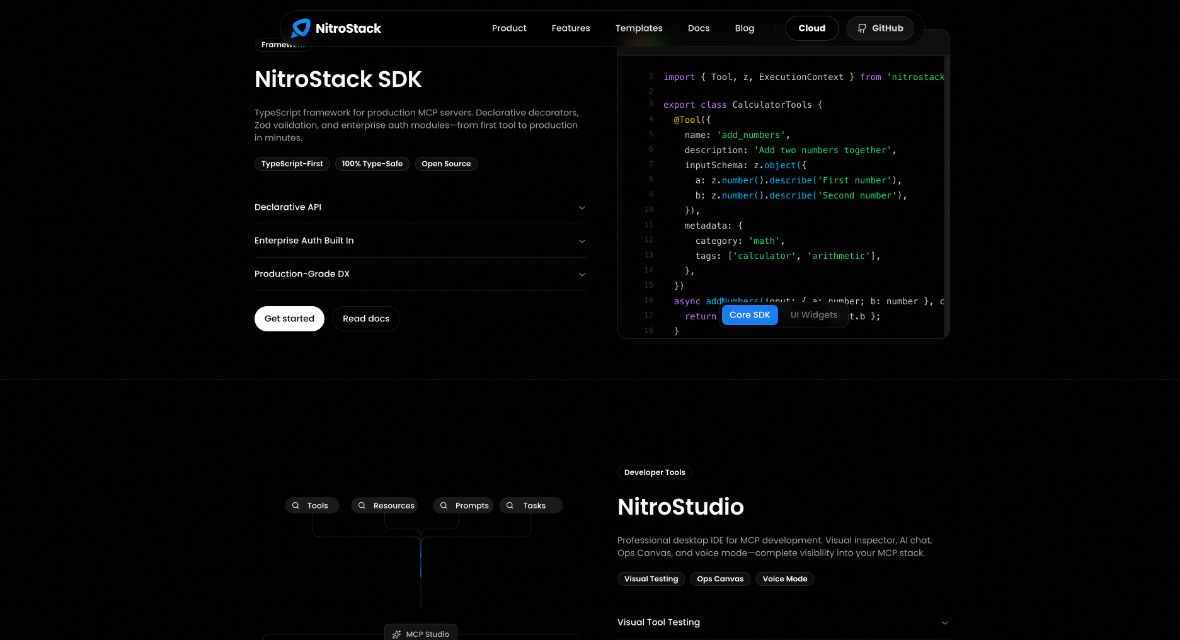
NitroStack is a TypeScript framework for building servers that expose tools through the Model Context Protocol (MCP). Its companion desktop app, NitroStudio, provides a visual place to inspect and test those tools. The combination is relevant when you want an AI client to call a defined application function and need to see exactly what happened.
This guide is based on official documentation checked on October 24, 2026. We have not installed the SDK, executed a server or tested the hosted platform.
How NitroStack and NitroStudio fit together
The official repository describes TypeScript decorators for tools, resources and prompts; dependency injection; guards and middleware; Zod validation; and React widgets attached to tool outputs. Its documented prerequisites are Node.js 20.18 or later and npm 9 or later.
These are developer building blocks. A schema describes what a tool accepts, while your implementation must still decide what the caller may access and what the tool does with those inputs.
NitroStudio adds visual inspection, form-based tool execution, AI chat, widget previews and scenarios with expected tool calls and arguments. Its download page lists Mac, Windows and Linux. Inspecting a direct tool call and asking an AI assistant to choose a tool are different tests; both can be useful.
A practical local evaluation: a read-only catalog tool
Begin with synthetic data and a harmless function. For example, build a small catalog containing three fictional items: a blue notebook, a red notebook and a green folder. Expose a read-only tool called find_items that accepts a search string and a maximum result count. The exercise below is a suggested test plan, not a result we obtained.
1. Define the expected contract
Write down the accepted inputs before involving a model. Decide whether an empty query is allowed, whether matching is case-insensitive, and what range is valid for the maximum result count. Make those decisions explicit in the schema and implementation rather than leaving them to an assistant’s interpretation.
For this example, choose a maximum between one and ten and reject empty queries. Keep item identifiers and names predictable so that a reviewer can calculate the expected answer without using AI.
2. Test the tool directly
Use the inspector to compare the submitted arguments with the response. Useful cases include:
- Ordinary request: search for “notebook” with a maximum of two; expect only the two notebook records.
- No match: search for “lamp”; expect an empty result rather than an invented item.
- Invalid limit: submit zero or a value above your chosen maximum; expect the documented validation error.
- Missing or incorrect type: omit the query or supply a number instead of text; check that the tool handles it consistently.
Keep a record of the input, expected result, actual response and any error. A visually attractive widget should not hide an incorrect underlying payload.
3. Test the conversational route separately
Ask the connected assistant to find two notebooks. Inspect whether it chose find_items and supplied the intended arguments. Then ask for an item absent from the catalog. Check whether the assistant accurately explains the empty result rather than answering from general knowledge.
A successful example is only evidence for that case. Repeat after changing the tool description or schema, and retain a small regression set. Keep generated test suggestions under human review: the same AI that misunderstands a tool may also suggest incomplete checks.
What to review before deployment
The official deployment checklist includes input validation, guards on sensitive tools, rate limiting, protected credentials and HTTPS, followed by checks for authentication, logs and health. Framework support does not configure those decisions for your particular application.
Do not connect a first experiment to production customer records or broad write permissions. Once a tool can change data, specify who can invoke it, what confirmation is required and how a mistake can be detected and recovered. Our prompt-injection safety guide explains why untrusted content should not become an instruction to perform unrelated actions.
Licensing, costs and who it suits
The repository identifies the SDK as Apache-2.0 licensed. That does not establish that every hosted service, AI model call or deployment is free. No current numeric paid-plan price was verified for this guide; check the applicable service terms and usage charges before connecting billable resources.
NitroStack is most useful for developers who want a structured TypeScript implementation and observable MCP testing. Choose it based on whether its development and testing model fits your application, not on a promise that a scaffolded server is automatically secure or production-ready.