Updated October 25, 2026
| Name | Nim AI |
|---|---|
| Overview | Nim AI is a browser-based creative platform for generating and editing video and images across multiple AI models. The available model menu changes over time, so the earlier Hunyuan, Mochi and CogVideoX examples should not be treated as a complete current catalog. Text and image generation, restyling, motion and talking-image workflows have model-specific capabilities, credit costs and output limits. |
| Key Features & Benefits |
|
| Use Cases & Applications |
|
| Who Uses? |
|
| Pricing |
Monthly plans checked on October 25, 2026 list Starter at $17 per month for 1,700 credits, Pro at $30 for 4,500, Max at $75 for 12,000, and Team at $200 for 30,000 shared credits with 10 seats. These are month-to-month prices, not lower annual-billing equivalents. Starter has watermark and personal-use restrictions; the comparison lists commercial use, private generations and 4K from Pro, subject to the selected tool. Unlimited concurrent generation on higher tiers does not mean unlimited credits. The separate three-day $5 offer includes 2,000 credits and renews automatically to Pro at $30 per month unless cancelled before trial expiry. Do not treat it as a free tier. Public wording about free access is inconsistent, while current generation pages require purchased credits; a recurring free generation allowance was not verified. Subscription credits expire at the end of each billing cycle without rollover; separately purchased packs have a six-month validity period. Taxes may be additional, and refunds are considered case by case rather than guaranteed. |
| Tags | AI Video Generator, Text-to-Video, AI Image Creation, Lip Sync AI, AI Content Editing, Video Restyling, Background Replacement, AI Effects |
| App Available? | Yes, a browser-based application is verified. A current official native mobile app listing was not verified; the earlier suggestion of future mobile support is not a confirmed roadmap. |
Sources: Current Nim product identity · Selected monthly plans, credits and feature limits · Paid trial, renewal and credit expiry · Eligibility, input permissions and commercial-use conditions · Current generation-access and motion workflow
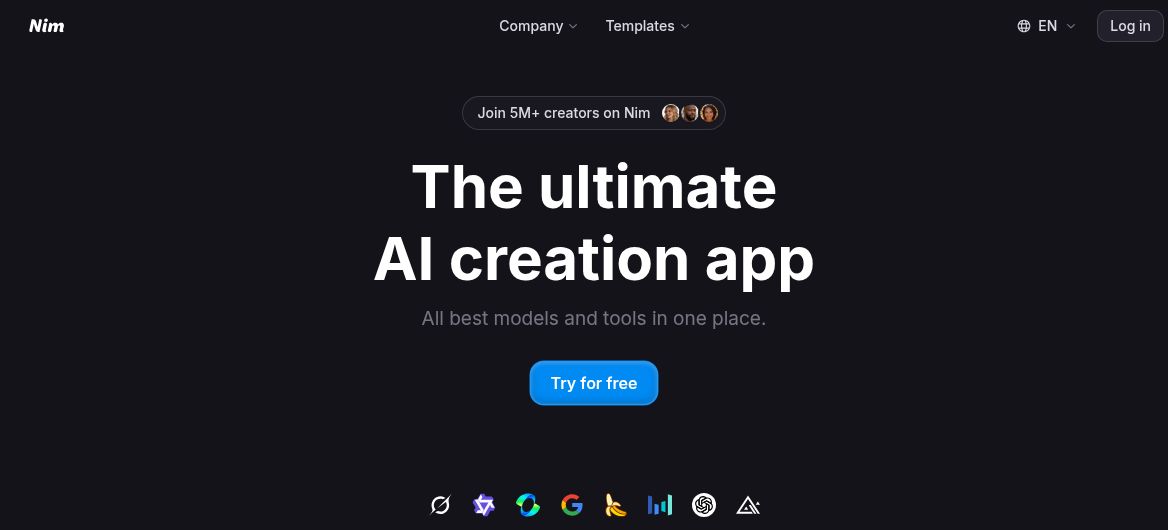
Image credit: Screenshot of Nim’s official public homepage, captured October 25, 2026. The creator count, superlative headline and “Try for free” button are provider marketing, not independently verified usage statistics or proof of a recurring free generation allowance. No account or generated output is shown.