| Overview |
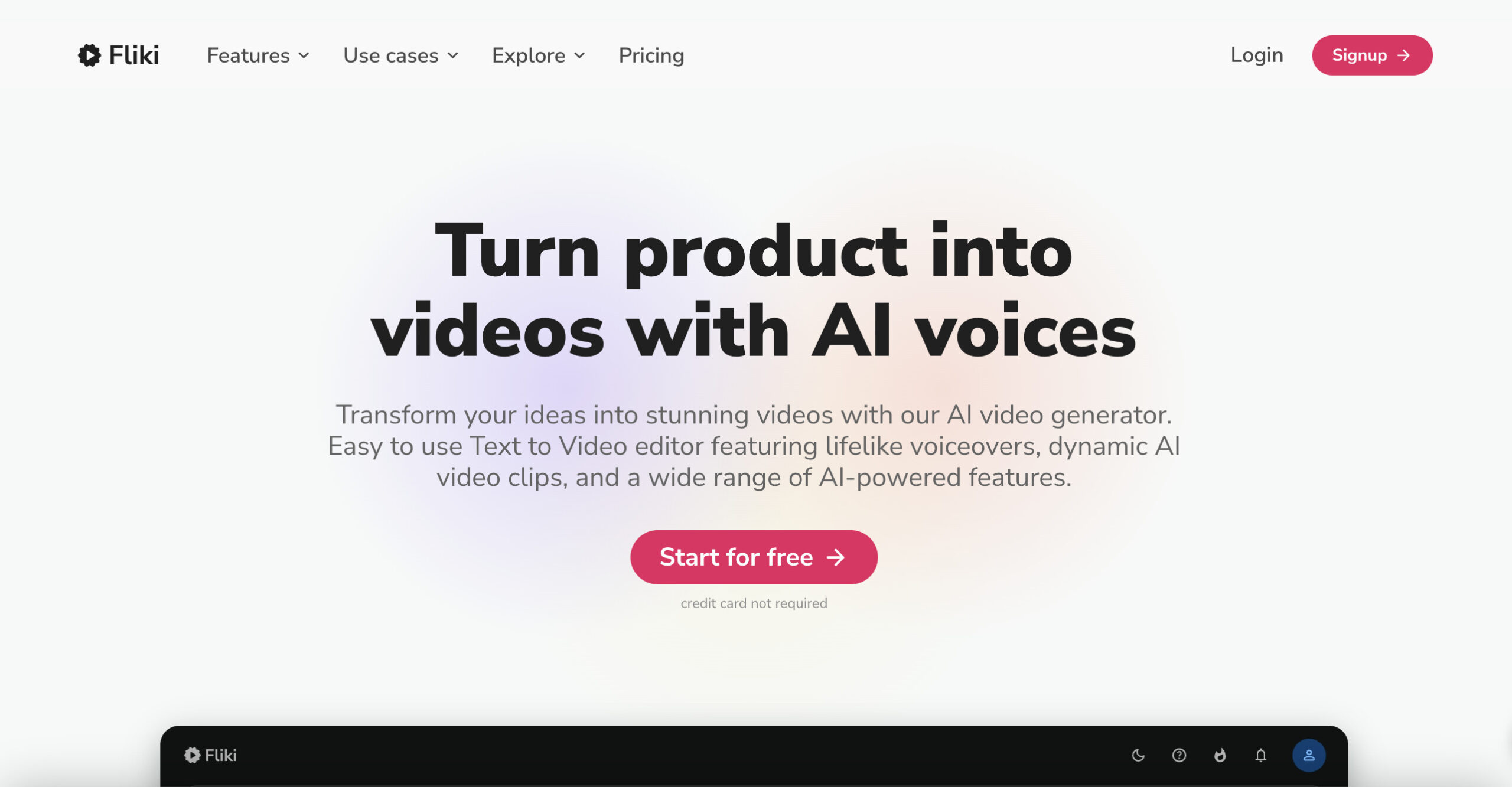
Fliki AI converts text, ideas, scripts, blogs and presentations into videos with AI voices and avatars. Its browser-based tools serve content creators, businesses, educators and marketers, with templates and editing controls for preparing video content. Review generated scripts, pronunciation, visuals and rights before publication; production time and output quality depend on the project. |
| Key Features & Benefits |
- Text to Video: Convert text into videos, ideal for platforms like YouTube, Instagram, and TikTok.
- AI Voiceover: Paid plans offer up to 2,000+ voices across 80+ languages; the Premium card identifies 1,000+ as ultra-realistic, rather than all voices.
- Idea to Video: Generate videos from simple prompts, streamlining the creative process.
- AI Avatar: Incorporate lifelike AI avatars to narrate videos, adding a personal touch.
- Text to Speech: Transform text into natural-sounding speech, suitable for podcasts and audiobooks.
- Voice Cloning: Create a digital replica of your own or an explicitly authorized voice. The dedicated cloning page now requests a 30-second sample; follow the current consent and upload requirements.
- Blog to Video: Convert blog articles into videos; search rankings and audience engagement are not guaranteed.
- PPT to Video: Repurpose PowerPoint presentations into videos with AI enhancements.
- Image to Video: Animate images into videos with voiceovers, music, and animations.
- Product Video: Craft videos from product pages, enhancing e-commerce presentations.
- Templates: Utilize professionally designed templates for consistent branding.
- Translator: Translate video content for review, catering to a global audience.
- AI Video Generator: Produce eye-catching videos with AI, incorporating avatars and voiceovers.
- Script to Video: Turn scripts into videos.
- Presentation Maker: Design compelling presentations with AI assistance.
- Thumbnail Maker: Create thumbnails for review.
- Screen Recorder: Capture and edit high-quality screen recordings.
- Video Editor: Edit videos with automatic transcription and built-in subtitles.
- AI Video Ad Generator: Generate compelling video ads with AI-driven content.
- AI Talking Avatar Generator: Create videos featuring talking AI avatars.
- AI Animation Generator: Develop unique AI animations from text.
- AI YouTube Shorts Generator: Produce engaging YouTube Shorts from text prompts.
- Chat Video Generator: Convert Chat scripts into captivating videos.
- AI Meme Video Editor: Create meme videos; virality is not guaranteed.
- AI TikTok Video Generator: Enhance TikTok content with AI-generated videos.
- AI Image Generator: Create images using AI, enriching visual content.
|
| Use Cases and Applications |
- Content Creation: Transform ideas into engaging videos for social media, blogs, and more.
- Business and Corporate: Develop professional videos for presentations, product demos, and corporate communications.
- Training Videos: Create instructional content for employee training and development.
- Internal Communication: Enhance internal messaging with dynamic video content.
- Marketing and Social Media: Produce promotional videos, advertisements, and social media content.
- Education and E-Learning: Generate educational videos and course materials.
- eCommerce: Showcase products through detailed video presentations.
- Localization and Translation: Adapt content for global audiences with multilingual support.
|
| Who Uses? |
Content creators, marketers, educators, businesses, e-commerce platforms, and individuals seeking to enhance their content through video. |
| Pricing |
- Free: 3 credits/month, 300 voices and watermarked 720p video on the current plan card.
- Standard: The EUR display checked on October 25, 2026 lists €24 per user/month with 180 credits/month, 1,000 voices, 1080p exports, no watermark and commercial-use rights subject to input and third-party rights.
- Premium: The same monthly display lists €75 per user/month with 600 credits/month, 2,000+ voices, longer videos, multiple brand kits and priority support.
- Enterprise: Custom pricing and tailored features/support.
The selected yearly display showed a temporary 40% promotion: Standard €14.40 per user/month equivalent, billed €172.80 per user/year with 2,160 credits/year; Premium €45 per user/month equivalent, billed €540 per user/year with 7,200 credits/year. These are observed EUR offers, not USD prices or a permanent discount; confirm currency, promotion, tax and renewal terms at checkout. Credits are not video minutes: charges vary by generation model, workflow, duration and exports. The page’s older FAQ still refers to USD and five free minutes, conflicting with the current cards; use the selected plan’s displayed allowance.
|
| Tags |
AI Video Creation, Text to Video, AI Voiceover, Voice Cloning, AI Avatar, Content Creation, Video Editing, Multilingual Support, Video Templates, AI Animation, Screen Recording, Presentation Maker, Thumbnail Maker, Video Translation, AI Image Generation. |
| App Available? |
Fliki AI operates as a fully web-based platform, accessible through modern web browsers without the need for additional software installations. |