Updated on October 20, 2026.
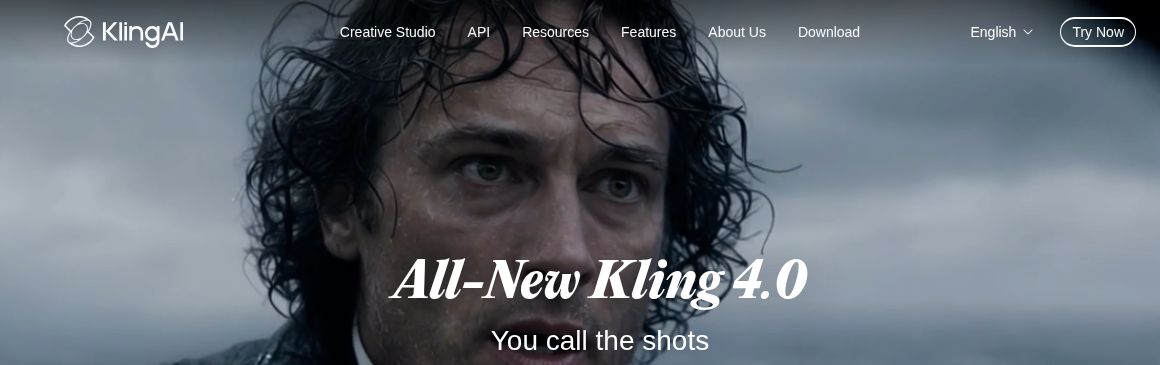
Featured image: screenshot of Kling AI’s official website, captured October 20, 2026. Vendor presentation, not a hands-on test.
Kling AI, developed by Kuaishou, is an AI creative platform for generating images and videos from prompts and reference material. Its official homepage now promotes Kling 4.0, alongside image generation, motion control, Canvas project workflows, and developer tools. The original article’s Kling 2.0-era description and fixed daily free-credit promise no longer describe the current public offering reliably.
Current creation tools
- Text and image-to-video: develop a scene from written instructions or supplied visual references.
- Kling 4.0 controls: the official keyframe guide describes 3–30-second generation, up to ten keyframes, and combined reference assets. Availability still depends on the model and account options shown in the application.
- Motion Control: a character image and reference video guide movement. The feature guide says this workflow focuses on one primary subject; it distinguishes motion transfer from speech and lip-sync generation.
- Images and Canvas: the homepage advertises image generation and a Canvas workspace for scripts, storyboards, nodes, and iterative editing.
- Developer access: an API platform and MCP/CLI routes are advertised. API billing should be checked separately from a creative-app membership.
These are provider-described capabilities, not independently measured performance. Inspect faces, hands, object continuity, text, dialogue, and transitions before using a generated result. A resolution or maximum duration available in one mode does not establish the same allowance in every other mode.
Membership prices and credits
The live membership page showed these monthly offers on October 20, 2026. Prices use the page’s dollar symbol; confirm currency, tax, and eligibility at checkout.
| Plan | First-month offer | Displayed renewal | Monthly credits |
|---|---|---|---|
| Standard | $6.99 | $8.80/month | 660 |
| Pro | $25.99 | $32.56/month | 3,000 |
| Premier, selected 18K option | $135 | $181.99/month | 18,000 |
| Ultra+ | $402 | $544.99/month | 57,000 |
These are introductory offers with recurring billing, not permanent first-month rates. Premier has an adjustable credit selector, so the displayed 18K option is not its only configuration. Yearly and one-time options are separate. Basic is listed at $0, but a universal 66-credit daily allowance was not verified.
The membership FAQ says monthly credits last 31 days and separately purchased credits last two years. Promotional allowances have their own expiry rules. Credits consumed vary with model, duration, resolution, audio, and other settings; dividing a plan’s credits by a single example cost does not predict every project.
Planning a useful first project
Creators may use Kling for visual prototypes, storyboards, social clips, educational illustrations, or advertising concepts. Start with one clear shot instead of generating a whole campaign at once.
- Write the intended audience, aspect ratio, scene length, and required sound.
- Prepare reference assets you have permission to use. Keep the subject and desired action clear.
- Select a model and check its credit estimate before generating.
- Review a short result for accuracy and continuity, then revise only the parts that need improvement.
- Check the exported file, usage conditions, and any required AI-content disclosure before publication.
A practical prompt might describe an original product on a plain studio background, a slow camera move, and a defined end frame. Keyframes can help specify visual milestones, but they do not guarantee that generated packaging, writing, or physical movement is correct.
Commercial use, access, and limits
The membership FAQ permits commercial use for paid subscribers subject to its conditions, including restrictions on competing services and responsibility for third-party rights. A paid plan does not give permission to use another person’s likeness, copyrighted material, or trademark without the rights required for your project. Do not assume Basic has the same commercial-use benefits.
Kling provides a web application and advertises mobile and desktop download routes. Check those official routes for your device and region. No application was installed, no membership was purchased, and no video was generated for this overview.
Sources checked: October 20, 2026. Compare other text-to-video tools.