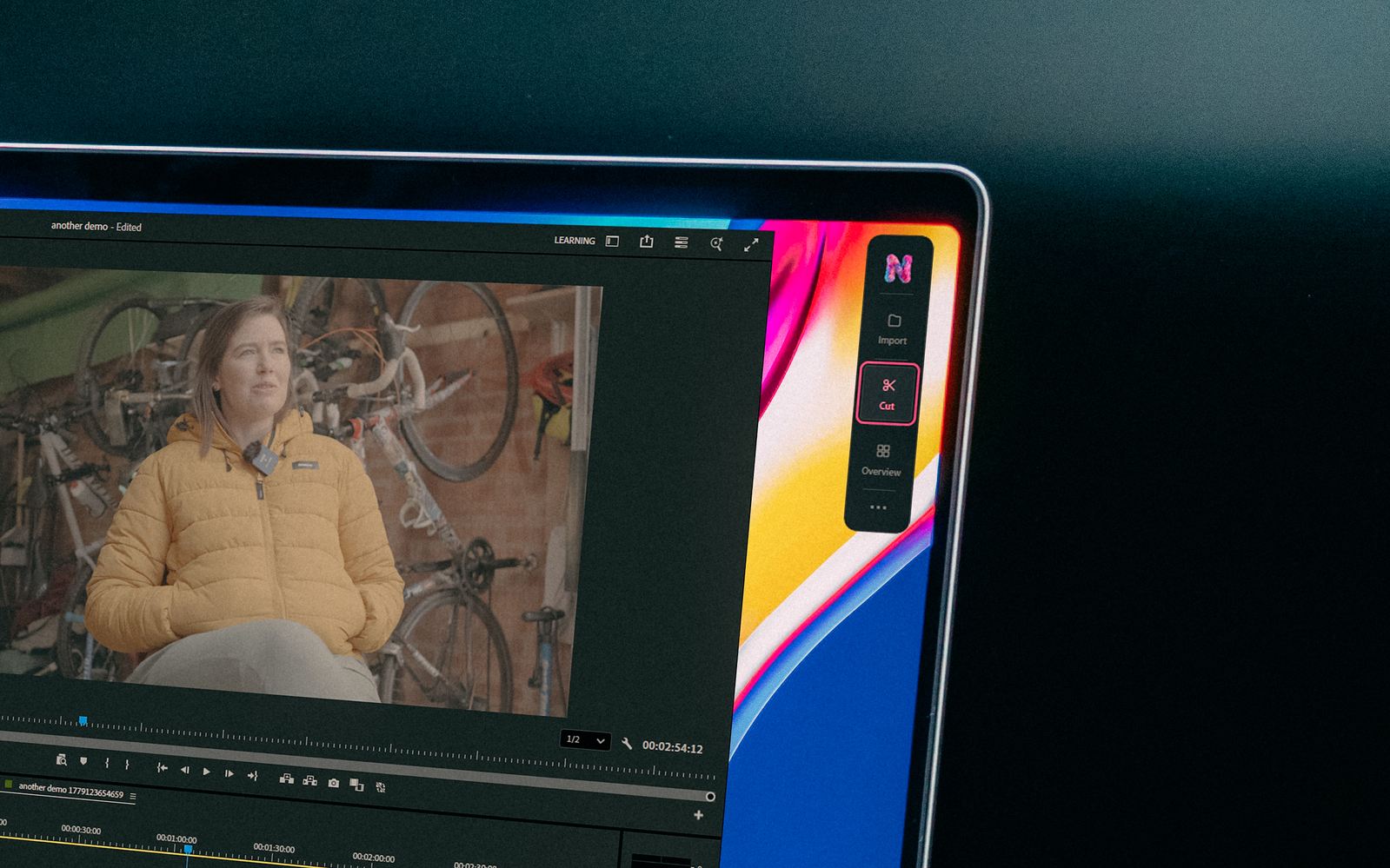
Nice Touch is an AI editing assistant for professionals working in Adobe Premiere Pro or DaVinci Resolve. It helps turn existing footage into selects, assemblies, rough cuts, and shorter edits through plain-language direction. Its main appeal is getting an editable starting point inside an established post-production workflow.
Directory profile: October 16, 2026. This article is based on official documentation, pricing, and product materials. GPTOnline has not performed a hands-on test.
Image: Nice Touch, official press kit, provided for editorial coverage. Retrieved October 16, 2026; this is vendor-supplied product imagery, not a GPTOnline test.
What it does
The feature documentation describes a project-aware assistant that uses footage transcripts, briefs, notes, and reference links. Editors can search spoken moments, ask for a rough cut, or request changes to an existing sequence. Word-level timestamps help connect transcript passages with the relevant footage.
Nice Touch also asks questions when the brief leaves gaps. The intended process is to supply context, agree on the direction, generate an assembly, and review the result. Project context stays available for subsequent requests. These are documented capabilities; transcription quality, narrative judgment, and the amount of cleanup still need testing against your own material.
The V2 product announcement lists script-matched cuts, stringouts, soundbites, paper edits, and social cutdowns among its uses, with analysis and transcription across 18 languages. Its editing workflow operates on footage you already have. It is not presented here as a text-to-video generator that creates new scenes.
Setup and multicam
According to the integration guide, the desktop app reads the open editing project’s clips, sequences, and metadata, then writes edit decisions into that project. Premiere Pro and Resolve are the two listed integrations. The download page specifies macOS 12 or later and Windows 10 or later, with an internet connection required for AI features. Confirm compatibility with your exact editor version before committing a production job.
For multicam, start with synced multicam footage in the editing application. Nice Touch’s multicam documentation describes audio-source scoring, an editor-confirmed transcription source, and video-coverage mapping. An existing sync problem should therefore be checked before evaluating the assistant’s cuts. Review camera switches and missing-picture ranges yourself rather than assuming every generated sequence is delivery-ready.
Plans and credits
The homepage lists monthly prices of US$65 for Pro and US$320 for Ultra. The pricing page shows annual alternatives:
- Pro: US$624 billed annually, equivalent to US$52/month, with 7,000 credits each month.
- Ultra: US$3,100 billed annually, approximately US$258.33/month, with 40,000 credits each month and priority processing.
- Enterprise: custom pricing and shared team credits.
Annual figures are yearly commitments, not monthly-billed offers. Displayed currency varies between GBP, USD, and EUR by region; listed prices exclude VAT. Unused included credits do not roll over.
Audio analysis costs 250 credits per footage hour. Each generated edit or refinement costs 100 credits; chat, search, transcript reading, and failed or canceled jobs are free. Optional overage stays off until enabled, costs one cent or penny per credit, and uses a spending cap. For example, two analyzed hours plus eight generations would use 1,300 credits under these published rates.
The signup page advertises a five-day trial and says to cancel before it ends. The press kit lists 2,000 trial credits with all features unlocked. Confirm that allowance and the billing terms during signup; the public first step does not establish whether a payment card is required.
A useful trial workflow
Consider a hypothetical interview project needing a three-minute overview and two short clips. Use a duplicate project and footage you are authorized to process. Write a brief naming the audience, required topics, duration, and statements that must retain their surrounding context.
- Check the transcript against several difficult passages, including names, overlapping speech, and quiet audio.
- Ask for a paper edit or selects around one topic. Compare the proposed excerpts with the original answers.
- Generate the initial sequence, then inspect cut boundaries, pacing, audio continuity, and any camera changes.
- Request one targeted revision. Record the credits used and the time spent reviewing and fixing the result.
Judge the combined editing and review time, not just generation speed. GPTOnline’s AI assistant acceptance-test worksheet offers a place to define repeatable checks before adopting an assistant for routine work.
Privacy checks
The security page says editing operations run locally, names Anthropic and AssemblyAI as processing providers, and states that customer content is not used for model training. Those are vendor statements, not an independent security assessment.
There is a documentation discrepancy worth resolving for confidential work. The security page describes media staying on the machine and configurable retention. The privacy policy describes media processing, project content retained while it exists in an account, and some processing in the US. Ask which audio, transcripts, and project data leave the workstation, and which deletion controls apply to your account. Check client permissions before submitting restricted footage.
Who should shortlist it?
Nice Touch is worth evaluating if interview, podcast, or other dialogue-heavy edits regularly begin with extensive logging and assembly. Its practical value depends on whether its first pass reduces your total workload after review. Start with one representative project, check compatibility and data handling, and compare the result with your normal workflow before choosing a plan.
Visit the official Nice Touch website for current downloads, plans, and trial details.