Updated October 15, 2026
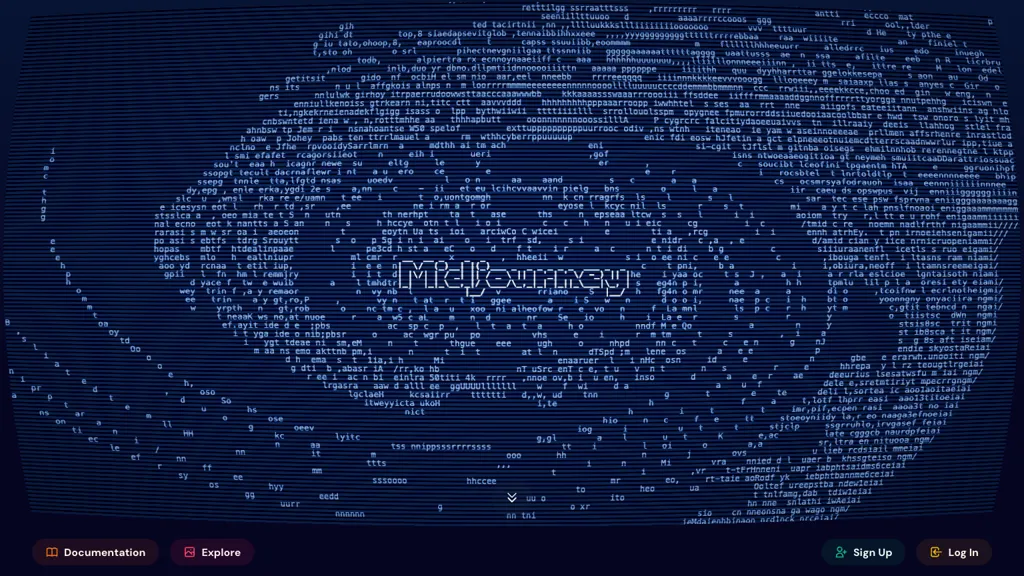
Historical Midjourney landing-page screenshot retained from the original 2025 article. The current interface may differ; this image is not a GPTOnline generation test.
Midjourney is a subscription-based AI service for creating images from text prompts and visual references. It can help with concept art, illustration ideas, moodboards, and early design exploration. Subscribers can work on midjourney.com or in Discord, with web tools for editing and organizing their creations. This overview draws on Midjourney’s current documentation.
What can you do with Midjourney?
The web Create page accepts written prompts and reference images. You can adjust generation settings, explore variations, and use images to guide a subject, composition, or visual style. The service also supports image-to-video creation. Midjourney’s web creation guide explains the available controls.
These features are useful for exploring several visual directions before committing to a design. Plan time to inspect the results and make revisions. Check details, text, and suitability for the intended audience before putting an output into a presentation, campaign, or finished product.
How to access Midjourney
A Midjourney subscription works on both the website and Discord. The website includes the Editor and tools for managing your image collection. Discord provides bot commands and community conversations.
- Sign in at midjourney.com using Google or Discord.
- Select a subscription and check the billing period.
- Open the web Create page, enter a description in the Imagine bar, and submit it.
- Review the results and refine your prompt or use the available editing controls.
The getting-started guide also covers submitting prompts from a mobile device. If you previously created images through Discord, use that existing Discord login first. Midjourney’s account guidance warns that creating a separate Google-based subscription can complicate connecting an older Discord account with image history.
Free trial and mobile app
There is currently no free trial on midjourney.com or Discord. Midjourney’s trial policy instead identifies a limited trial through the niji・journey app for iOS and Android.
The official iOS listing and Android listing describe account and subscription syncing with Midjourney. The US iOS listing advertises 20 free generations; check the offer shown for your device and account rather than assuming that allowance applies everywhere. A mobile-app trial does not establish free generation on the main website.
Plans, billing, and GPU time
The official plan comparison lists these prices and Fast GPU allowances:
| Plan | Monthly billing | Annual upfront payment | Fast GPU time per month |
|---|---|---|---|
| Basic | $10 | $96, equivalent to $8/month | 200 minutes |
| Standard | $30 | $288, equivalent to $24/month | 15 hours |
| Pro | $60 | $576, equivalent to $48/month | 30 hours |
| Mega | $120 | $1,152, equivalent to $96/month | 60 hours |
Standard, Pro, and Mega include unlimited Relax-mode images; Pro and Mega also include Relax-mode SD video. Extra Fast time costs $4/hour. Subscriptions renew automatically. Yearly billing is selected by default, so check the tab before subscribing. The annual figures above require paying for the full year upfront.
Sales tax or VAT may be added at checkout. Midjourney charges in USD; your bank may apply conversion charges.
GPU time measures generation computation. Different tasks consume different amounts, so 200 minutes does not guarantee 200 images. Relax jobs can wait longer in a queue, and unlimited plans remain subject to rate limits. Unused subscription Fast time expires monthly, including with annual billing.
Commercial use and privacy
Under the Terms of Service effective May 27, 2026, ownership is qualified by applicable law, the agreement, and third-party rights. Companies, or employees of companies, with more than $1 million USD in annual revenue need Pro or Mega to own their assets. Upscaling someone else’s image does not transfer ownership. Midjourney also receives a broad, continuing license to submitted content and generated assets.
Check rights and permissions before commercial publication. Subscription terms do not guarantee copyright protection or clear another person’s intellectual-property rights.
Creations are public by default, including work made in Discord DMs or private servers. Pro and Mega offer Stealth to control website visibility. Content generated in a shared Discord channel remains visible to that channel’s audience.
Enabling Stealth does not automatically hide earlier public creations; those need separate visibility changes. The terms describe best-efforts nonpublication, so assess confidentiality requirements before uploading client material.
Example workflow
For a fictional record-shop listening evening, an organizer could explore a poster illustration with this prompt: “Vinyl records beside a small turntable, warm hand-painted illustration, deep purple and amber colors, generous blank space at the top.” They could compare compositions, refine the chosen direction, and add verified event details in a layout editor. This is an illustrative workflow, not a generated result or benchmark.
Before subscribing, decide how often you will generate, whether queues are acceptable, and whether confidential work makes Stealth necessary. If deployment flexibility is central to your decision, the Stability AI overview provides another route to investigate. Compare licensing, hosting responsibilities, and total costs for the particular workflow you need.