Updated October 24, 2026
| Name | Mapify AI |
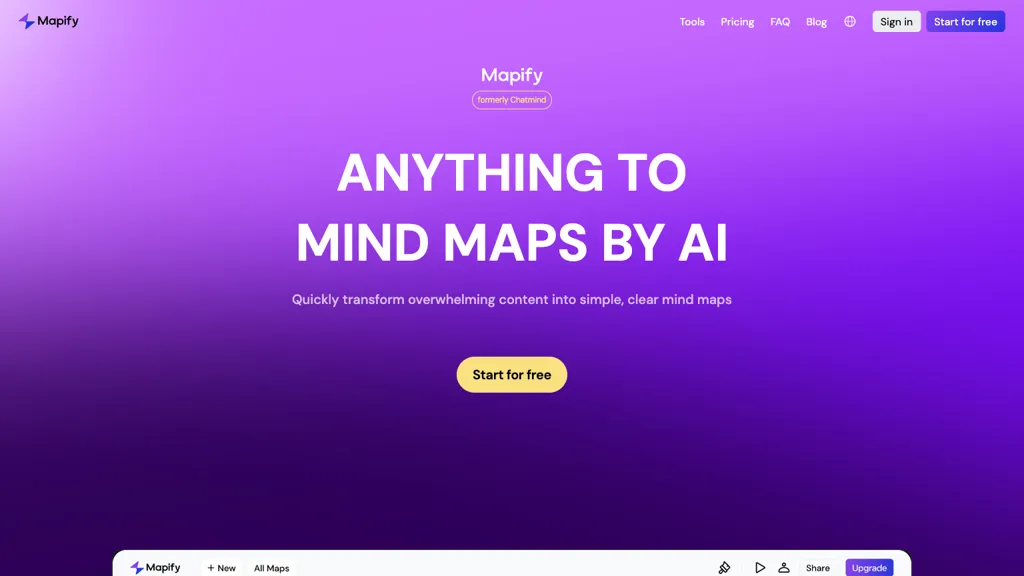
| Overview | Mapify AI is an AI tool that converts text, documents, videos, podcasts, and web content into interactive, multilingual mind maps. It helps users summarize, organize, and explore content visually. With support for over 30 languages and rich export options, Mapify is designed for learners, professionals, and creators seeking clarity and speed in processing information. |
| Key features & benefits |
|
| Use cases and applications |
|
| Who uses? |
Mapify’s terms of use require users to be at least 18. |
| Pricing | The official pricing page lists Free, Basic, Pro and Unlimited:
These paid rates are monthly equivalents for annual billing, not month-to-month charges. Monthly billing is also offered; confirm the selected billing cycle, full charge and taxes before paying. AI use depends on the model and input, and monthly credits do not roll over. Direct Markdown conversion is free; AI summarization uses credits. Because the provider’s Unlimited descriptions differ in how they describe model limits, check current plan details rather than assuming every AI action is unrestricted. |
| Tags | Mind mapping, AI summarizer, productivity, learning tool, visual organizer, document analysis, video transcription, education tech |
| App available? | Yes – available on Web, iOS, Android, and Chrome extension |
Build a map, then check the source
- Choose a document, recording or link you have permission to use. Select the output language and model, and check the available credits before generating a map.
- Compare key nodes with the original pages or video timestamps. Verify names, figures and conclusions, then edit missing context or misleading summaries.
- Review the map before sharing or exporting it as PDF, image, Markdown or slides. Use sharing settings appropriate to the material, especially for work or study documents.
Official guidance: credits and account FAQ; source-linked file chat and exports; free Markdown conversion versus AI summarization. AI summaries can omit context or contain errors; keep important source material available for review.