Manus AI is a general-purpose agent for multi-step research, document creation, websites and connected-app work. Its usefulness depends on the task, the access you grant and your review of the result. This guide explains the current product, credit costs and practical limits before you give it access to your work.
Updated October 15, 2026. This is a documentation-based review of official Manus sources. We did not run Manus tasks, connect accounts, test subscriptions or measure performance. The workflow below is a fictional example, not a hands-on result.
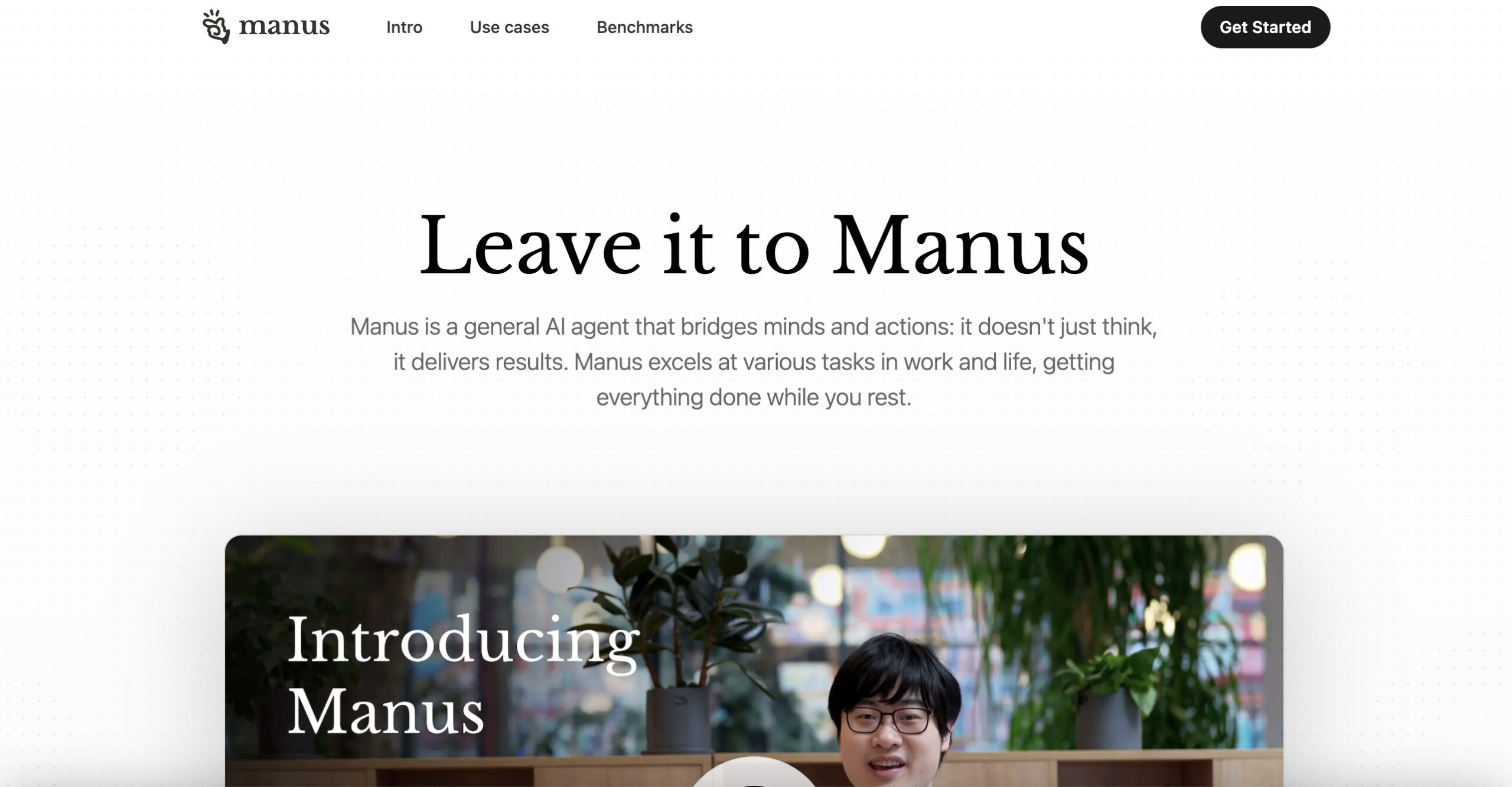
Image context: The retained image shows an earlier Manus homepage, including “Leave it to Manus” and a cropped introduction-video presenter. Its claim about getting everything done while you rest is vendor marketing, not a result established by this review.
What Manus can do
The September 28 Manus 2.0 announcement describes a broader workspace for documents, spreadsheets, PDFs, slides, websites, code, games and video. The desktop application is now presented as Manus Studio. It also introduces event-triggered Automations and a separately purchased Cloud Computer for work needing a persistent environment. These are product capabilities, not guarantees of finished, accurate work.
- Research: Manus can browse in a cloud environment and gather material for reports. Wide Research divides batches of independent items among agents, then combines their results. Review the sources and missing fields rather than treating a larger batch as proof of quality.
- Draft deliverables: Ask for a specific output, such as a short brief, slide draft or prototype. Check calculations, links, layout and functionality before using it externally.
- Connected workflows: MCP connectors can read information and, where supported, create or update items in other apps. The available actions depend on the connector and permissions.
Manus has a web app, and its official downloads list macOS, Windows, iOS/iPadOS and Android. Browser Operator is a separate way to operate an authorized desktop browser; it is not a browser running entirely on your phone.
Plans and starting prices
The membership guide lists the following entry points. Prices are in US dollars; Manus says currency conversion and relevant foreign-transaction fees depend on your payment provider.
| Plan | Monthly price | Listed allowance |
|---|---|---|
| Free | US$0 | 300 daily refresh credits; monthly cap applies |
| Pro entry tier | From US$20 | 4,000 monthly credits |
| Pro higher entry tier | From US$40 | 8,000 monthly credits |
| Team | From US$20 per seat | 4,000 monthly credits per paid seat, pooled |
The Team page also lists a US$200-per-seat annual entry option. Individual annual options and trial offers are listed in the membership guide. Confirm the billing period, renewal amount, taxes and included features on the live pricing page and checkout. This table is not a checkout quote or an unlimited-use offer.
Credits and refunds
According to the credit rules, task complexity and duration affect consumption through model tokens, computing resources and external services. Free users have a 1,500-credit monthly consumption limit for daily refresh credits; daily credits are restricted to Manus 2.0 Lite.
- Daily credits: The daily-credit guide says unused daily credits disappear at the 00:00 UTC reset. They do not accumulate.
- Monthly credits: Unused allocations reset at the monthly refresh, including during an annual subscription.
- Add-on credits: They can carry over while a paid subscription remains active, but become inactive when it lapses. “Never expires” should not be interpreted as usable without a paid plan.
- Other credits: The rules say free credits do not expire, while event credits expire with the event.
Do not rely on an agent’s promised credit total. Manus’s cost-estimation guidance says its agent cannot accurately predict or regulate task credit usage. Start with a small assignment and check actual consumption before scaling up.
A credit refund is different from a subscription refund. The task-credit policy provides refunds for confirmed platform bugs or malfunctions after review. It generally excludes subjective dissatisfaction, unclear instructions, third-party failures, changed plans and normal task limits.
Membership refunds depend on eligibility and the purchase channel. Manus directs Apple subscribers to Apple; its help process covers Stripe, Google Play and Alipay purchases. Cancellation alone should not be treated as approval of a cash refund.
Browser and app controls
Cloud Browser runs in a separate cloud environment. It can navigate websites, extract information and interact with pages; verification steps or site restrictions can interrupt a task. A visible task history helps inspection, but is not independent evidence that the result is correct.
Browser Operator uses your existing desktop-browser sessions. Manus documents session authorization, a dedicated task tab and the ability to take over or stop by closing that tab. Chrome and Edge are recommended; starting a task from mobile still requires the desktop browser to be online.
Connector setup also matters. Manus’s connector-recommendation guide says enabling a recommended connector requires confirmation, with any additional authorization completed separately. An enabled connector can support actions, so choose the narrowest useful access.
Do not assume every computer command gets a separate prompt. The March 24, 2026 My Computer help article says commands run automatically after folder authorization, with confirmation for sensitive commands. The desktop documentation describes approval for every command. These descriptions differ; inspect the actual permission settings before granting access.
For consequential actions, explicitly require review before sending, publishing, deleting or purchasing. Supervise the task and stop if it exceeds scope. Manus’s My Browser safety page warns that malicious instructions hidden in emails or documents can try to redirect an agent toward exposing data or spending money.
Privacy and data use
Local browser access does not mean local-only processing. The privacy policy says Browser Operator data is transmitted to Manus servers for task processing. You can disable My Browser or remove its extension to stop local access. The policy separately warns that revoking access to a linked third-party platform does not apply to information Manus has already received.
The Team and Enterprise page makes a no-model-training commitment for those business offerings. The membership guide instead describes a Team training opt-out. These statements do not establish identical defaults; confirm your workspace setting and the applicable agreement. Do not extend that plan-specific statement into a universal claim that every account’s data stays on its device or is never processed, retained or used for improvement.
Task visibility is another issue: individual tasks are private by default unless shared, while team roles affect access to workspace sessions. The account-deletion guidance describes retention exceptions and team-admin policies. Check your organization’s requirements before providing confidential material.
A bounded workflow example
Fictional scenario: A small exhibition team wants to compare three publicly documented project-management tools. The aim is a reviewable one-page brief, with no accounts connected and no vendor contacted.
- Define the assignment: Supply the three official product URLs and request five fields: free-plan limits, paid starting price, guest access, export options and source date. Set a limit of two official pages per tool. Require “not verified” wherever the source is silent.
- Keep access narrow: Use public pages only. Instruct the agent to stop at logins, paywalls or requests for personal information. Do not authorize email, calendar, browser-account or local-folder access for this exercise.
- Request evidence: Ask for a source link beside each factual claim, a separate list of conflicting statements and a short explanation of how each tool fits the stated needs. Do not ask it to choose or buy a subscription.
- Review before expanding: Open the cited pages, check whether prices are monthly or annually billed, and verify that guest access is included in the named plan. Compare actual credit use with the value of the draft before requesting more research.
- Keep the approval step human: A person decides what to recommend and whether to share the brief. Any later signup, purchase or external message is a separate decision.
This structure makes omissions and mistakes easier to find. It does not guarantee the agent follows every instruction or completes the task within a fixed time or credit budget.
Who should consider Manus
Manus is worth evaluating when your work spans research and multiple deliverables, and you can inspect both the evidence and the output. Start with public or synthetic material and a reversible task. If the work has a strict cost ceiling, sensitive access requirements or consequences you cannot easily undo, establish those controls before expanding the assignment.
For software-specific work, see our Devin AI overview for a coding-focused agent to evaluate separately.
Existing users affected by the August 2026 service transition should separately read the official account-impact notice. It describes account-specific deletion and restoration rules, rather than a change affecting every user. Follow the notice for your account and retain independent copies of important deliverables.