Updated October 30, 2026
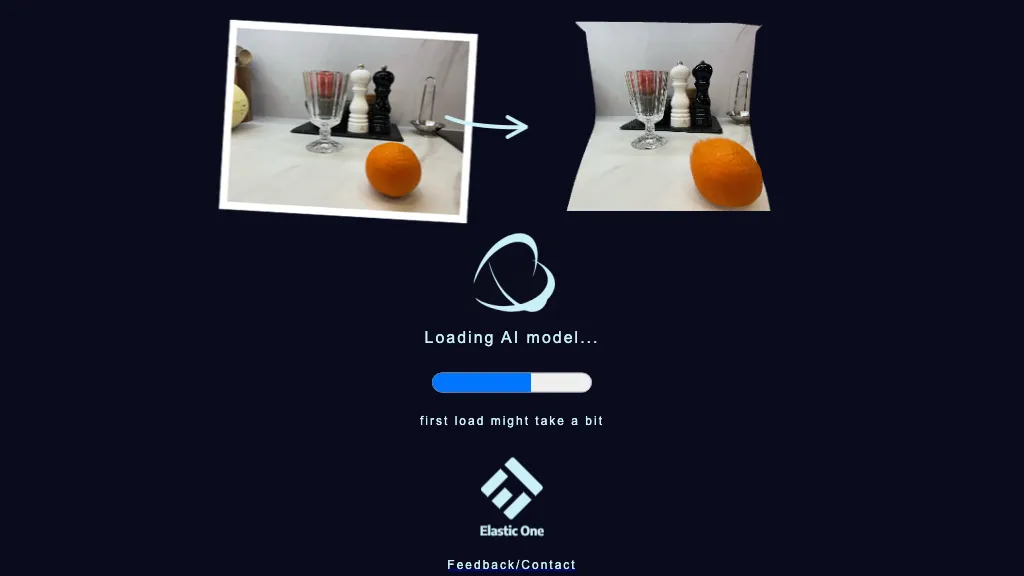
Image context: The existing image is a historical loading screen with example before-and-after still-life photographs, a progress bar and an Elastic One mark. Its capture date is unknown. It is not an output generated for this review or evidence of current access, export formats, complete geometry or print-ready results.
The original Make3D address redirected to a different domain during this review. The returned page had no readable product content, so current access, ownership continuity and product features could not be verified. The description below preserves the earlier listing’s purpose; it does not identify the redirected destination as Make3D or establish that the service has closed.
| Name | Make3D |
| Overview | The earlier listing described Make3D as a web application for turning a 2D image into a three-dimensional representation. Current output geometry, export formats and processing speed were not verified. A depth-based visual effect or preview should not be assumed to be a complete, editable or print-ready 3D object. |
| Key features & benefits |
|
| Use cases and applications |
|
| Potential users |
|
| Pricing | Current pricing, free allowances, billing terms and any paid plans were not verified. The earlier free-with-paid-options claim should not be treated as a current offer. |
| Tags | 3D modeling, Image conversion, Design tools, Automation |
| App available? | Historically described as a web application. No current native app, browser compatibility or download was verified. |
Practical limits
For example, a designer could compare a dimensional preview of an owned product photo with the original and inspect distortions. This is a hypothetical evaluation, not a Make3D test. Before using any output for a game, fabrication or 3D printing, independently check the export format, geometry and relevant rights; a preview alone does not establish suitability. Current upload handling, retention and output-use terms were not verified, so avoid submitting confidential or unlicensed images.
The existing Make3D address redirected off-domain when checked October 30, 2026. No upload, account, download or export test was performed.