Updated October 26, 2026
| Name | Magic Form |
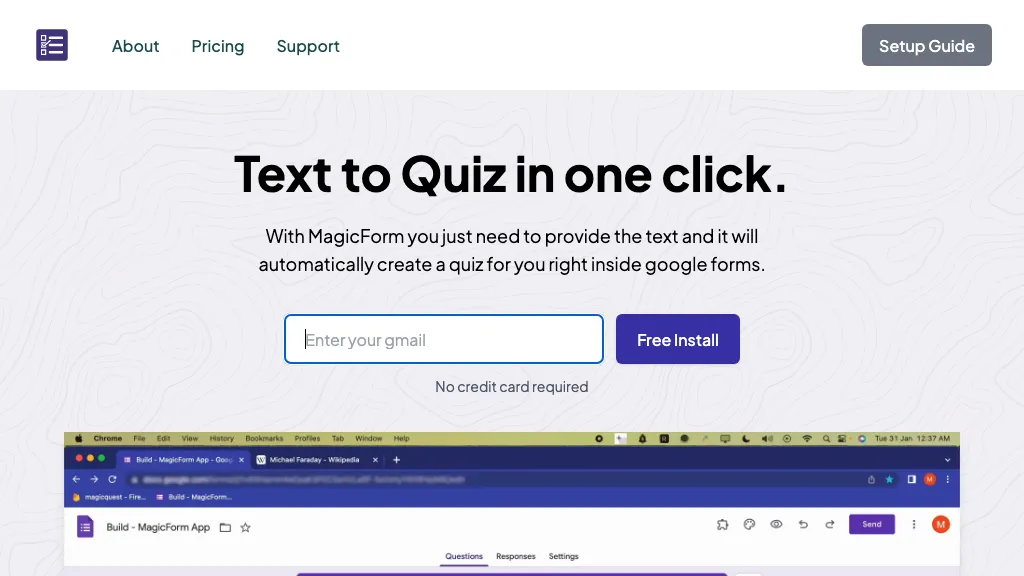
| Overview | MagicForm generates quiz questions from source material; review the questions and answer keys before teaching or assessment. It offers a web quiz builder and a Google Forms add-on, with a limited free plan and no credit card required to start. It allows users to input text snippets from various sources like Wikipedia or PDF documents, specify the desired number of quiz questions, and select the type of questions to be generated. This feature makes it highly accessible for a wide audience, including teachers, students, and HR professionals. Installation and usage support are readily available via email. |
| Key features & benefits |
|
| Use cases and applications |
|
| Who uses? | Magic Form is valuable for: – Teachers – Professors – Educators – Trainers – Content creators |
| Pricing | Free: 5 quizzes per month, a 12,000-character input limit and up to 8 questions per quiz. Pro: unlimited quizzes, the same input limit and up to 40 questions per quiz. The selected annual display shows $7.42/month, billed $89/year; this is an annual equivalent, not a month-to-month charge. Regional prices and currencies can differ. Check the current plan selector. |
| Tags | AI quiz generator, automatic quiz question maker, text-based quiz creator, quiz generator |
| App available? | Web app and Google Forms add-on. The add-on licence is linked to a Google Account; generated quizzes can be exported to Google Forms or PDF, or shared by link. |
Sources: Current quiz features and plans; Google Forms workflow; Official publisher add-on listing; Website terms. Checked October 26, 2026.