Updated November 10, 2026
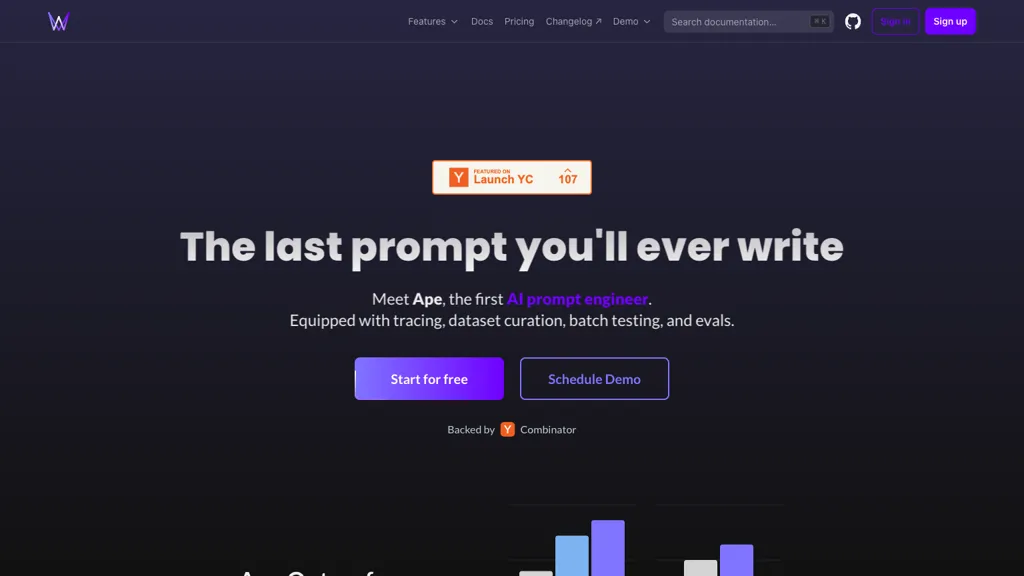
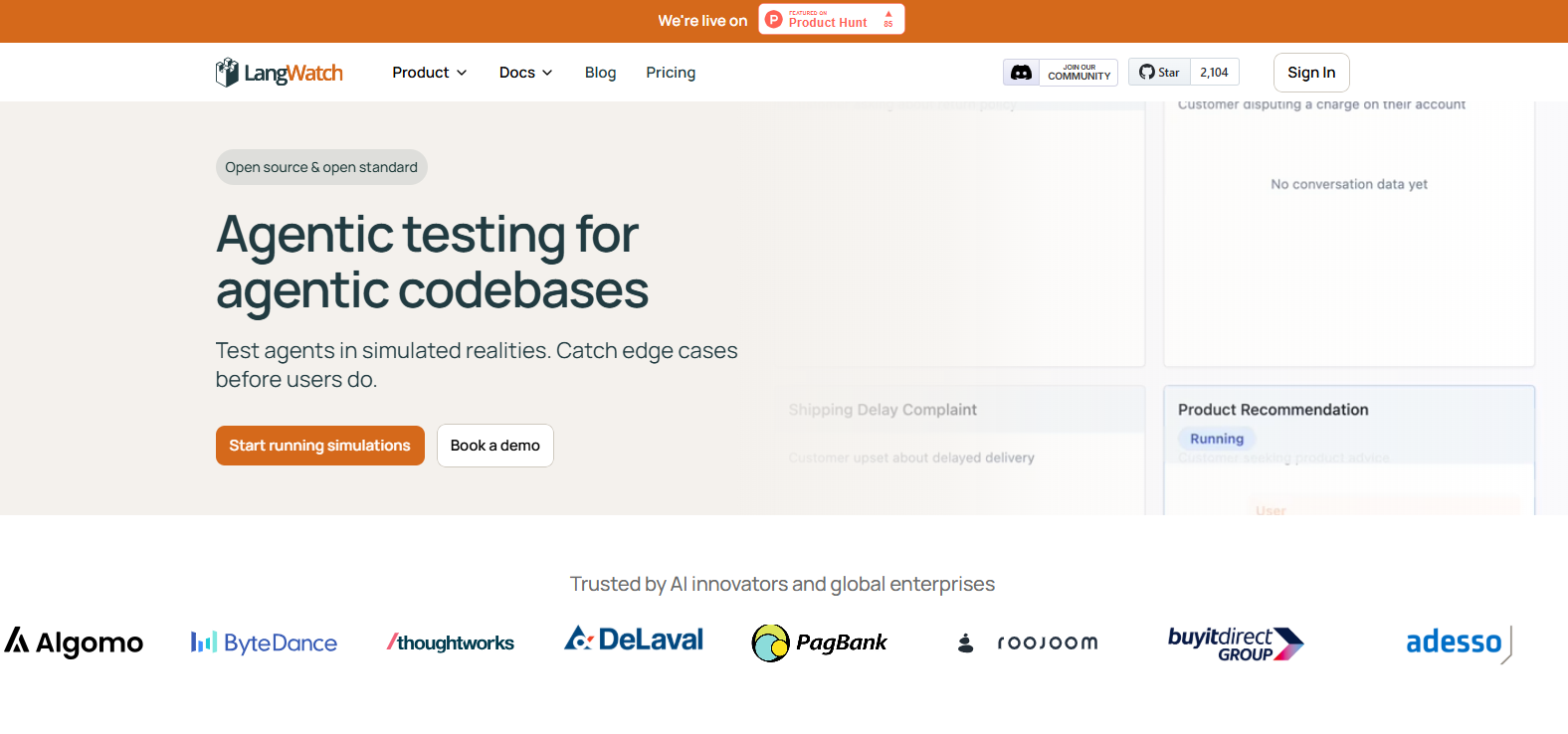
Existing screenshot from LangWatch’s website; original capture date unrecorded. The agent-testing cards and customer logos are website illustrations, not an independently run test or verified customer endorsement.
| Name | LangWatch AI |
|---|---|
| Overview | LangWatch AI is a robust LLM‑Ops platform for developers and AI teams. It provides end‑to‑end observability, automated testing, guardrails, prompt tuning, user analytics, and collaboration tools—all wrapped in a dev‑friendly UI and SDKs. |
| Key features & benefits |
|
| Use cases and applications |
|
| Who uses? | AI developers, ML engineers, product managers, prompt engineers, data scientists, domain experts (legal, compliance, UX), operations leads in AI-centric organizations. |
| Pricing | Current Cloud pricing is shown in euros:
An event is not a trace: an LLM call, tool call, retrieval, evaluation or simulation step can each count separately, so one user interaction may produce several events. Unlimited workflow availability does not mean unlimited free usage. Self-managed arrangements should be checked separately from Cloud prices. |
| Tags | LLM‑Ops, Observability, Prompt Engineering, A/B Testing, Monitoring, Guardrails, CI/CD, Data Analytics |
| App available? | Yes – Cloud and self‑hosted via Docker/Kubernetes, SDKs for Python/TypeScript and REST APIs. |
Estimate events with a small test
Instrument one representative workflow, inspect a trace and count its model, tool and evaluation steps. Run a small regression set after a prompt or model change, then review failed cases rather than relying on a single score. Estimate event usage and retention costs from that workload before expanding monitoring, and remove sensitive data that does not need to be logged.
Investigate a recurring issue with Instant Evals
LangWatch’s Instant Evals can apply a question to stored conversations, traces or individual LLM calls within a chosen period. For example, a support team could look for conversations where its agent offered a refund outside policy, then use reviewed cases in a regression set.
Start with a small batch, inspect the text the judge evaluated alongside its answers, and refine the question before expanding the run. Check the estimated cost first. Keep the search within data you have retained and are allowed to process; the documentation says judged text goes to a third-party provider for the run. Review that processing arrangement before using sensitive conversations.
Stopping the CLI display with Ctrl-C does not cancel the underlying run. Keep its run ID and use the documented controls to check or cancel it. See the official Instant Evals guide for the workflow and processing details. This is a documentation-based example, not a hands-on test.
Official sources: Cloud plans and event billing · Service conditions