jenni ai
Writing Assistant

Jenni AI

Visit website

Jenni AI assists with academic drafting, source organization, citations and editing. Compare free limits and paid plans, and verify sources before using text.

jenni ai

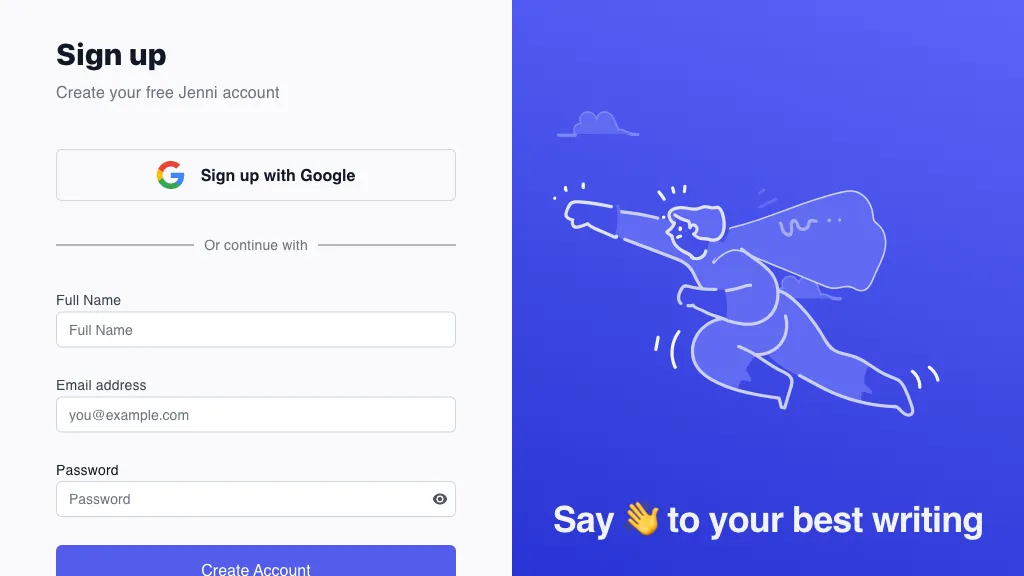
The existing image is an earlier Jenni signup-page screenshot with a purple illustration, not the writing editor or a sample generated document. It is historical product identification; the capture date is unknown.

Name Jenni AI
Overview Jenni AI is an AI-powered writing and research assistant with a focus on academic documents. It supports a range of functionalities such as brainstorming ideas, organizing thoughts, finding research sources, and drafting essays. The tool incorporates a writing assistant and generator, offering suggestions for essay structure, grammar, spelling and sentence flow, alongside a source library and citation tools. Review suggestions and cited sources rather than treating generated text as verified research.
Key features & benefits
  • ✔️ Suggests creative ideas.
  • ✔️ Organizes thoughts for clarity.
  • ✔️ Helps find and organize research sources for review.
  • ✔️ Provides an integrated essay writing assistant.
  • ✔️ Suggests grammar and spelling edits for review.
Use cases and applications
  • Drafts content for further editing.
  • Offers assistance for essay writing.
  • Reviews grammar and spelling suggestions.
Who uses? Content creators, Writers, Students, Business professionals, Bloggers, Marketers
Pricing A free version is available, including 10 AI autocompletes per day and limited uploads and other AI tools. Plus is USD $30 per month billed monthly or $12 per month equivalent with annual billing; Pro is USD $73 monthly or $29 per month equivalent with annual billing. Plus lists 5,000 autocompletes per month; Pro lists unlimited autocomplete. Confirm the full selected-term charge and any local-currency price before subscribing.
Tags AI writing, Content creation, Essay writing, Grammar checking
App available? Available in desktop and mobile browsers; Jenni documents no native mobile app. Its Web Importer has Chrome, Firefox and Edge extensions for saving sources. Subscription cancellation requires a desktop browser.

For academic work, inspect the original sources and follow your institution or publisher’s rules for AI assistance. A citation link is not proof that the surrounding claim is correct. Sources: current plans, citation verification guidance, mobile access, and Web Importer.
KEEP EXPLORING

More tools to discover.

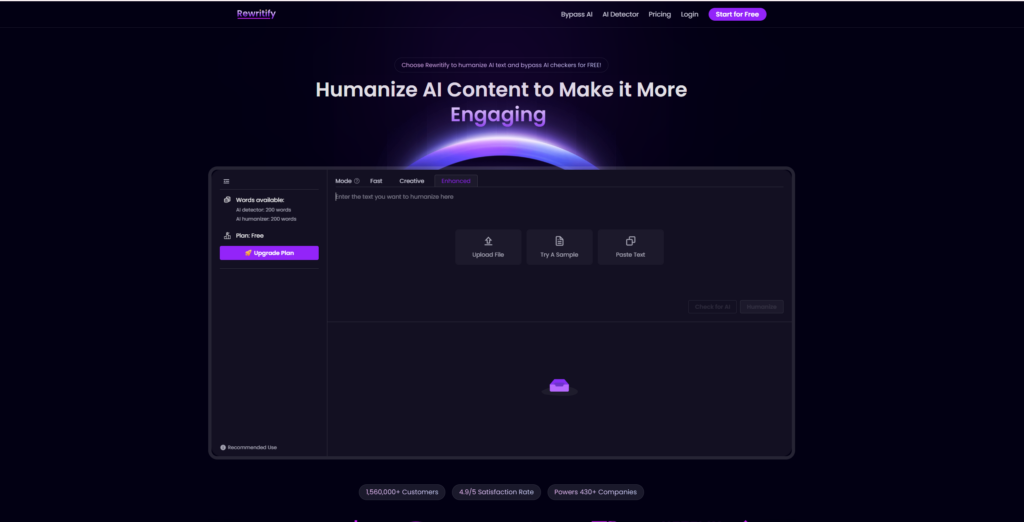
Archived Rewritify homepage in navy and purple, with an empty rewriting editor and mode tabs.

Review Rewritify AI's rewriting features, USD pricing, word limits, refund rules and data-use terms, with clear limits on detector and SEO claims.

Writing AssistantExplore
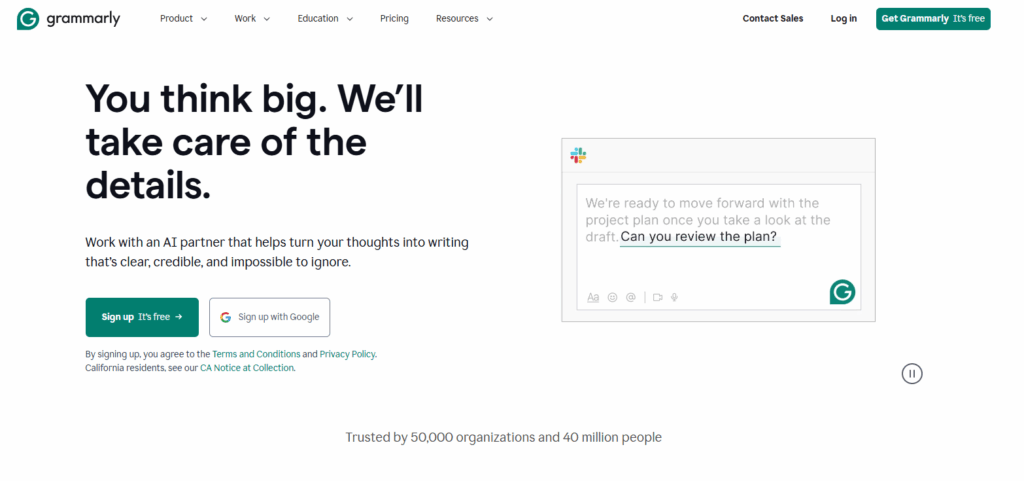
Historical Grammarly landing page with its green logo, a large writing-assistance headline, and a suggestion panel beside the text.

Explore Grammarly AI features, Free and Pro pricing, supported apps and languages, training controls, prompt limits, and practical writing workflows.

Writing AssistantExplore
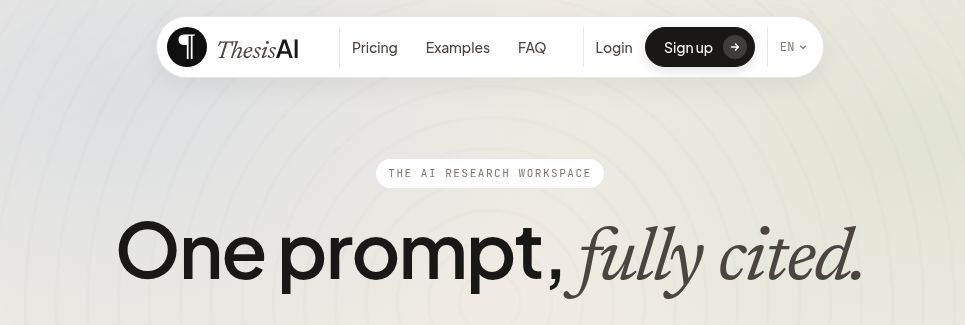
ThesisAI wordmark and “One prompt, fully cited.” headline on its official homepage

Explore ThesisAI for academic drafts with citations, source imports and Overleaf export. Review plan limits, trial renewal and responsible-use guidance.

Writing AssistantExplore
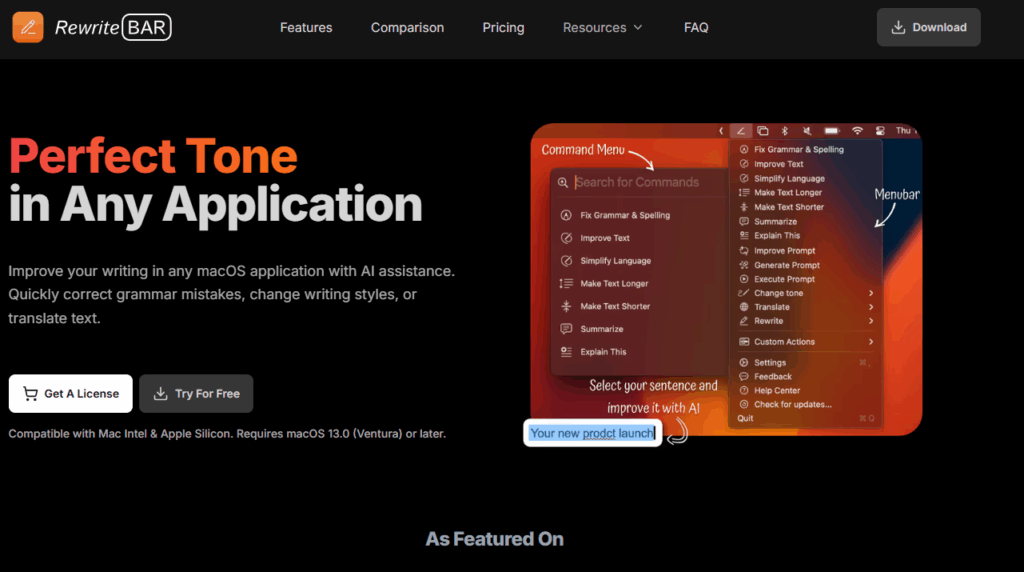
RewriteBar AI

RewriteBar AI brings grammar, tone and translation tools to supported macOS text apps. Compare licenses, Gateway credits and provider settings before use.

Writing AssistantExplore
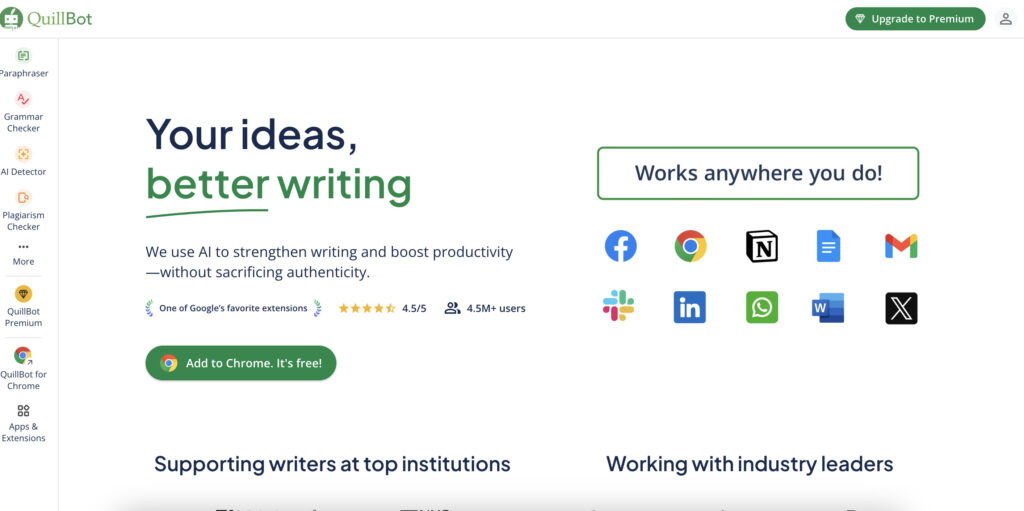
Historical QuillBot page with its green logo, a writing headline, a left tool sidebar, and a grid of app icons.

Explore QuillBot AI's writing tools, free and Premium limits, USD pricing, AI detection caveats, plagiarism checks, apps, and privacy considerations.

Writing AssistantExplore
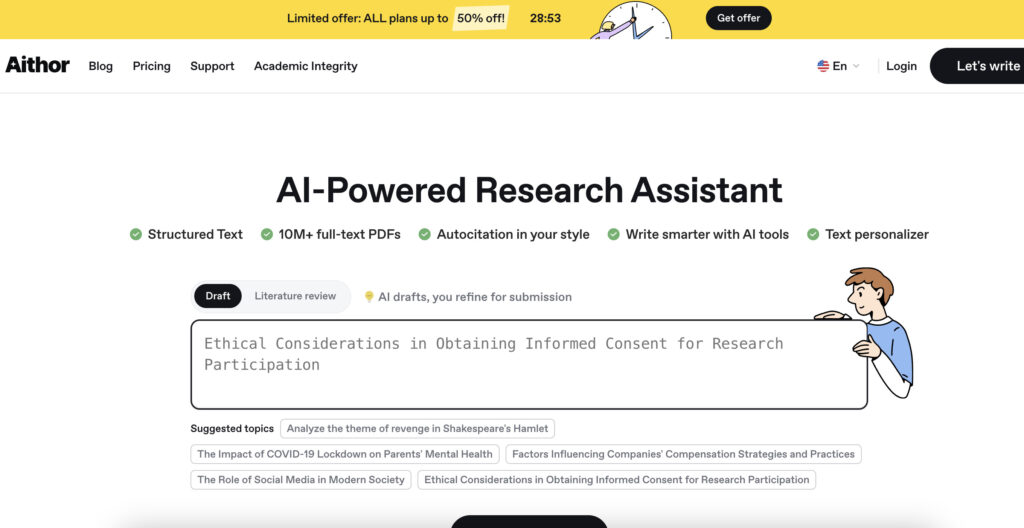
Aithor AI

Aithor AI assists with drafts, research and citations. Review its Android app, subscription terms, permitted educational use and limits on accuracy claims.

Top AI ToolsExplore
Find your next starting point