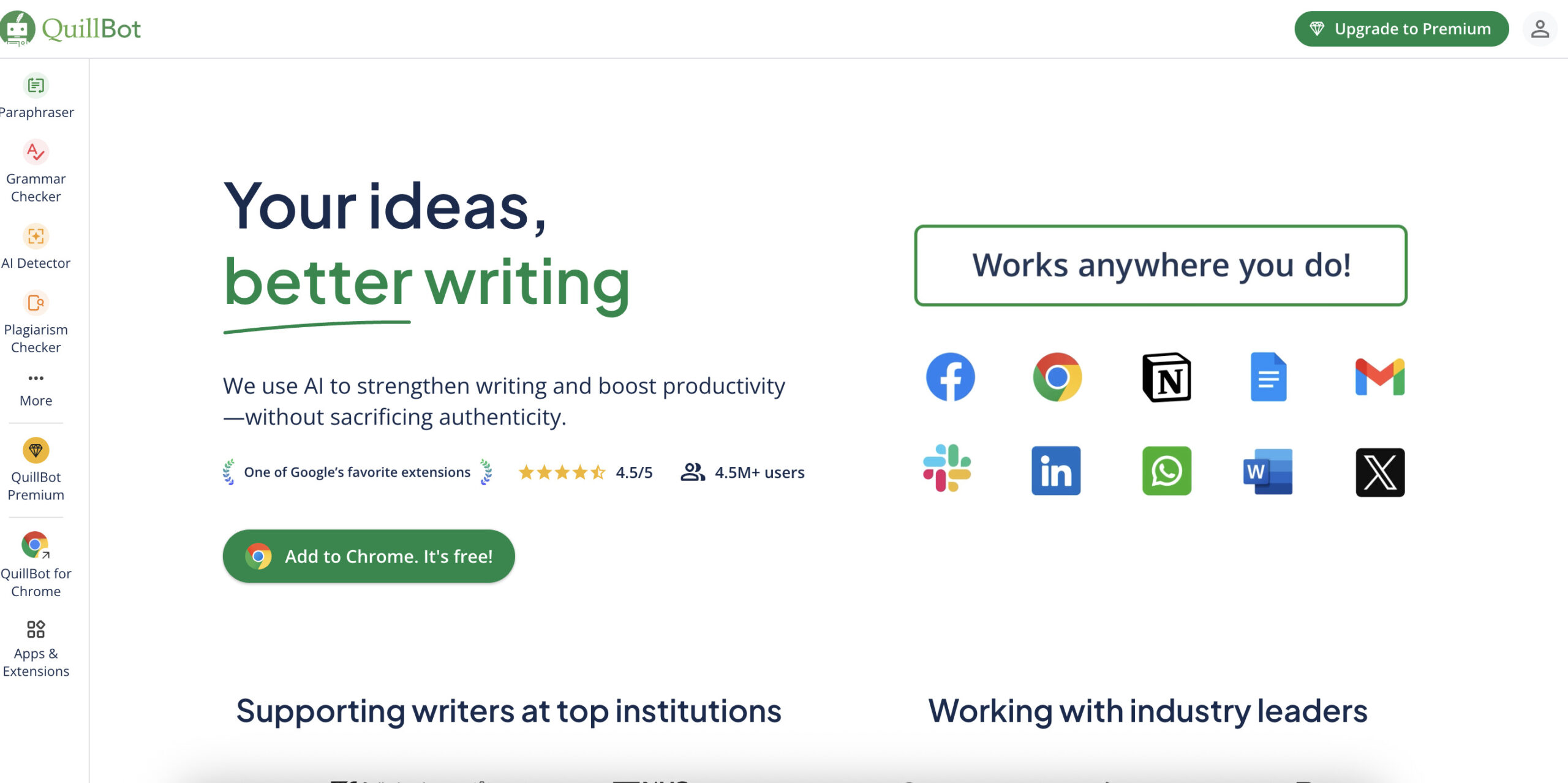
Historical QuillBot image retained from the original April 2025 article. The current interface and offers may differ. This image is not evidence of a GPTOnline product test.
QuillBot is an AI writing platform for rephrasing drafts, checking grammar, summarizing text, translating, creating citations, and reviewing possible source overlap or AI-writing patterns. Its usefulness depends on which task you need: a rewrite can offer another way to express an idea, while a plagiarism report helps you examine matches to other sources.
Editorial note: This guide was checked against QuillBot’s public product and help pages on October 15, 2026. It is a documentation-based overview, not a hands-on performance test. The example below is written for this guide and is not claimed to be QuillBot output.
QuillBot at a glance
| Product | QuillBot AI writing tools |
|---|---|
| Main uses | Rewriting, grammar review, summaries, translation, citations, and checking potential text matches or AI-writing patterns |
| Plans | Free, individual Premium, and Team subscriptions |
| Access | Website, browser extensions, desktop and mobile apps, and a Microsoft Word add-in; feature availability and limits can differ by platform |
| Important limitation | Users still need to check meaning, facts, references, and the rules governing their work |
What can you do with QuillBot?
Rewrite and review a draft
The Paraphraser offers alternative wording and style choices. Free users have Standard and Fluency modes; Premium adds more built-in modes, custom modes, and comparison features. The official Paraphraser page describes nine predefined modes plus custom options. Grammar suggestions can support a second editing pass, but accepting every change automatically is a poor substitute for reading the finished paragraph.
Check particularly carefully when the text contains numbers, technical terms, quotations, or qualifications such as “may” and “usually.” A smoother sentence can still change the claim you intended to make.
Summarize, translate, and cite
Summaries can help you decide which passages deserve closer reading. Keep the original nearby when details or exceptions matter. QuillBot’s plan comparison lists summarization limits of 1,200 words for Free and 6,000 for Premium, and paraphrasing in 23 languages.
The dedicated Translator page currently lists 52 languages and dialects, including Vietnamese. It says Free users can translate up to 5,000 characters at a time and Premium users have no character limit. These translation limits are separate from the Paraphraser’s word allowance.
Citation tools can help format references. Before submitting, check the author, title, date, source location, and required style against the original source. Rewriting another person’s idea still requires attribution where the relevant citation rules call for it.
Free and Premium limits
| Feature | Free | Premium |
|---|---|---|
| Paraphrasing | Input cap; Standard and Fluency modes | Expanded modes and full paraphrasing access |
| Summarizer | 1,200 words | 6,000 words |
| AI Detector | Product page lists 1,200 words per scan and six scans daily | Product page advertises no scan word limit and unlimited scans |
| Plagiarism Checker | Premium subscription required for scanning | 25,000 words per month; additional credits available |
Paraphrasing cap caveat: QuillBot’s current plan page lists 100 words for Free, while its Paraphraser help article, updated June 10, 2026, lists 125 words per use. The plan page also warns that limits can vary by platform. Check the input counter on the version you use rather than treating either number as a universal allowance.
Premium does not remove every quota. For example, unused monthly plagiarism words expire at the reset; separately purchased credits carry forward until used, with the monthly allowance used first.
How much does QuillBot cost?
These are published USD reference prices checked on October 15, 2026, rather than a personalized checkout quote. The annual monthly equivalent represents an upfront annual billing commitment.
| Plan | Published price | Billing commitment |
|---|---|---|
| Free | $0 | No paid subscription |
| Premium monthly | $19.95 per month | Monthly subscription |
| Premium annual | $8.33 monthly equivalent | $99.95 billed every 12 months |
| Team, 2–10 seats | $7.50 per seat per month equivalent | $89.95 per seat billed every 12 months |
Individual prices come from QuillBot’s pricing FAQ. The Team pricing page also lists lower annual per-seat rates for larger groups. Its lowest displayed tier requires at least two seats, so the $89.95 figure is not the total price for a two-person team.
Check the final currency, taxes, renewal and cancellation terms before subscribing. QuillBot supports several billing currencies; your bank may apply conversion or foreign-transaction charges when you pay in another currency. App-store purchases and promotions should be checked in their own purchase flow.
AI and plagiarism checks
The AI Detector estimates whether text contains patterns associated with AI writing. Its current page requires at least 80 words. Its stated limits are summarized above, but a successful scan does not establish who wrote the text.
QuillBot explicitly warns about false positives and says the detector cannot verify human authorship or originality. Formulaic human prose and heavily edited AI writing can be difficult to assess. Use a result as one input for further review; never make an academic or employment decision on that score alone.
The Plagiarism Checker examines similarities against source material and provides a report with source links. It supports more than 100 languages, but its FAQ says it cannot detect paraphrased content. A low similarity score therefore cannot prove that ideas are properly attributed. Review the actual matches, quotations, and citations rather than chasing a particular percentage.
A practical rewriting workflow
Start by identifying the message the reader needs. For example, consider this fictional draft:
Draft: “We are writing to let you know that the workshop will begin at 10 a.m., and we ask that everyone arrives ten minutes before the beginning.”
Editorial rewrite: “The workshop starts at 10 a.m. Please arrive by 9:50 a.m.”
This example shows a useful editing goal: reduce repetition while preserving the time and request. It is an illustration written for this article, not a QuillBot test result.
- Make a copy of your draft and identify facts that must stay unchanged.
- Review a suggested rewrite alongside the original.
- Check names, numbers, deadlines, tone, and meaning before accepting it.
- Add or verify citations when the wording relies on another source’s ideas.
- Read the final text as a whole, following your school or employer’s AI-use policy.
Apps, extensions, and privacy
QuillBot’s official site links Chrome, Edge, and Safari extensions; Windows and macOS apps; Android and iOS apps; and a Word add-in. Confirm the features available in your chosen app before paying, since the website’s feature list does not establish complete parity across platforms.
According to QuillBot’s data-use explanation, inputs and usage data help provide, personalize, and train or improve its services. Team Plan text inputs are excluded from model training. For extension versions 4.37.0 and later, it describes separate storage and training controls: storage opt-out for all users and training opt-out for account holders. These controls should not be assumed to exist in exactly the same place on every platform.
There are also feature-specific rules. The plagiarism-upload help page says content is used to produce reports and allow later access, with sharing limited to necessary detection vendors. Read the current privacy policy and your organization’s requirements before entering confidential material. A paid individual plan should not be assumed to provide the Team Plan’s training exclusion.
Who is QuillBot useful for?
QuillBot is worth considering when you regularly need alternative phrasing, a shorter version of a draft, or several writing utilities in one place. Students need to keep citation and permitted-AI-use rules in view; professionals should check confidentiality requirements; multilingual writers should review translated wording for the intended audience.
Start with a non-confidential sample of your own writing and see whether the free tools address your actual editing task. Consider Premium only if the additional modes or tool allowances solve a recurring limitation. If your main question is how this compares with another writing assistant, the Grammarly AI guide provides a separate comparison point for features, access, and limits.