Updated October 15, 2026
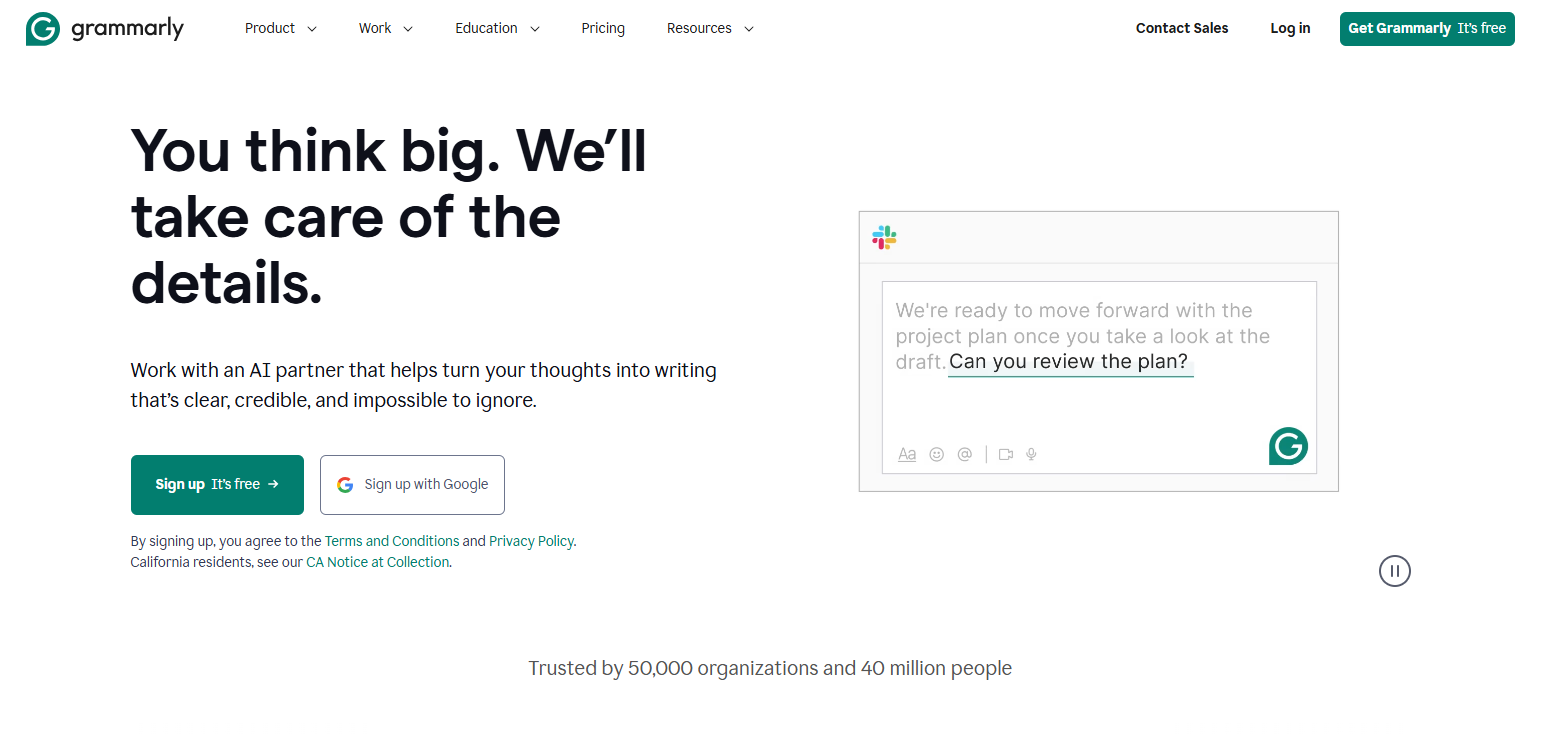
Historical Grammarly landing-page screenshot retained from the original 2025 article. The current interface and offers may differ; this is not a GPTOnline product test.
Grammarly is an AI writing assistant for checking grammar, spelling and punctuation, revising tone, and drafting or rewriting text. It can support everyday emails, reports, articles, marketing copy and study work. This guide uses official documentation checked on October 15, 2026; it does not include hands-on product testing.
The product is still called Grammarly. Its parent company adopted the Superhuman name in October 2025. Grammarly subscriptions and broader Superhuman bundles are different offerings, so check which one you are selecting.
What can Grammarly help with?
- Proofreading: suggestions for grammar, spelling and punctuation, with feedback you can review before accepting.
- Rewriting: options for changing sentence structure, clarity and tone.
- Drafting and ideas: assistance with outlines, replies and first drafts.
- Writing checks: plagiarism and AI-detection features in qualifying paid plans and supported interfaces.
The generative AI guide describes several experiences, including on-demand rewriting, desktop AI Chat and Superhuman Go. Their controls and availability differ. A feature appearing in one Grammarly app does not establish that it is available in every other app.
Apps and supported languages
Grammarly offers a web editor, Windows and Mac applications, browser extensions for Chrome, Safari, Firefox and Edge, and apps for iPhone, iPad and Android. Check its current compatibility requirements for your device. It requires an internet connection for text analysis and suggestions.
Writing support extends beyond English to more than 20 additional languages, including Vietnamese. Grammar suggestions, paragraph rewrites and translation have different language coverage. Availability also varies by platform and plan; check the specific feature you need rather than assuming every language gets the same tools.
If you use Word or Outlook, note that the legacy Grammarly for Microsoft Office add-in is being retired. Grammarly recommends its current Windows application as the replacement.
Grammarly pricing and billing
The current plan comparison lists Free, Pro and Enterprise. The figures below describe standalone Grammarly plans checked on October 15, 2026.
| Plan | Billing | Advertised AI prompts |
|---|---|---|
| Free | $0 | 100 per month |
| Pro | $30/member monthly; $60/member every three months; or $144/member annually ($12/month equivalent) | 2,000 per member per month |
| Enterprise | Contact sales for a quote | Unlimited per member per month on the pricing page; confirm your deployment’s limits |
Free includes basic corrections and tone detection. Pro adds advanced rewrites, tone adjustments and plagiarism/AI checks. Enterprise adds organizational controls, including bring-your-own-key encryption, and dedicated support. These are headline differences, not a complete feature-availability matrix.
The Pro pricing guide confirms that the annual option charges $144 per member for the year. The $12 figure is a monthly equivalent. Regional currencies and rates may differ, and applicable taxes depend on the billing address.
Subscriptions renew automatically. Cancel before renewal to prevent another billing period. Free is an ongoing plan; Pro trials are offered periodically, so check eligibility and the terms displayed to you.
AI prompt limits
The monthly allowances above describe the plan comparison. Desktop AI Chat has separate guidance: its Windows and Mac user guide currently lists up to 1,000 prompts per day for individual users. Do not assume that allowance applies to every Grammarly interface or organization account.
For on-demand assistance, both a typed request and selecting a suggested instruction can consume a prompt. Check the allowance shown in the feature you actually use before choosing a subscription around a particular workload.
Privacy and AI training
Grammarly’s Product Improvement and Training control defaults to on for individual accounts and website-purchased multi-user Pro accounts. Users, or team administrators, can opt out. Enterprise-tier and Education accounts, plus Pro and Business accounts purchased through sales, default to off. Non-content usage statistics may still be processed after opting out.
The company says its third-party service providers cannot train their models on user content. That is separate from Grammarly’s own training setting. Review the privacy policy and your organization’s requirements before enabling access to confidential drafts or client material.
What still needs human review?
Check whether a suggested edit changes a commitment, technical term, intended tone or factual meaning. Grammarly’s terms do not guarantee factual accuracy or suitability of generated output. Verify names, figures, quotations and citations before publication.
An AI-detection score is an estimate, with possible false positives and different results across detectors. Grammarly’s own generative rewrites can also be flagged. Treat scores as one signal for review; they cannot prove who wrote a passage or guarantee that a school or publisher will accept it. Students should follow their institution’s AI-use and attribution rules.
A practical example
Fictional scenario: you are preparing this internal message: “The report has some missing numbers and we need to sort them out soon. I am not sure who is checking them.”
A possible rewriting instruction is: “Make this message concise and professional. Ask who will verify the missing figures. Do not invent a deadline, assign an owner or claim the report is complete.” This is an illustrative prompt written for this guide, not a tested Grammarly result.
Before accepting a rewrite, check that it still asks for clarification rather than turning uncertainty into an instruction. For a real client report, review access and training settings before using the text. This approach also fits email replies, article drafts and marketing copy: specify the change you want, then check the result against the facts.
Use our AI assistant acceptance-test worksheet to record whether a rewrite preserves facts, follows your instructions and avoids adding unsupported details.
Who should consider it?
Grammarly may suit professionals, students, writers, marketers and freelancers who regularly revise text in supported apps. Start with a non-confidential sample in Free to assess whether the suggestions fit your writing. Consider Pro when a specific paid feature solves a recurring problem; teams should also evaluate administration, privacy settings and their required applications before committing.