Updated October 16, 2026
Hootz AI is a Mac productivity app combining activity tracking and focus tools. Its official website lists Apple silicon and macOS 11 or later as requirements.
Review basis: This documentation-only guide was checked on October 16, 2026. We did not install Hootz, test its blocking or analytics, or complete a purchase. Feature descriptions below are vendor claims, not measured results.
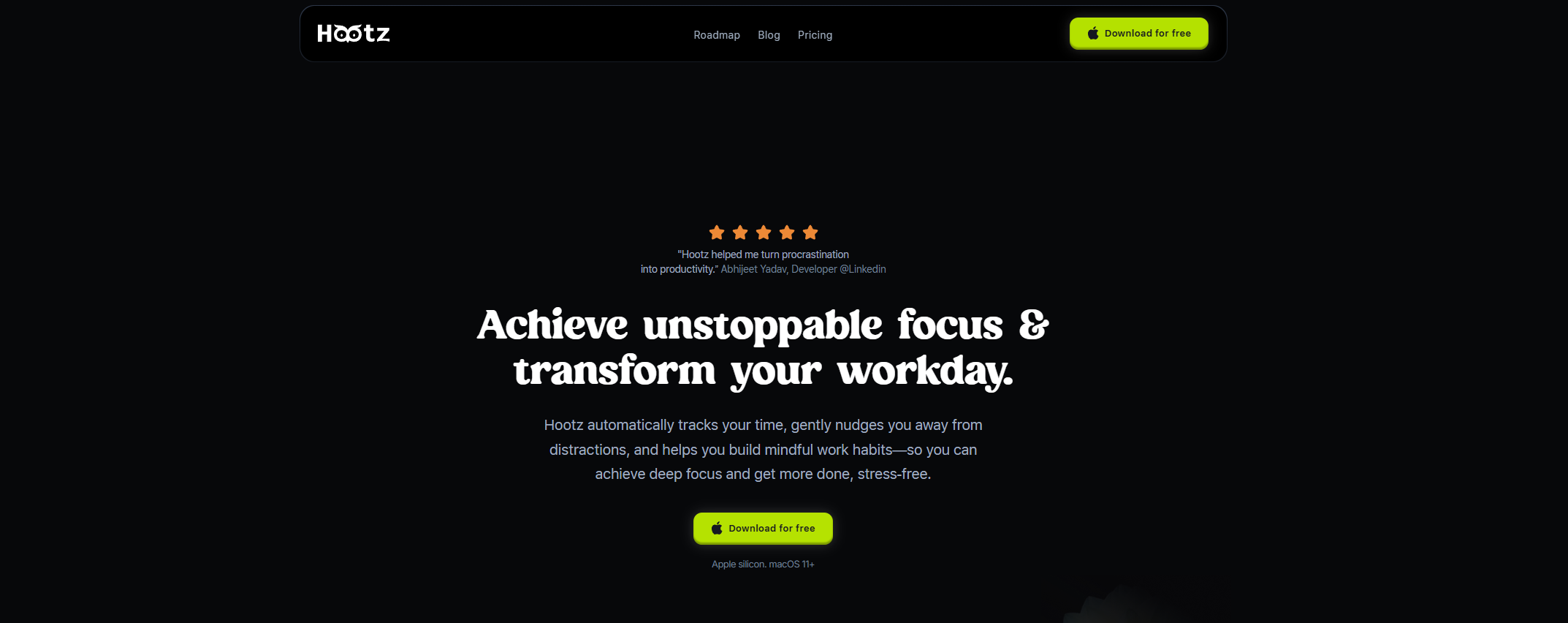
Image note: The retained homepage screenshot shows vendor marketing, including a free-download button. Its original capture date is unknown. It is not a screenshot of our tests or evidence that every feature is free; current limits are explained below.
What Hootz offers
The official Hootz website describes these capabilities:
- Activity tracking: Automatic app and website tracking, activity categories, and visual reports.
- Focus sessions: Adjustable work and break timers, breathing exercises, and music.
- Distraction controls: Nudges and a customizable app-and-website blocklist.
- Planning: Goals and a macOS Calendar view alongside recorded activity.
The site markets AI-assisted categorization and coaching, but our review does not establish how accurately these features interpret individual work.
Pricing and trial
The official pricing page currently lists:
- Free, $0: Basic blocking and nudges, contextual tracking, one recurring goal, one hour of focus sessions daily, limited music, and one day of productivity-data access.
- Pro, advertised at $29 lifetime: A seven-day trial, advanced blocking, guided nudges, an AI productivity score, and unlimited recurring goals, sessions, music playback, and data retention.
Billing needs clarification: The same page’s FAQ refers to monthly or annual subscriptions after the trial, which conflicts with its lifetime offer. The displayed dollar symbol does not identify the currency code. We could not verify checkout currency, taxes, device allowances, renewal rules, or refund terms. Confirm the final offer before paying; this guide does not establish an all-in purchase price.
The reviewed terms of service do not specify a refund window. Ask Hootz support for clarification and keep the answer with your receipt.
Privacy and network access
Hootz’s privacy policy says tracking data is encrypted and stored locally. However, it also describes network activity for onboarding, activity categorization, and usage analysis: app names and time used are sent to its server, described as anonymous. It names Mixpanel for usage analytics and says usage analytics can be disabled in settings.
The policy also covers collecting an onboarding email and using it for updates and promotions. These details qualify the homepage’s broad local-only language. We have not inspected network traffic or independently verified encryption or anonymization. Review the policy before tracking confidential work.
A practical first-session plan
Fictional example: Imagine a freelance writer preparing a 600-word article. This is a suggested evaluation, not a Hootz test result.
- Choose one observable outcome, such as finishing the introduction and outline. Write down the starting time and what would count as success.
- After reviewing the installer and permissions, try a 25-minute session with a short blocklist. Leave research and essential communication tools available.
- Use harmless sample work first. Check whether a selected distraction is actually blocked and whether legitimate research remains accessible.
- At the end, compare your own notes with the recorded activity. Look for misclassified work and missing intervals rather than accepting a productivity score at face value.
- Repeat with a different task before deciding whether the tool improves your routine. Consider both interruptions avoided and useful work mistakenly interrupted.
Do not equate a longer session with better work. A useful trial should also reveal whether the setup creates extra friction or makes breaks easier to take.
Limits and fit
Start with a small, reversible evaluation. An activity label cannot tell you whether a difficult paragraph, a planning conversation, or time spent thinking was valuable. Keep your own definition of progress and use reports as prompts for reflection.
We verified public documentation and the presence of a download link, not installer operation, current release support, or compatibility with every Mac. Windows, Linux, mobile versions, and Intel Mac support were not confirmed in the reviewed material. Resolve platform and billing questions before relying on Hootz for a long-term workflow.
For broader comparisons, browse GPTOnline’s Productivity tools collection.