Google announced on October 29, 2026 that users of its Gemini app can now generate, preview, and edit documents, PDFs, presentations, spreadsheets, code, and more without leaving the chat. The new Gemini File Editing tools are available to all users in every language the Gemini app supports, according to the official announcement.
What Was Announced?
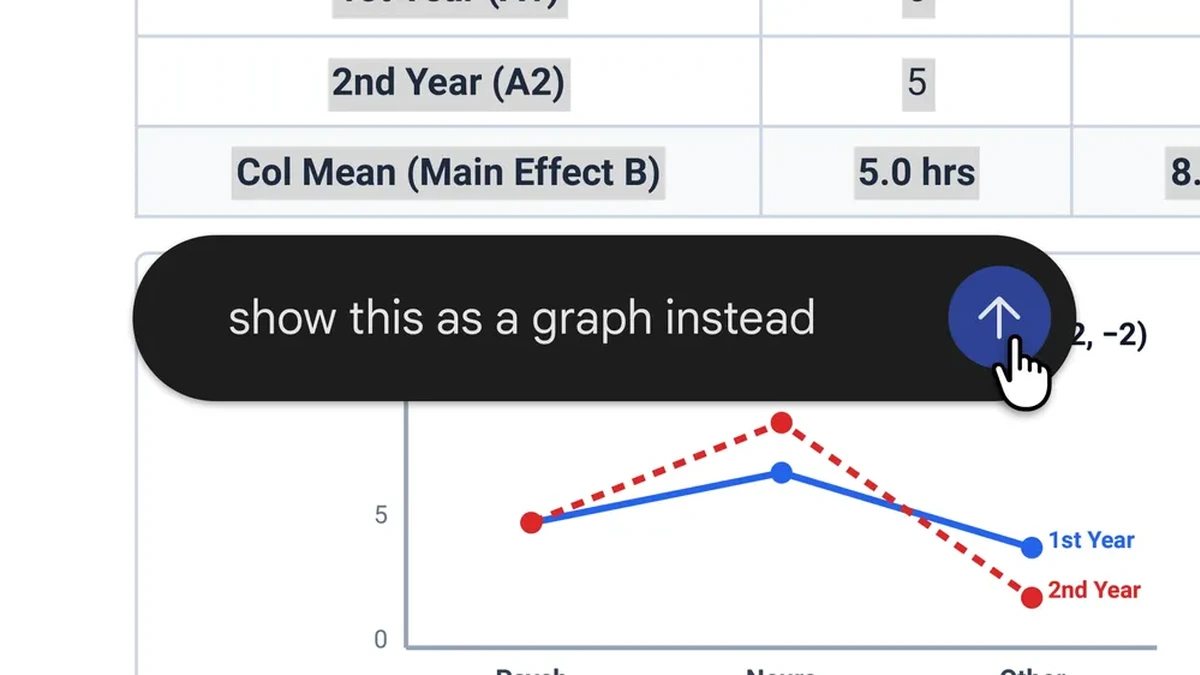
The update turns a Gemini chat into a working surface for files. Previously, a file generated in a conversation had to leave the app to be revised; now generation, preview, and revision happen in one place. Google describes three editing mechanics in its announcement: expand a file to full screen to type edits directly into it, highlight text within a file to ask questions about the selected passage, and ask Gemini itself to refine the file’s contents.
“You can now generate, preview, and edit files right within your chat, expand to full screen to type edits directly, highlight text to ask questions, or have Gemini refine your files,” the company said. The capability extends the file-generation feature Google first introduced in April of this year by adding in-place editing, full-screen preview, and text highlighting.
What You Can Edit, and Where
Platform support is split. PDF preview and editing work on both the web and mobile versions of the Gemini app, while every other format is web only for now: Google Docs, Google Sheets, slide decks, Markdown files, TXT files, and code. Anyone who wants to fix a document, sheet, or deck inside a Gemini chat needs the browser version; on a phone, editing is limited to PDFs. Google’s announcement does not mention pricing tiers, usage limits, or admin controls for the feature.
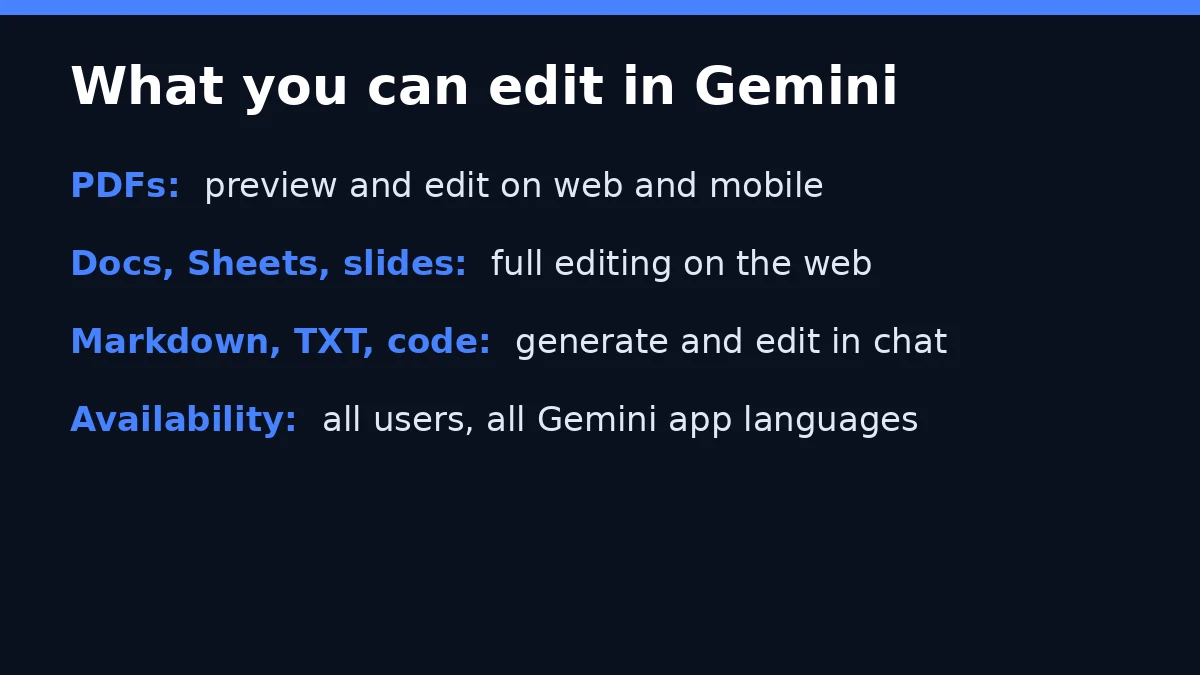
Image: GPTOnline
How It Works
Google’s worked example starts with uploaded handwritten lecture notes. Gemini creates a PDF study guide from them; the user can then edit it by hand, highlight specific sections and have Gemini make changes to the text or visuals in those sections, and ask further questions about the material. The company presents the sequence as a single continuous session inside the app rather than a handoff between tools.
The update changes the division of labor inside a Gemini session. Generation, preview, and revision now occur in the same interface, with Gemini available to modify selected portions of a file on request while the user keeps the ability to type changes by hand at full screen.
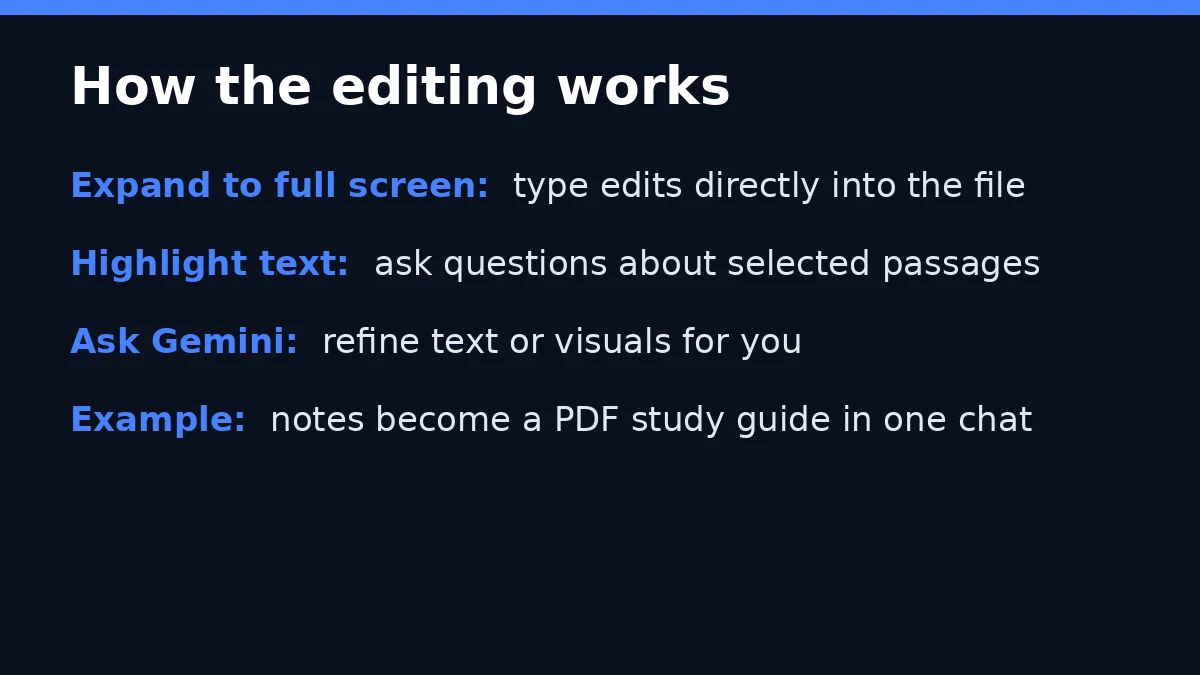
Image: GPTOnline
Why It Matters
The move puts Gemini in direct competition with rival in-chat editing tools. Anthropic launched a feature earlier this year for file work in Claude chats, and OpenAI’s canvas, launched in October 2024, brought similar writing and coding assistance to ChatGPT. Google’s announcement covers a wider list of file types than either, including spreadsheets, PDFs, and code, and it makes PDF editing the only option that works on mobile today.
The practical limit is the mobile split: a workflow that starts on a phone will hit a wall for anything other than PDFs. But for users already working in a browser, the Gemini chat is becoming a plausible place to draft, revise, and finalize documents without opening another editor.