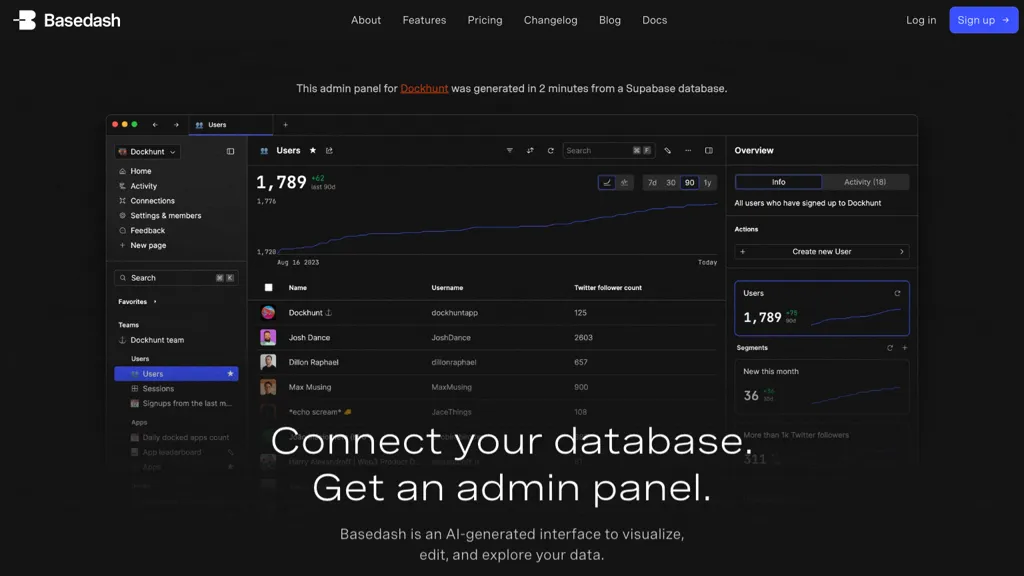

Image: an existing screenshot of the BlazeSQL website, retained for product identification. The original capture date is not recorded; relevance was reviewed October 23, 2026. The pictured query is a provider illustration, not a GPTOnline test result; the current layout may differ.
Updated October 23, 2026. Based on provider documentation; no hands-on database test was performed.
| Name | BlazeSQL |
| Overview | BlazeSQL turns natural-language questions into SQL queries and helps users explore results through charts and dashboards. It supports technical and non-technical users, but initial database setup and query validation require someone with database access and SQL knowledge. Business definitions and reviewed knowledge notes help the assistant interpret questions in context. |
| Key features & benefits |
|
| Use cases and applications |
|
| Who uses? | Data analysts, marketers, financial analysts, business owners |
| Pricing | BlazeSQL offers a trial, with no permanent free tier. Listed monthly prices are Pro $150 and Advanced $250 for individuals; Blaze Team $400 and Blaze Team Advanced $800 each include three users. Enterprise pricing is custom. The Team page advertises a 14-day free trial. See individual pricing and team pricing; confirm current billing and additional-seat terms before subscribing. |
| Tags | AI tools, SQL generation, data analytics, database knowledge base, no-code platform |
| App available? | Available as a web app and a desktop application. Connection requirements and data handling differ by deployment; check the official website for current access. |
A practical query-review workflow
- Set up carefully: have a database administrator configure the connection with appropriate permissions and choose the data-handling settings.
- Test representative questions: use technical mode to inspect SQL, check date ranges and joins, and compare totals with a trusted report before relying on the output.
- Improve and retest: correct business definitions, review suggested knowledge notes and test again with a small group before wider rollout.
These are editorial review steps informed by BlazeSQL’s setup guide, mode documentation and knowledge-note guidance.
Check data handling before connecting
According to the privacy policy, desktop offline mode keeps query results on the device. The web app, or desktop with offline mode disabled, sends results to BlazeSQL’s servers. Database metadata, chats and credentials may still be stored in the cloud, with credential exceptions for certain authentication methods. Local query results do not mean an entirely offline service; review your connection settings and organizational requirements before using sensitive data.