Updated October 19, 2026. Reviewed and revised for current information.
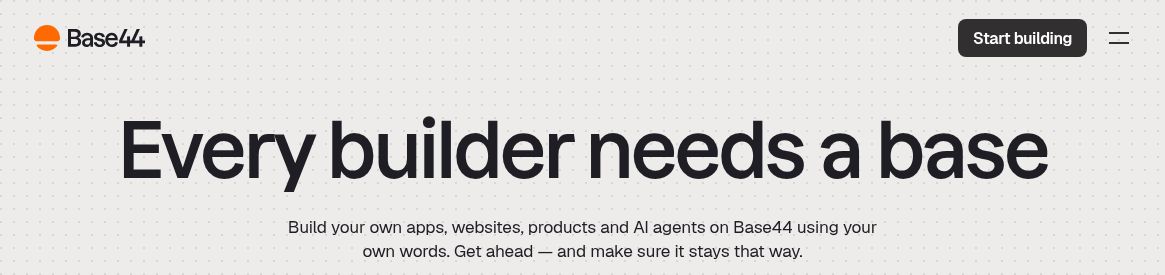
Image: Official Base44 homepage, captured October 19, 2026. The headline describes the provider’s app-building presentation, not a demonstrated production-ready or secure app; no account, prompt submission, app generation, integration or security test was performed.
Base44 AI is a natural-language app builder for creating web applications, websites and related tools. Describe the app you want, then refine the generated interface, data model and behavior through conversation. It combines frontend, backend and authentication tools, although generating an app still leaves production-readiness checks to the builder.
What Base44 can build
The official site positions Base44 as a platform for apps, websites, products and AI agents. It combines generation with hosting and built-in infrastructure, so a small project can begin without separately assembling a database and login provider. Human review is still needed for business rules, access controls and error handling.
Key features
- AI-powered app generation: Describe your app idea and iterate on the generated result.
- Integrated backend and database: Store app data and connect the interface to it.
- User authentication: Build sign-up, login and user-management flows.
- Customization and integrations: Adjust the design, add functions and connect external services, including Stripe payment workflows.
- Code access: Paid capabilities include code edits; GitHub and export access depend on the plan.
- Analytics and collaboration: Review usage information and work with collaborators.
The feature overview also describes email, storage, APIs and workflow tools. Their presence does not remove the need to configure who can access data or what an integration is allowed to do. Third-party services may have their own accounts, charges and conditions.
Useful applications
- Rapid prototyping and MVPs: Build and test an idea before committing to a larger implementation.
- Custom business tools: Create project dashboards, inventory trackers or CRM-style systems.
- Customer portals: Give authorized users a place to see relevant information and manage their accounts.
- Personal productivity apps: Make tailored task, note or planning tools.
These are suitable project categories, not guarantees that every generated implementation is secure or complete. Start with a small specification, representative test data and clear roles. Verify important calculations and permissions before adding real customer information.
Current pricing and credit allowances
The public annual-billing prices show Starter at US$16/month equivalent, Builder US$40, Pro US$80 and Elite US$160. These correspond to US$192, US$480, US$960 and US$1,920 paid yearly, respectively; the yearly totals are calculated from the displayed equivalents. Month-to-month billing is a separate option. Regional or app-store checkout prices may differ.
Monthly included message/integration allowances are: Free 25/100; Starter 100/2,000; Builder 250/10,000; Pro 500/20,000; and the displayed entry Elite 1,200/50,000. Free currently includes 100 integration credits per month. Enterprise is quote-based, and larger credit sizes may be offered.
The billing guide additionally limits Free to five message credits per day within its monthly total and up to five apps. It says currency depends on location, with US dollars used in most regions and shekels in Israel. Check the selected plan, total and cadence rather than treating the headline monthly equivalent as a flexible monthly commitment.
That guide also warns that canceling returns a workspace to Free at the end of the billing period, with feature limits and possible unpublishing of apps beyond the five-app allowance. Fees are generally non-refundable. New private apps require Starter or higher, subject to the documented grandfathering of older private apps. Plan-specific details matter more than a broad “all core features” slogan.
Security and export limitations
Base44 offers a security scanner to identify issues such as weak data permissions, missing login checks and exposed secrets. Treat a scan as one review tool, not a security guarantee. Test users with different roles, inspect public/private data and confirm that fixes preserve intended behavior.
Export documentation distinguishes code and data exports from the managed service: Builder or higher can export frontend code and backend functions, while data collections can be exported as CSV. Managed hosting, authentication and database infrastructure are not exported as a complete replacement platform.
Apps and device access
Official documentation lists iOS, Android and Mac apps alongside the browser editor. Windows users can use a browser. Building in Base44’s own app is different from submitting an app you created to an app store; that distribution process has separate plan and developer-account requirements. This overview reports current public documentation, without building or testing an application.