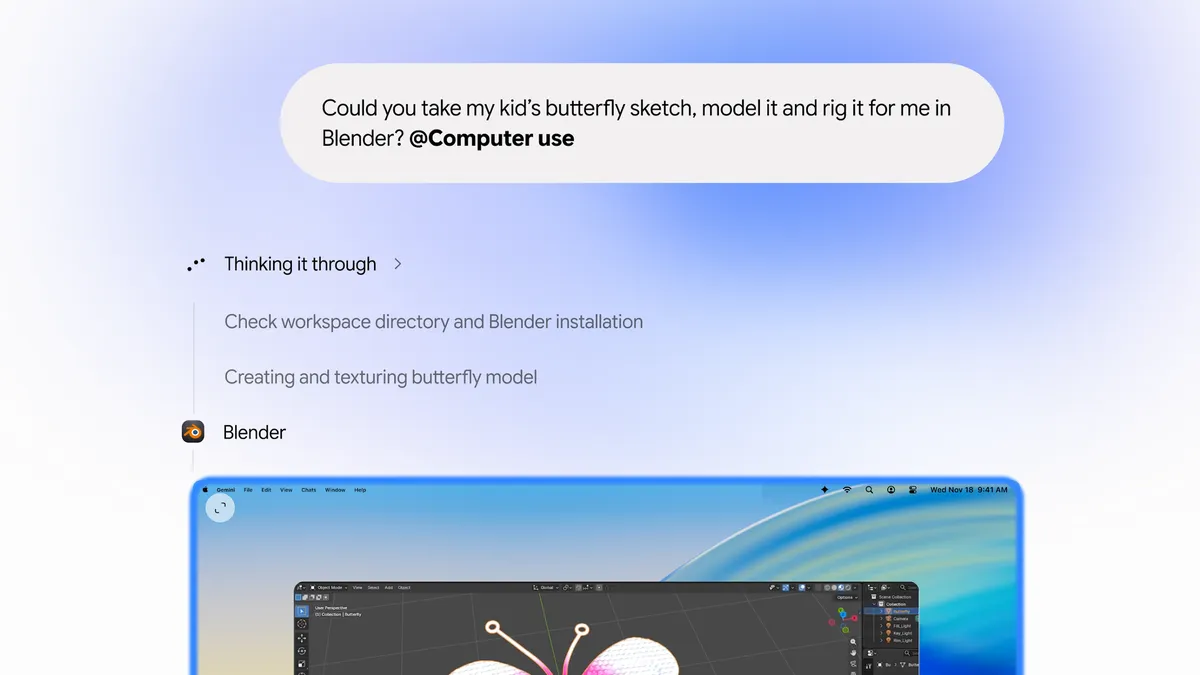
Google is bringing computer use to its Gemini desktop app for macOS, letting the AI assistant take over multi-step work across local files, desktop apps and the web. The company announced the feature on November 19, 2026, and it is rolling out in English in the United States to subscribers on paid Google AI plans.
With computer use, Gemini moves beyond answering questions in a chat window. Users describe a task in plain language, and the AI handles the clicking, typing, menus and forms needed to finish it. The work happens in an isolated background window, with a live preview shown inside the chat, so the user’s own screen and cursor stay free to keep working on other things.
“Starting today, computer use in the Gemini app for Mac helps you get multi-step tasks done across your local files, desktop apps, and the web,” Google said in its announcement. “Just describe what you need, and Gemini handles the clicking, typing, menus, and forms for you.”
What Gemini can do on a Mac
Google positions the feature as a way to clear repetitive work. Its examples include batch color-grading photos in design software, pulling weights, dimensions and addresses from local PDFs to fill out multi-box shipping quotes, turning live metrics from dashboards into a presentation in Google Slides, and analyzing clothing photos from a folder to stage listings on resale platforms.
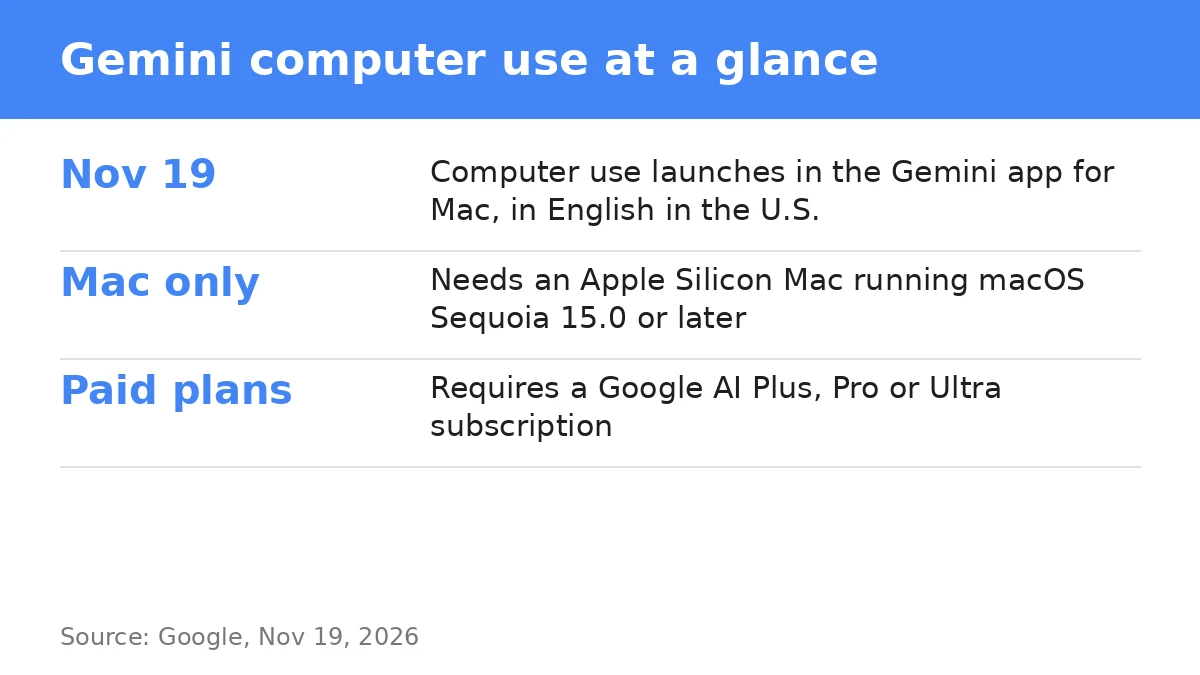
Google says privacy and safety controls are built in. Users choose which apps Gemini can access, watch every step as it happens, pause the agent at any time, and approve key actions before they are carried out.
Who can use it
The launch is narrow for now. It requires the Gemini app for Mac, an Apple Silicon Mac running macOS Sequoia 15.0 or later, a personal Google account for a user aged 18 or older, and a Google AI Plus, Pro or Ultra subscription. Google has not said when the feature will reach other countries, other languages or other platforms, according to TechCrunch.
Why it matters
Google is catching up in the race to put agents on the desktop. OpenAI, Anthropic and Meta already offer agentic features in their desktop applications, TechCrunch noted. The launch also follows the broader rollout of Gemini Tasks earlier this week, a feature that lets Gemini sign into websites, make online purchases and book appointments. Computer use extends that push from the web into the Mac itself, where local files and desktop apps live.
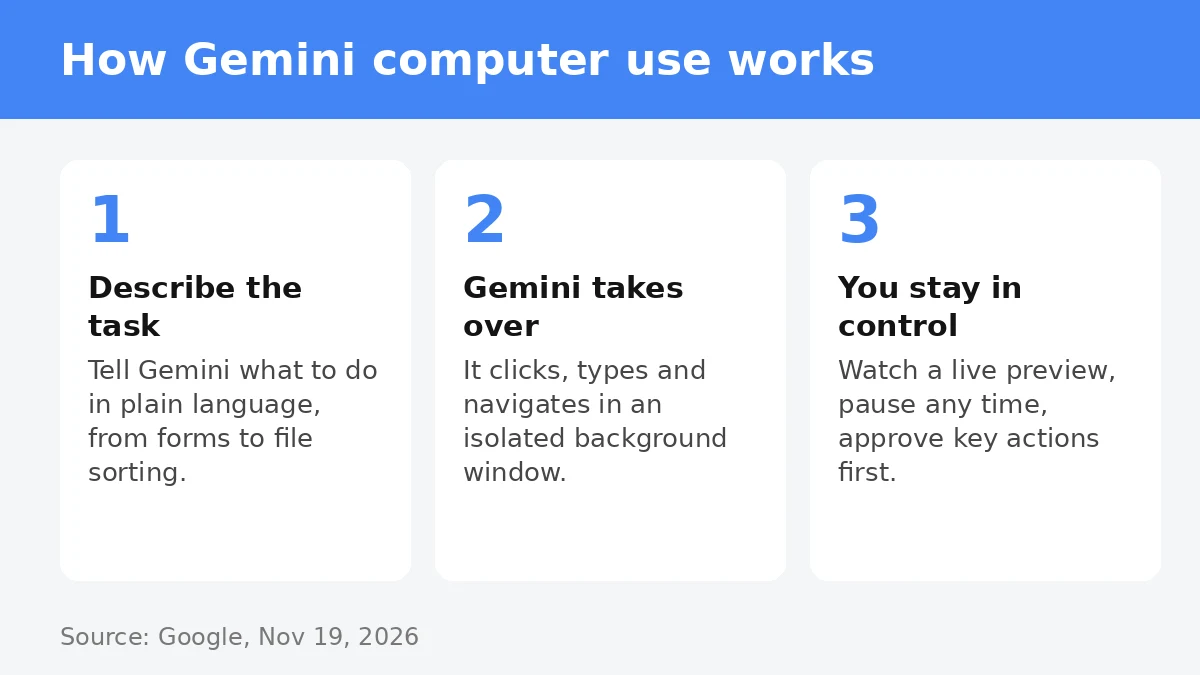
For now, the feature is a paid, US-only add-on, and its real test will be reliability: whether Gemini can finish long chains of clicks and forms without mistakes, and whether users trust it enough to let it work in the background. Google’s announcement gives no benchmarks or task completion rates for the feature, so early users will be the first real measure of how well it works.